
Responsive slider plugin to create sliders in visual editor easily. Build beautiful image slider, layer slider...
Free
800k+ installs 4.9★ (1,123)
Build a responsive filter gallery for your portfolio. Organize images with filters in a stunning grid or masonry layout easily.
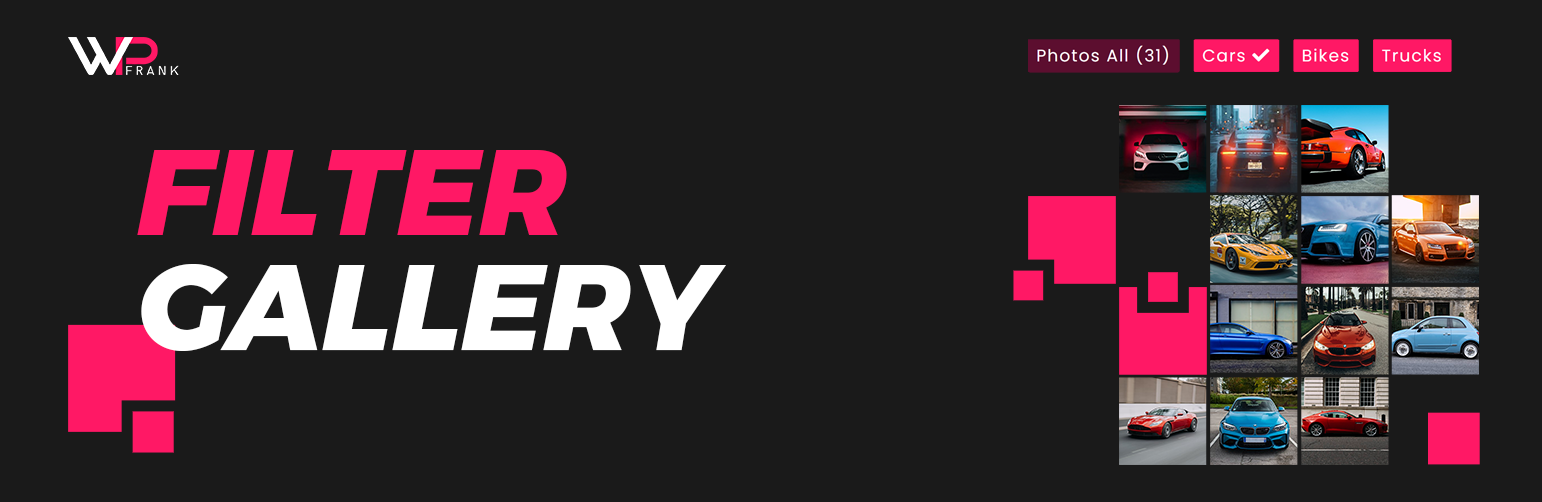
Filter Gallery is a WordPress plugin designed to create organised image displays on your site. It allows you to upload images, assign them to categories, and enable visitors to browse your work without page reloads. The plugin is suitable for professional portfolios, product catalogs, or photography albums.
The plugin features unlimited galleries, responsive layouts, and easy drag-and-drop management. It includes a built-in lightbox and category filtering options, making it user-friendly for those looking to showcase images effectively on their websites.
Best for: This plugin suits users looking to display images in a professional manner on their WordPress sites.
What it does well
Where it falls short
Filter Gallery provides a straightforward solution for creating image galleries. It is a practical choice for those needing a simple way to showcase visual content.
FARAZFRANK's own description of Filter Gallery, lightly tidied.
The Filter Gallery plugin makes it simple to create beautiful, organized image displays on your WordPress site. Whether you need a professional portfolio showcase, a product catalog, or a creative photography album, this tool lets you sort content dynamically without page reloads.
Check Free Version Demo: Filter Gallery
Check Pro Version Demo: Filter Gallery Pro
More About Pro: Filter Gallery Pro Features
Where To Buy: Buy Filter Gallery Pro
We designed this plugin to be intuitive and lightweight. You can upload images, assign them to categories (filters), and let your visitors browse your work seamlessly. The gallery automatically adapts to desktops, tablets, and mobile screens, ensuring a perfect viewing experience everywhere.
[filter-gallery] or [ufg] shortcodes.Unlock the full potential of your portfolios with the Pro Version:
Other plugins for photo galleries.
Responsive slider plugin to create sliders in visual editor easily. Build beautiful image slider, layer slider...

Slider, gallery, carousel plugin for WordPress. Build your image slider, video slider, post slider, YouTube sl...

FooGallery is a fast, responsive photo gallery and image gallery plugin with 7 gallery layouts, built-in light...

Formerly Easy Fancybox. The most popular WordPress lightbox plugin. Simple, fast, and responsive. Opens images...

The most popular lightbox plugin and responsive gallery builder for WordPress.

The Feeds for YouTube plugin allows you to display customizable YouTube feeds from any YouTube channel.