Floaty Header
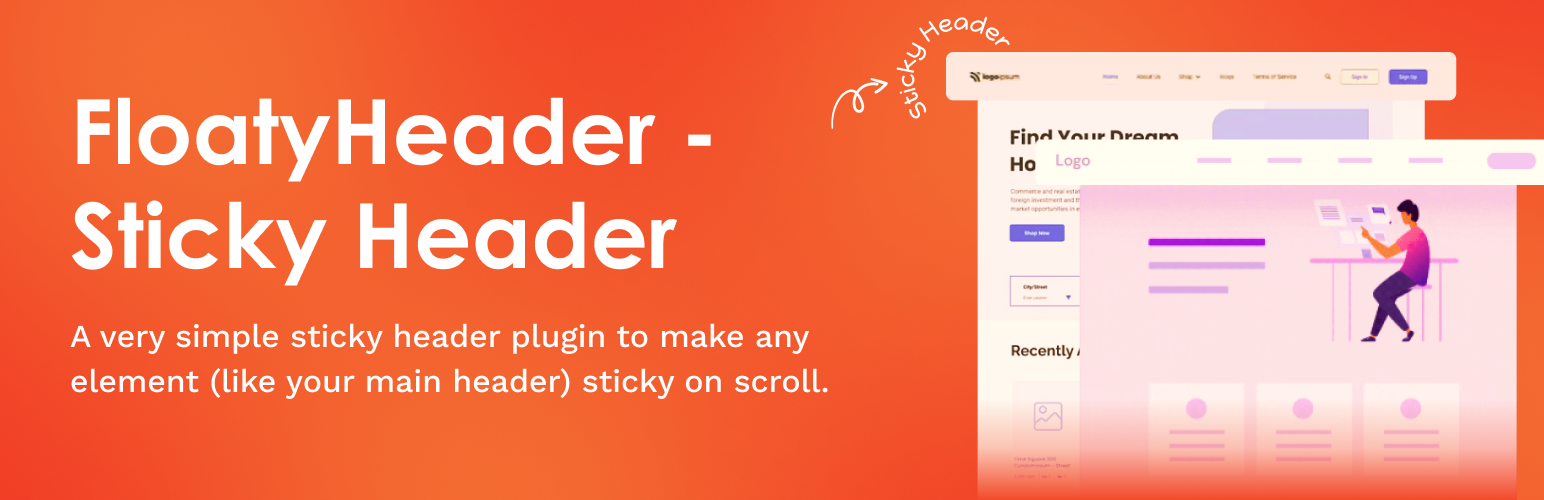
Easily create sticky headers, menus & announcement bars for Elementor or any theme. Simple, lightweight & fast.
The facts
- Rating
- 5★ from 1
- Active installs
- 100+
- Price
- Free
- Last updated
- 2 Feb 2026
- Added
- Jul 2025
- Requires WP
- 5.5
- Tested up to
- WP 6.9.7
- Requires PHP
- 7.4
- Downloads
- 2,123
Our analysis
AI-assistedFloaty Header is a WordPress plugin that allows you to create sticky headers, navigation bars, and announcement bars that remain fixed at the top of the page while scrolling. It is designed to enhance user navigation and visibility of important elements, ensuring that branding is maintained even on lengthy pages.
The plugin features a 'sticky on scroll up' option, which keeps the header hidden during downward scrolling and reveals it when scrolling upwards. This functionality is customizable for both desktop and mobile devices, and you can easily make any element sticky by entering its CSS selector without needing coding skills.
Best for: This plugin is suitable for website owners looking to improve navigation and visibility on their WordPress sites.
What it does well
- ✓Lightweight and flexible design
- ✓Customizable sticky behavior for desktop and mobile
- ✓No coding required to set up sticky elements
- ✓Includes scroll transition effects and styling options
- ✓Optimized for performance and compatibility with any theme
Where it falls short
- •Limited information on user ratings and active installs
Verdict
Floaty Header provides a straightforward solution for creating sticky elements on your site, making it a useful tool for enhancing user experience.
From the developer
Aman Brar's own description of Floaty Header, lightly tidied.
Floaty Header is a lightweight and flexible sticky header plugin that helps you fix any element to the top of the page when scrolling — be it your header, navigation, or an announcement bar. Perfect for improving user navigation, increasing visibility of key elements, and maintaining branding on long pages.
⚡ New: Sticky on Scroll Up
With the sticky on scroll up feature, your header or navigation remains hidden while users scroll down and only becomes visible when they scroll up. This keeps your site clean, uncluttered, and content-focused while still providing easy access to navigation. This functionality is fully customizable for desktop and mobile, giving you precise control over when and where the sticky header appears.
To make any element sticky, simply enter its CSS selector — whether it’s header, #site-header, .main-navbar, or more specific elements like header > div.logo-wrap or .top-bar nav.primary ul.menu. No coding required!
✨ Features
⬆️ Sticky on Scroll Up – Keep your header hidden while scrolling down and reveal it when users scroll up for better UX and unobstructed content.
🎨 Scroll Transition Effects – Smooth Fade or Slide animations when your header becomes sticky.
🖌️ Custom Sticky Background & Text Color (Mobile & Desktop) – Independently style your sticky header for both mobile and desktop with live color pickers.
📏 Offset Control – Set the scroll distance before your header sticks to the top.
📱 Mobile-Friendly Control – Option to disable sticky behavior on mobile devices.
📢 Sticky Announcement Bar Support – Make any announcement bar sticky for promotions or alerts.
🎯 Improved Styling & UI/UX – Enhanced handling for links, buttons, icons, SVGs, toggles, and form spacing in the settings page.
⚡ Optimized Performance – Lightweight updates to ensure fast, conflict-free behavior.
✅ Additional Highlights
- Make any element sticky – headers, announcement bars, navigation.
- Works with any theme or page builder.
- Simple, clean UI with live previews and toggles.
- Easy setup – no coding required.