
GetGenie
91AI powered SEO assistant & content writer with 40+ templates, chatbot, NLP keyword research, AEO, GEO, SEO...
Free
80k+ installs 4.8★ (118)
Allows post authors to easily add and manage footnotes in posts and pages.
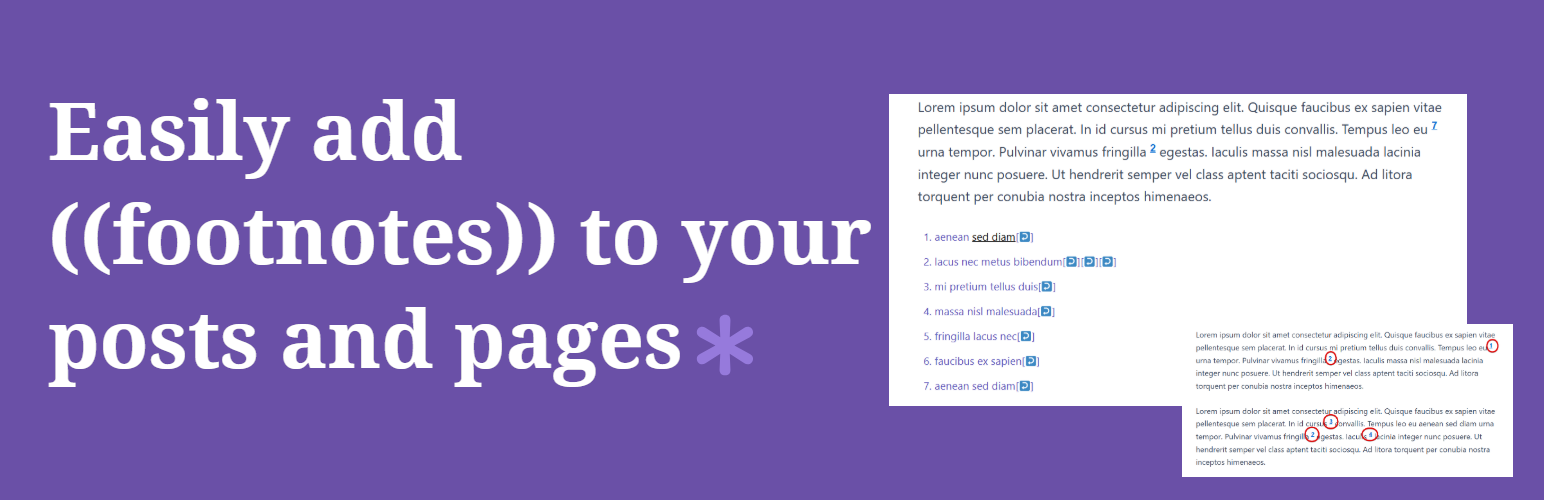
Footnotes Made Easy is a WordPress plugin designed to help you add footnotes to your posts and pages easily. By wrapping text in double parentheses, you can create automatically numbered and linked footnotes that appear at the bottom of your content. The plugin supports both the Classic Editor and Gutenberg block editor, making it versatile for different users.
This plugin is suitable for bloggers, authors, and publishers who need to include footnotes in their writing. It offers features such as automatic combination of identical footnotes, manual control over pagination, and the ability to suppress footnotes on specific page types or categories.
Best for: This plugin suits bloggers and authors who need a straightforward way to manage footnotes in their content.
What it does well
Where it falls short
Footnotes Made Easy provides a practical solution for adding footnotes in WordPress, with a user-friendly approach. It is a solid choice for those looking to enhance their posts with footnotes without complexity.
Patrick Lumumba's own description of Footnotes Made Easy, lightly tidied.
Footnotes Made Easy is a simple but powerful plugin for adding footnotes to your WordPress posts and pages. Wrap any text in double parentheses, and it becomes a footnote; automatically numbered, linked, and displayed at the bottom of your content.
Full documentation is available at docs.altvisewp.com/footnotes-made-easy
Key features:
(( )) to create a footnote anywhere in a post or page((ref:1))Need to cite sources properly? Footnotes Made Easy Pro turns your footnotes into a full academic referencing system, built right on top of the free plugin you already use.
Pro features:
Everything in the free plugin keeps working exactly as it does today — Pro simply adds the citation and referencing tools on top.
Footnotes Made Easy is a fork of WP Footnotes, a plugin by Simon Elvery.
For the latest code, planned enhancements and known issues, visit the GitHub page.
Creating a footnote is simple; wrap your footnote text in double parentheses:
This is a sentence ((and this is your footnote)).
The footnote will appear at the bottom of your post or page, automatically numbered and linked.
Other plugins for bookstores and publishers.
AI powered SEO assistant & content writer with 40+ templates, chatbot, NLP keyword research, AEO, GEO, SEO...

List the most recent posts with post titles, thumbnails, excerpts, authors, categories, dates and more!

Very customizable plugin to list posts by category (or tag, author and more) in a post, page or widget. Uses t...

A Customizable Testimonial plugin to Automate Collecting, Filtering, and Publishing Customer Reviews. Testimon...

PublishPress Authors is the best plugin for adding authors, co-authors, multiple authors and guest authors to...

Import your demo content, widgets and theme settings with one click. Theme authors! Enable simple theme demo i...