
Comprehensive image optimization with WebP, AVIF, Lazy Load, and more. Optimize images automatically for Faste...
Free
1M+ installs 4.8★ (1,838)
Say goodbye to JPG and PNG - make your site run on fast, modern WebP images.

Force WebP is a WordPress plugin that converts uploaded JPG and PNG images into the WebP format to enhance site performance and reduce file sizes. The plugin automatically processes images upon upload and offers configurable options for image quality and maximum width. It is suitable for users looking to optimise their media files without altering existing uploads.
The plugin preserves ICC colour profiles and includes features such as automatic alt text generation and filename sanitization. Users can also choose to remove original files to save disk space. The configuration is accessible through the Tools menu in WordPress, and the plugin includes a repair tool for fixing issues with older media library attachments.
Best for: This plugin is best for WordPress users who want to optimise image performance on their sites.
What it does well
Where it falls short
Force WebP offers practical image optimisation features for WordPress users. Its focus on new uploads makes it a useful tool for maintaining site performance.
Qrzysio's own description of Force WebP, lightly tidied.
This plugin converts every uploaded JPG or PNG image into modern WebP format to improve performance and reduce file size.
Key features:
– automatic conversion of JPG and PNG images to WebP on upload
– thumbnails are written directly as WebP by WordPress itself – one lossy pass instead of two
– configurable WebP quality level
– optional maximum image width (original images are resized before thumbnails are generated)
– optional removal of the original JPG/PNG files to save disk space
– ICC colour profiles are preserved, so photos keep their colours
– self-healing metadata: broken thumbnail references are corrected automatically
– built-in repair tool for media libraries damaged by older versions
– automatic alt text generation based on the filename
– filename sanitization and collision-safe renaming
All settings apply only to newly uploaded images. Existing media files are not modified.
You can configure the plugin in Tools → Force WebP.
Available options:
– WebP quality (0-100): controls compression quality for newly uploaded images
– Max width (px, optional): limits the maximum width of original images before WordPress generates thumbnails (0 = disabled)
– Keep original JPG/PNG: keeps the source file after a successful conversion (off by default)
The same page offers a repair tool that fixes attachments whose thumbnails were broken by versions 1.2-1.5 (see FAQ).
All settings affect only images uploaded after saving the configuration.
Other plugins for optimising images.
Comprehensive image optimization with WebP, AVIF, Lazy Load, and more. Optimize images automatically for Faste...

Compress and optimize images, enable lazy load, serve WebP & AVIF, and speed up your site with a global im...

Speed up your website by using our WebP & AVIF Converter. Optimize images and serve WebP and AVIF images i...

Duplicate post, post order, image resize, email via SMTP, admin menu editor, custom css / code, disable gutenb...
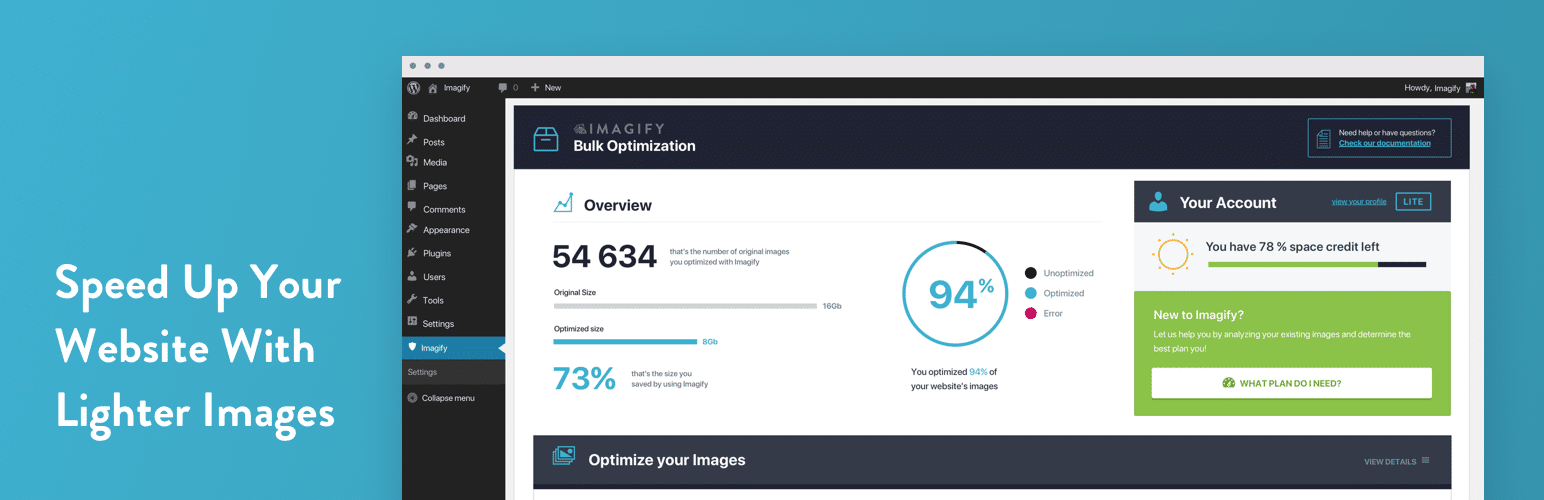
Image optimization in 1‑click: compress, resize & convert to WebP/AVIF – free up to 20MB/month. Enjoy the...

SpeedyCache is a WordPress cache plugin that helps you improve performance of your WordPress site by caching,...