
WP-Optimize
95Get caching and more with this powerful cache plugin. Cache, optimize images, clean your database and minify f...
Free
1M+ installs 4.8★ (2,606)
Load plugins only where you need them. No bloat, no conflicts, more speed. Deactivate plugins where they don't add anything useful.
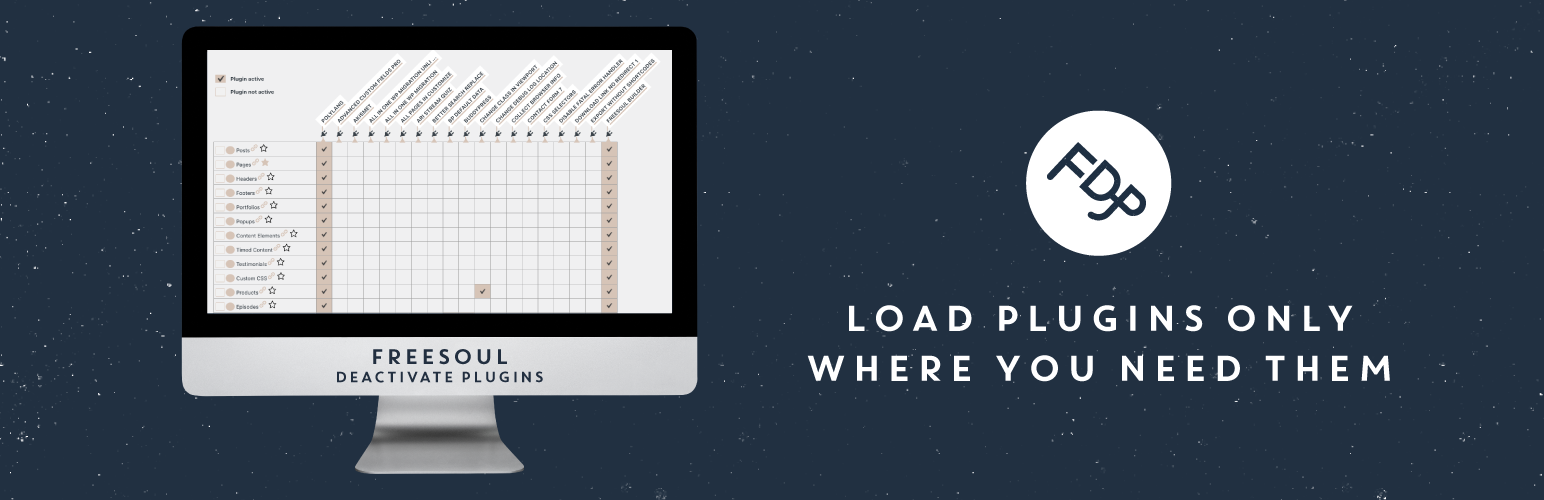
Freesoul Deactivate Plugins is a WordPress plugin that allows you to deactivate other plugins on individual pages. This selective deactivation can help improve site performance by reducing unnecessary load and resolving conflicts between plugins. It is suitable for users who want to optimise their WordPress site, particularly those with large or business-critical setups.
The plugin works by preventing the PHP code of inactive plugins from running, which can lead to fewer HTTP requests and database queries. It is designed for various types of content, including blog posts, custom posts, and backend pages, making it versatile for different site structures.
Best for: This plugin is best for WordPress site owners looking to optimise performance and manage plugin conflicts.
What it does well
Where it falls short
Freesoul Deactivate Plugins offers a practical solution for improving site performance through selective plugin management. It is particularly useful for those managing complex or resource-intensive WordPress sites.
Jose Mortellaro's own description of Freesoul Deactivate Plugins, lightly tidied.
Load plugins only where you need them. No bloat, no conflicts, more speed. Deactivate plugins where they don’t add anything useful.
FDP allows you to deactivate plugins on specific pages for speed optimization, debugging and problem-solving.
It works for every page, blog posts, custom posts that are publicly queryable, archives and backend pages.
Turning off plugins selectively can improve the performance, but also solve conflicts between plugins.
For large or business-critical WordPress sites, using FDP is not just an optimization — it is an essential part of a clean, high-performance architecture.
With FDP you can disable the entire plugins where you don’t need them. It will not only clean up the assets of third-party plugins, their PHP code will not run either. Hence, your pages will have fewer HTTP requests and fewer database queries.
You will improve the TTFB (time to first byte) also when the page is not served by cache.
Usually, the number of the needed plugin on a specific page is lower than the number of globally active plugins.
Why don’t you keep the plugins active only on the pages where you need them?
Most of the plugins load their assets and query the database on all the pages, no matter if they do something useful. This causes many times a worsening of the performance.
With FDP no matter how many plugins you have, you can keep them active only where you need them.
Watch this video to have an overview of how to clean up your website with Freesoul Deactivate Plugins.
Other plugins for making sites fast.
Get caching and more with this powerful cache plugin. Cache, optimize images, clean your database and minify f...

All-in-one unbeatable acceleration & PageSpeed improvement: caching, image/CSS/JS optimization...

Comprehensive image optimization with WebP, AVIF, Lazy Load, and more. Optimize images automatically for Faste...

Easy to use Under Construction Page & Coming Soon Page. Enable Under Construction Mode in seconds & sh...

Compress and optimize images, enable lazy load, serve WebP & AVIF, and speed up your site with a global im...

Speed up your website by using our WebP & AVIF Converter. Optimize images and serve WebP and AVIF images i...