
ECS
88Seven free modules for Elementor: dark mode, container layouts, mobile menu, editorial text, style presets, JS...
Free
100k+ installs 4.6★ (117)
Search and use Getty Images photos in your posts without ever leaving WordPress.

The Getty Images WordPress plugin allows you to integrate a vast library of images directly into your WordPress site. It provides access to over 50 million embeddable images for editorial use at no cost, making it suitable for users looking to enhance their content with high-quality visuals.
The plugin works with WordPress Media Manager, enabling you to search for images, embed them into posts, and manage licensed content easily. It is particularly beneficial for bloggers and content creators who require compelling imagery without leaving their WordPress environment.
Best for: This plugin is best for bloggers and content creators seeking high-quality images for editorial purposes.
What it does well
Where it falls short
The Getty Images plugin offers a straightforward way to access a large library of images, though its limitations on usage and licensing may affect some users.
Getty Images's own description of Getty Images, lightly tidied.
Getty Images is among the world’s leading creators and distributors of award-winning still imagery, video, music and multimedia products, as well as other forms of premium digital content, available through its trusted house of brands, including iStockphoto© and Thinkstock©. Its best-in-class photographers and imagery help customers produce inspiring work which appears every day in the world’s most influential newspapers, magazines, advertising campaigns, films, television programs, books and online media.
The Getty Images WordPress plugin integrates seamlessly with your WordPress 3.5+ Media Manager and lets you create posts with photos and illustrations from Getty Images – without ever leaving your WordPress site.
With 2.0, users can now access over 50 million embeddable images for editorial use on their WordPress.org site, for free.
New users:
Getty Images customers can access and license imagery:
Search millions of photos, vectors and illustrations, customized to your Getty Images account.
Download and preview comp images before you post.
Download, insert and publish any size image using your existing agreement with Getty Images.
Licensed images are saved to your Media Library for future use.
Using the plugin once installed
Go to a new or existing post.
Select Getty Images above the composition area, or access Getty Images from the Media tab.
For users who wish to embed images in their blog: Select Access Embeddable Images. Start searching for images that fit your needs. Select Embed into Post. Publish!
For customers: Select the Getty Images Customer option. Login your Getty Images account to download images for preview or publication, and to access your content and active agreements. Start searching, downloading and using!
Other plugins for news sites and magazines.
Seven free modules for Elementor: dark mode, container layouts, mobile menu, editorial text, style presets, JS...
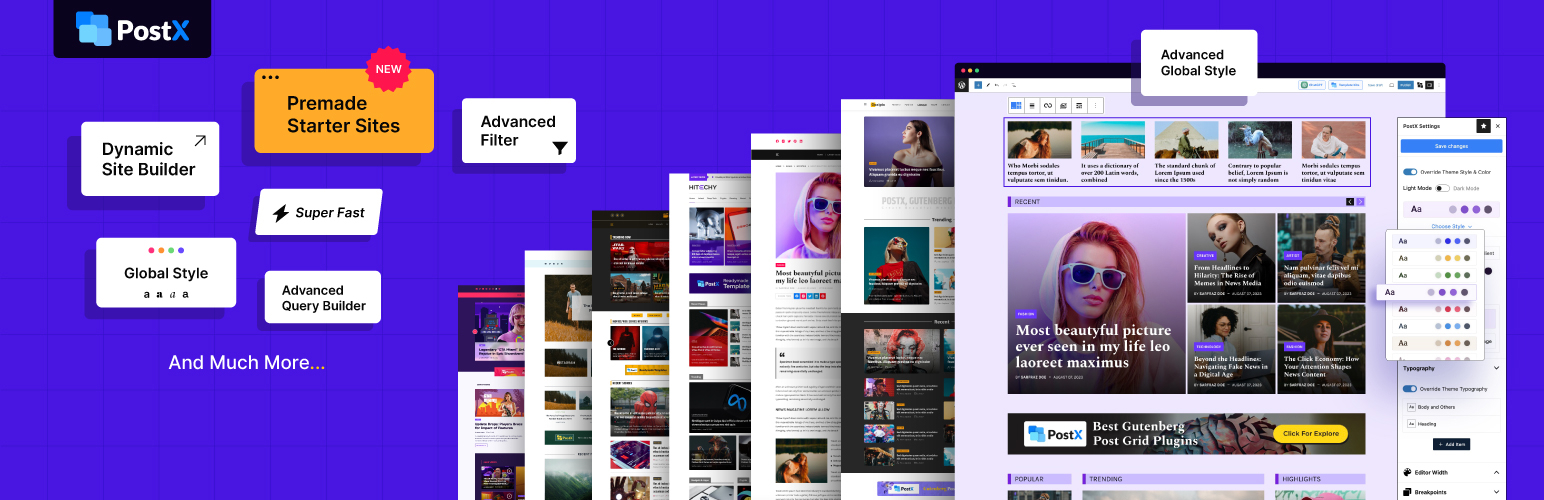
Design professional blogs with advanced Gutenberg blocks, premade templates, dynamic post grids, and smart fil...

Take control of your WordPress core XML Sitemap and add a Google News Sitemap.
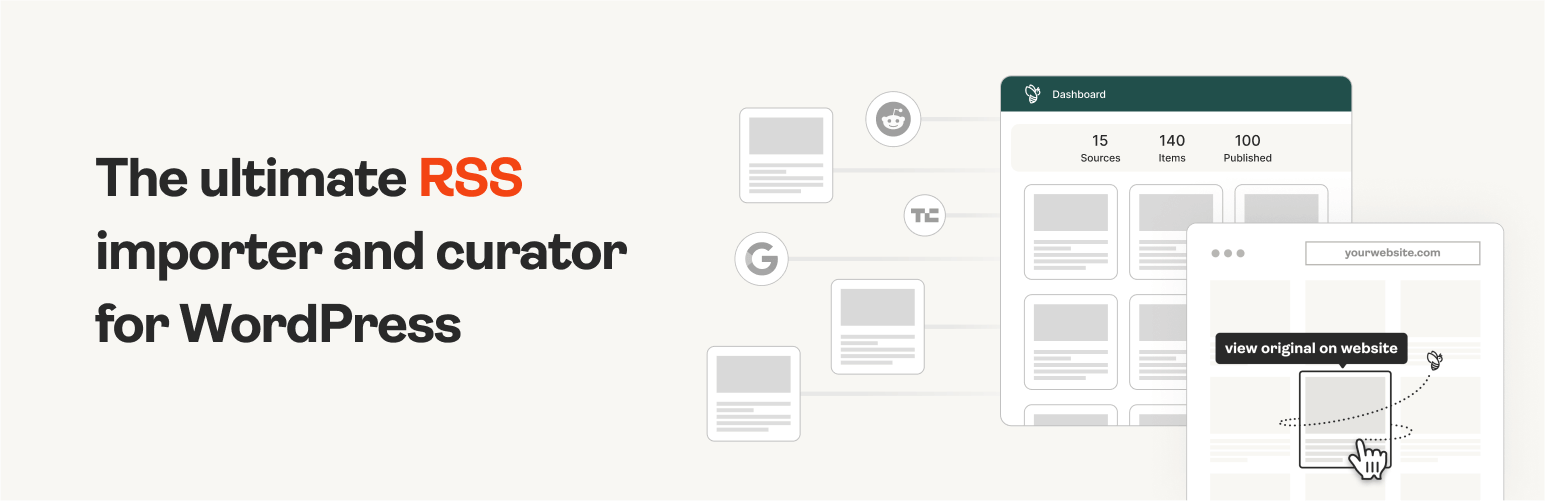
The #1 WordPress RSS aggregator to quickly import RSS feeds, build a news aggregator, and for easy autobloggin...
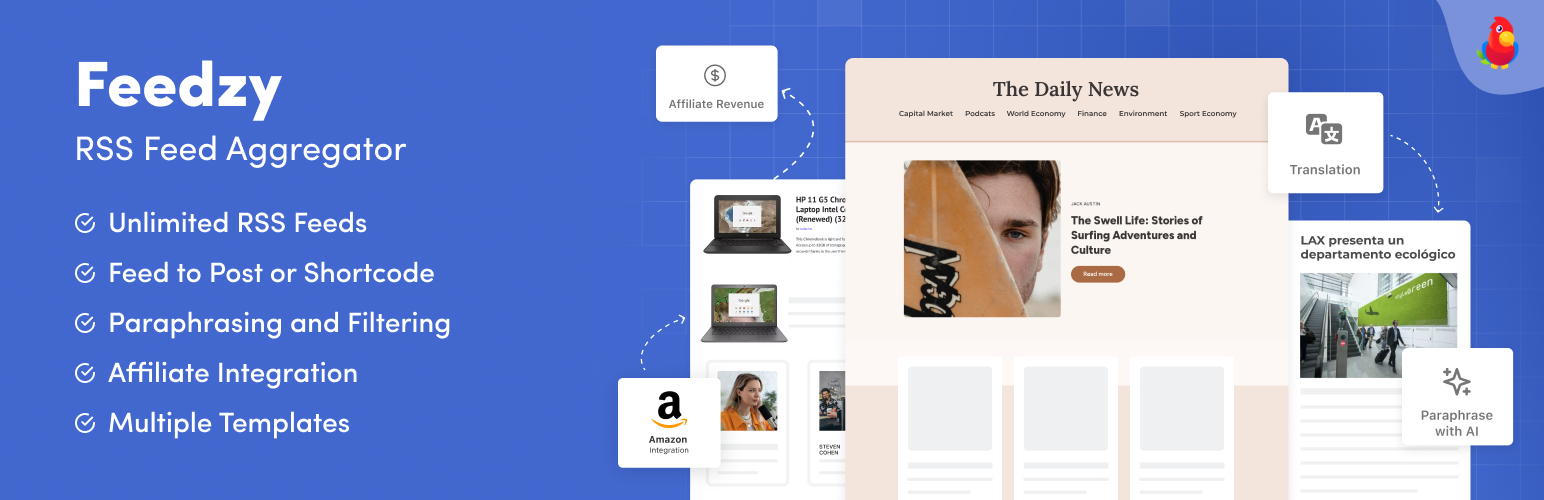
The most powerful WordPress RSS aggregator, helping you curate content, autoblog, import RSS & display unl...

Ditty offers a range of content display options, including its signature news ticker and customizable layouts.