
Ivory Search
91Advanced WordPress custom search plugin. Provides Search Form Customizer, WooCommerce Search, AJAX Search &...
Free
100k+ installs 4.9★ (1,560)
Turn glossary terms into automatic links, show instant tooltips with definitions, and create a searchable A–Z glossary index page.

Glossary Tooltip is a WordPress plugin that automatically highlights glossary terms in your content and displays tooltips with definitions. It helps visitors understand unfamiliar terms without leaving the page by converting these terms into links and providing responsive tooltips on hover or tap.
The plugin also includes a searchable A–Z glossary index page, allowing users to browse terms easily. It is suitable for blogs, documentation sites, knowledge bases, online courses, and any website that uses specialized terminology, such as business, medical, financial, or legal sites.
Best for: This plugin is best for websites that require clear explanations of specialized terms.
What it does well
Where it falls short
Glossary Tooltip provides a practical solution for enhancing content clarity through automatic term linking and definitions, making it a useful tool for various types of informative websites.
Jumedeen khan's own description of Glossary Tooltip, lightly tidied.
Turn glossary terms into automatic links, show instant tooltips with definitions, and create a searchable A–Z glossary index page.
Glossary Tooltip automatically detects glossary terms in your WordPress website content, converts them into links, and displays clean, responsive tooltips with their definitions — helping visitors understand unfamiliar terms without leaving the page.
A built-in, searchable A–Z glossary index with live search lets visitors browse every term at a glance, while consistent internal linking between your content and its definitions improves both readability and site structure.
It’s well suited for blogs, documentation sites, knowledge bases, online courses, SaaS products, and any business, medical, financial, or legal website that relies on specialized terminology.
Official Website | Documentation | Demo | Video Tutorials | FAQs
[glossary_list] index page with alphabetical navigation, live search, categories, and flexible sorting and layout.[glossary_exclude] shortcode.This plugin includes two shortcodes: [glossary_list] to display your glossary index, and [glossary_exclude] to turn off glossary highlighting on part or all of a specific post or page.
[glossary_list]
Add this shortcode to any post or page to display your full glossary list there — an alphabetically organized (A-Z) list of all your glossary terms, with optional jump navigation and a live search box.
Basic example, showing every glossary term with the default settings:
[glossary_list]
Supported attributes
category="all" — Only show terms assigned to one or more Glossary Categories. Use a single category slug (e.g. category="seo"), or several separated by commas to show terms matching any of them (e.g. category="seo,wordpress"). Defaults to all, which shows every term regardless of category.orderby="name" — Chooses how terms are sorted within each A-Z letter group. A term never moves out of its own letter group — only the order of terms inside each group, and the order the groups themselves appear in, follow orderby/order together. Accepted values: name (alphabetical), date (publish date), menu_order (the custom order set on the Glossary Terms screen), or rand (random order, reshuffled on every page load — group order is unaffected by order in this case). Defaults to name.order="ASC" — Sets the sort direction used by orderby, and also the direction the A-Z letter groups themselves run in. Accepted values: ASC (ascending — groups run A to Z, terms sort oldest to newest for orderby="date") or DESC (descending — groups run Z to A, terms sort newest to oldest for orderby="date"). Defaults to ASC. Has no effect on term order when orderby="rand", and no effect on group order at all when orderby="rand".letters="show" — Shows or hides the big A-Z letter heading above each group of terms. Accepted values: show or hide. Defaults to show.limit="-1" — The maximum number of terms to display per A-Z letter group — not a total for the whole index. For example, limit="2" shows at most 2 terms under A, at most 2 under B, at most 2 under C, and so on. Use -1 for no limit, showing every matching term. Defaults to -1.columns="2" — How many columns to arrange the terms into within each letter group. Accepts a whole number from 1 to 6. Defaults to 2.Other plugins for on-site search.
Advanced WordPress custom search plugin. Provides Search Form Customizer, WooCommerce Search, AJAX Search &...

The most popular WooCommerce product search plugin. Gives your users a well-designed advanced AJAX search bar...
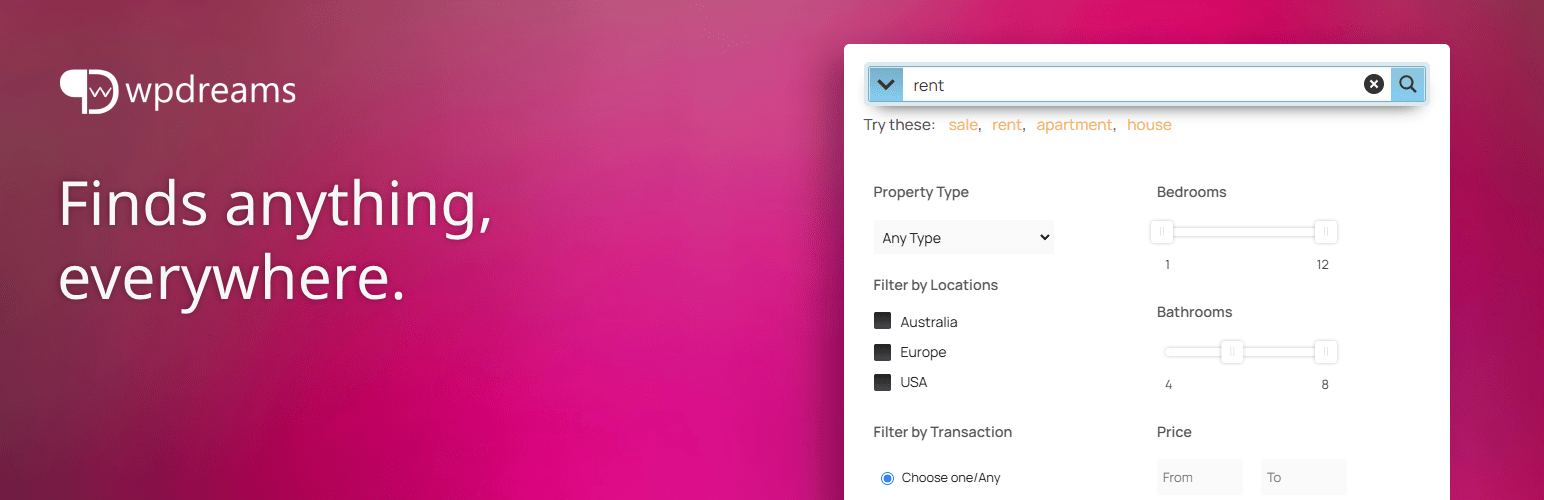
The Best Ajax Live Search and Filter for WordPress. Live suggestions, Custom Post types, Custom fields, Catego...
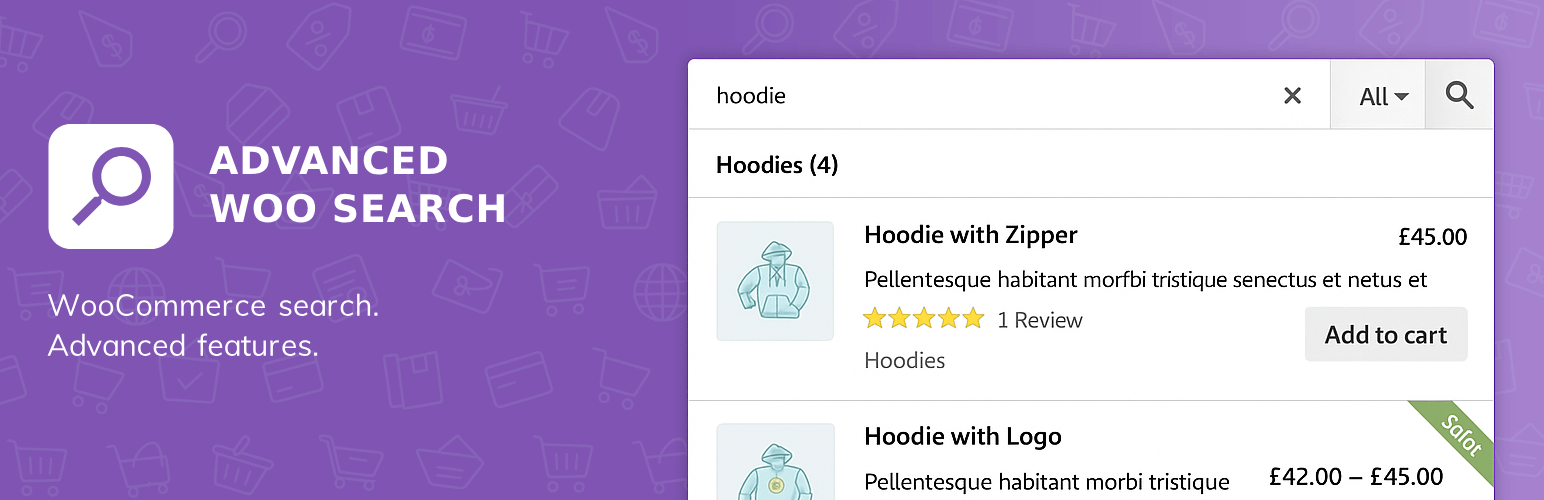
Advanced WooCommerce product search plugin. Search inside any product field. Support for both AJAX search and...
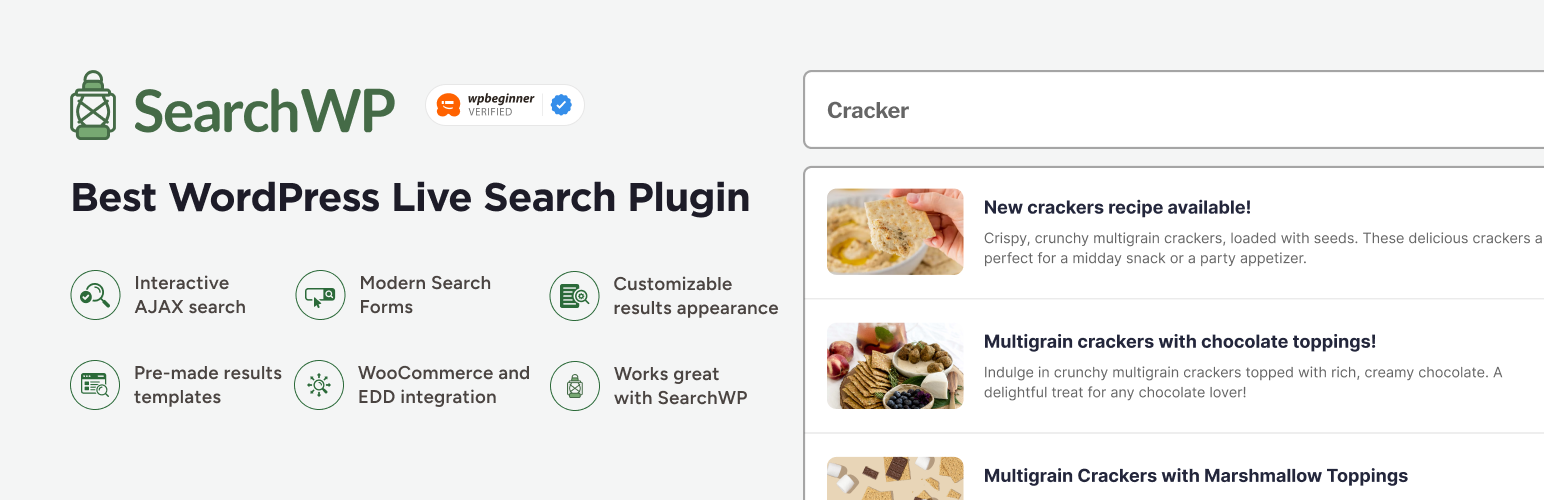
Template powered live search for any WordPress theme. Does not require SearchWP, but will utilize it if availa...

Improve your WordPress SEO with instant search-engine indexing, SEO insights, and indexing status tracking.