
The best anti-spam protection to block spam comments and spam in a contact form. The most trusted antispam sol...
Free
5M+ installs 4.7★ (1,186)
Enhance your Gravity Forms to include anti-spam measures originally based on the work of David Walsh's "Zero Spam" technique.
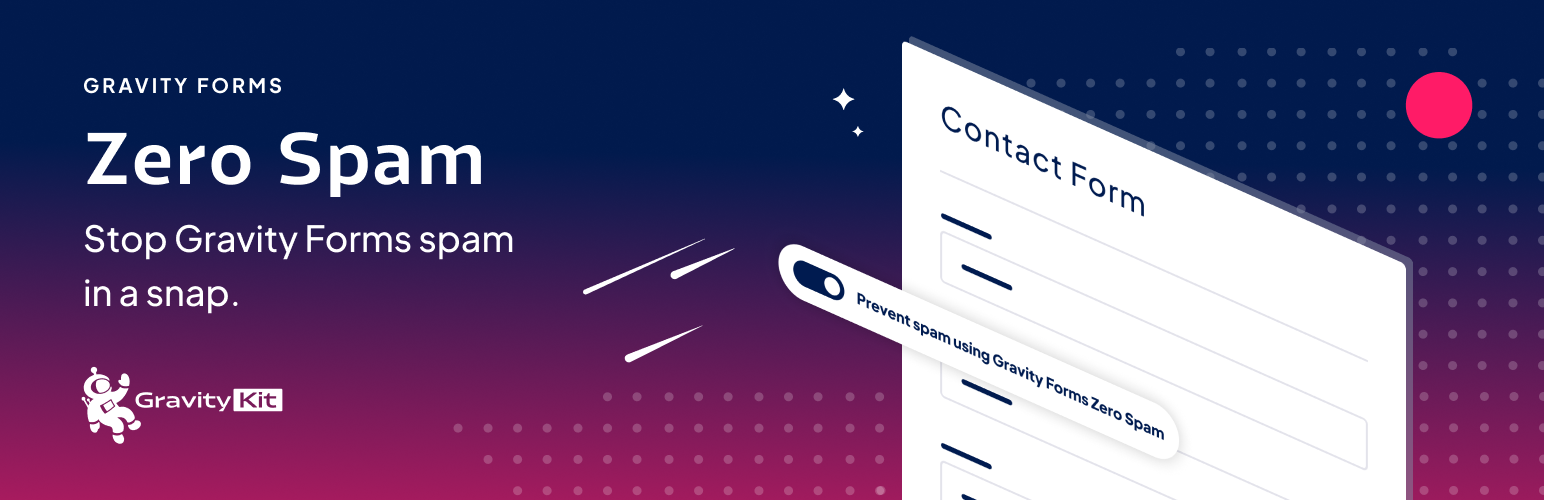
Gravity Forms Zero Spam is a WordPress plugin designed to block spam submissions on Gravity Forms. It employs a non-obtrusive anti-spam method and can send email summaries of spam activity. You can enable or disable spam filtering on a per-form basis, making it flexible for different needs.
This plugin is suitable for users who want to reduce spam without using traditional methods like reCaptcha. It works with the Shield Security plugin for additional spam detection, and it provides options for receiving spam report emails based on entry thresholds or time intervals.
Best for: This plugin is best for WordPress users who utilize Gravity Forms and want to manage spam effectively.
What it does well
Where it falls short
Gravity Forms Zero Spam offers a straightforward solution for spam management in Gravity Forms. It provides useful features for users looking to enhance their form security without intrusive measures.
GravityKit's own description of Gravity Forms Zero Spam, lightly tidied.
This Gravity Forms add-on blocks spam using a non-obtrusive anti-spam measure and can email a spam report summary.
To get started, all you need to do is activate the plugin!
Zero Spam is better than the Gravity Forms anti-spam honeypot field. If you’re getting spammed, try this plugin.
reCaptcha is user-hostile! Use this instead! Users don’t need to click stoplights, crosswalks, or bicycles when you use this plugin to stop spam.
If you only want the plugin for specific forms, that’s possible! The plugin adds a simple “Prevent spam using Gravity Forms Zero Spam” setting to each form (requires Gravity Forms 2.5 or newer).
If the Shield Security plugin is active, its silentCAPTCHA bot detection can be used as an additional spam signal — enabled globally or per form. You can also control the order in which the plugin’s spam checks run.
Spam summary report emails are disabled by default. Once enabled, a spam summary that includes the number of entries per-form will be sent via email.
Choose whether you want to be notified after the number of entries reaches a threshold (e.g. 10 spam entries) or after a certain number of days (e.g. every week). If there are no spam entries, no report will be sent.
Requires Gravity Forms.
Brought to you by GravityKit. We create essential Gravity Forms Add-Ons.
Other plugins for stopping spam.
The best anti-spam protection to block spam comments and spam in a contact form. The most trusted antispam sol...

Allows administrators to globally disable comments on their site. Comments can be disabled according to post t...

Sophisticated antispam plugin for effective daily comment and trackback spam-fighting. Built with data protect...

Top-rated antispam for contact forms, comments, WooCommerce, eCommerce, and login. No CAPTCHAs, no friction, j...

Adds reCaptcha v2 from Contact Form 7 5.0.5 that was dropped on Contact Form 7 5.1
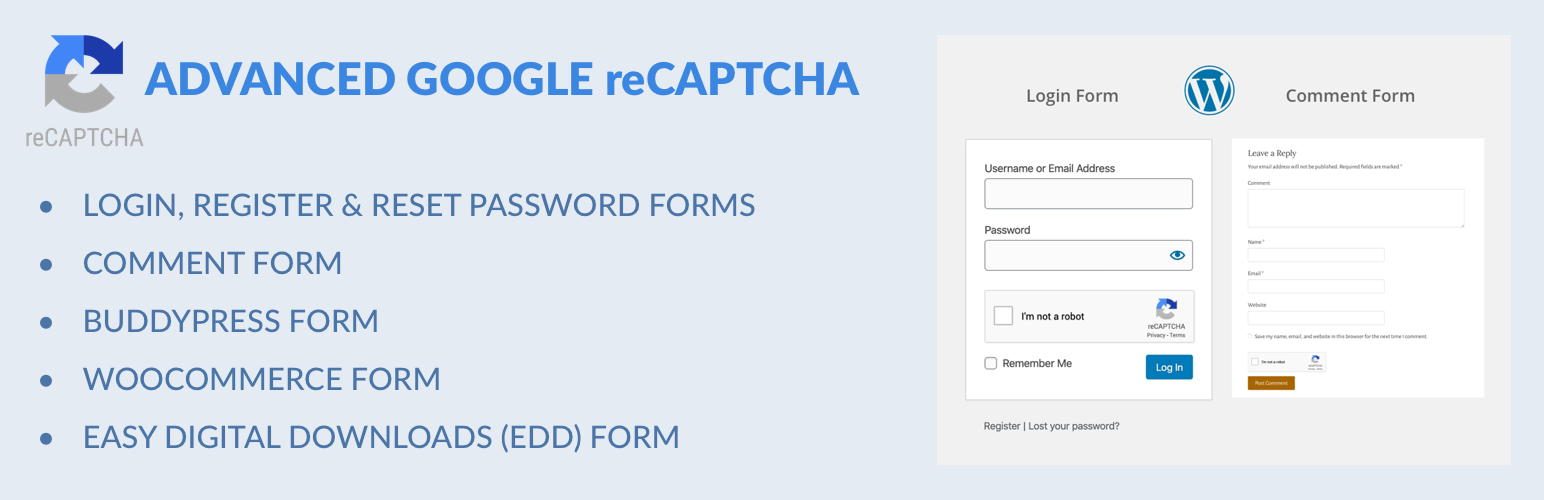
Captcha protection against spam comments & brute force login attacks using Google reCAPTCHA.