
Easily manage events and sell tickets on your WordPress site. Sugar Calendar is easy-to-use, reliable, and exc...
Free
10k+ installs 4.5★ (24)
Create instant meetings with your clients or potential clients.

Hello I am here! Video conferences is a WordPress plugin designed for creating instant video meetings. You can set up meetings with clients, students, family, or friends by using a shortcode to generate a meeting page. The plugin employs Vue 3 and Bootstrap 5 for a modern user experience.
To use the plugin, you create a new meeting from the admin panel, insert the shortcode [show-meet] on a page, and share the meeting code and URL with participants. This setup allows for repeated use of the same page for future meetings.
Best for: This plugin suits anyone needing a straightforward solution for video meetings, such as educators, freelancers, or families.
What it does well
Where it falls short
Hello I am here! Video conferences offers a simple way to set up video meetings through WordPress, though detailed support and features are not specified.
Gonzalo Oliver's own description of Hello I am here! Video conferences, lightly tidied.
Create instant meetings with your clients or potential clients.
Create instant meetings with your students, family or friends.
Modernized version using Vue 3 and Bootstrap 5.
How to:
The page with the shortcode [show-meet] can be used forever for all the meetings.
Or you can put the shortcode in some other places, too.
Other plugins for event and conference organisers.
Easily manage events and sell tickets on your WordPress site. Sugar Calendar is easy-to-use, reliable, and exc...

Sell event tickets with WooCommerce. Event registration, recurring events, RSVP, attendee management & eve...

The all in one Events Manager for WordPress: create and manage events, sell event tickets online easily. No Co...

Simple Event Registration & RSVP Management for WordPress
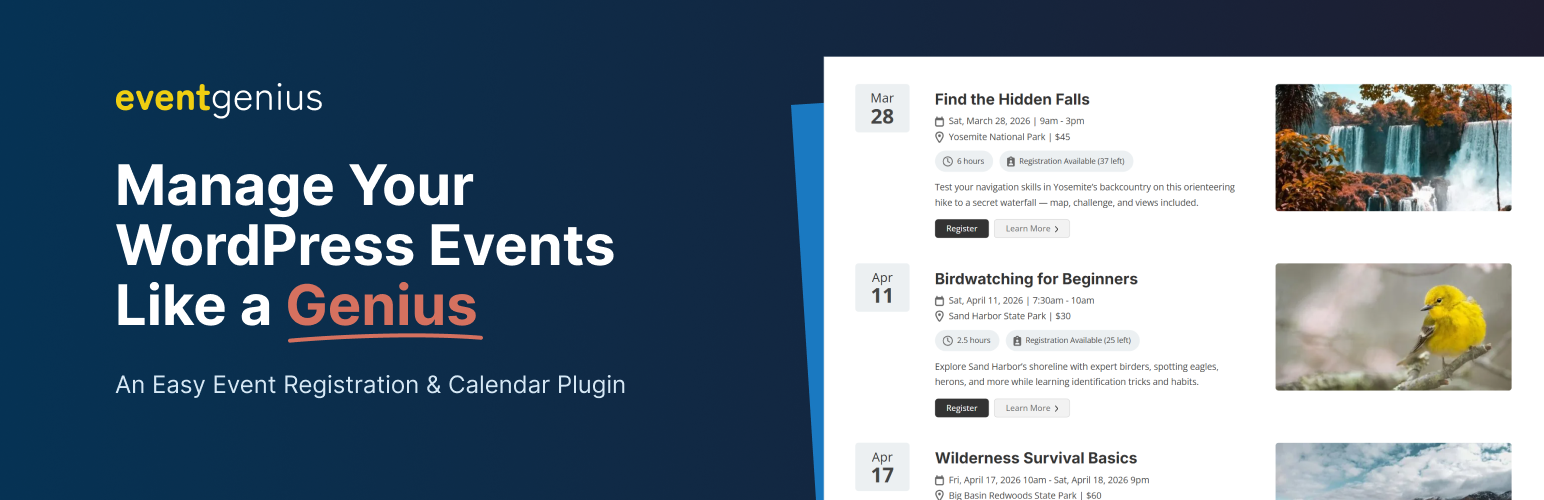
Event management plugin for WordPress with built-in registrations, recurring events, tickets, and calendars. R...

Xylus WP Event Aggregator: Easy way to import Eventbrite events, MeetUp events, Social site Events into your W...