A modern video and audio player for courses, landing pages, marketing, and testimonials — with captions, brand...
Free
100k+ installs 4.8★ (339)
Maximize your WordPress site's potential with our versatile HTML5 Audio Player plugin. Seamlessly play .mp3, .wav, .ogg, and more audio files.
HTML5 Audio Player is a WordPress plugin that allows you to embed MP3 and OGG audio files into your site without needing to code. It offers a shortcode-based setup, making it easy to place audio players in posts, pages, and widget areas. This plugin is suitable for users looking to integrate audio content, such as podcasts, music tracks, or audio previews, into their WordPress sites.
The plugin supports various audio formats and features customizable subscribe buttons for podcast playlists, as well as the ability to import podcast channels from RSS feeds. It is designed to work across all major browsers and devices, ensuring reliable playback.
Best for: This plugin is best for podcasters, musicians, and anyone looking to add audio content to their WordPress site.
What it does well
Where it falls short
HTML5 Audio Player is a straightforward solution for embedding audio content on WordPress sites. While the free version offers essential features, users may need to consider the Pro version for advanced capabilities.
bPlugins's own description of HTML5 Audio Player, lightly tidied.
The Ultimate No-Code Podcast, MP3 & Audio Player Plugin for WordPress
HTML5 Audio Player | Documentation | Pricing | Support | Demo
HTML5 Audio Player is a powerful, lightweight, and fully responsive audio player plugin for WordPress. It lets you embed MP3 and OGG audio files into posts, pages, widget areas, or template files using shortcodes, no coding required.
Built with modern HTML5 technology, this plugin works across all major browsers and iOS devices, ensuring reliable playback on any screen size. Its shortcode-based setup gives you full control over placement and player settings, making it suitable for podcasts, music tracks, audio previews, or online courses.
Watch our in-depth video walkthrough showcasing the latest podcast features, RSS feed import, podcast subscribe buttons (Spotify, Apple Podcasts, Amazon Music, YouTube, RSS), static waveform visualizer, and advanced audio controls:
Upgrade to the Pro version for full control over design, layouts, advanced podcast features, and unlimited streams.
What’s Included in Pro:
* Advanced Playlist Skins: Access premium Narrow and Extensive playlist layouts with collapsible track descriptions and customized styling.
* Playback Speed & Skip Controls: Full playback speed selector (0.5x, 0.75x, 1x, 1.25x, 1.5x, 1.75x, 2x) and fast-forward / rewind skip buttons across all playlist skins (Narrow & Extensive layouts).
* Podcast Episode Search & Filter: Real-time frontend keyword search to let users filter and find specific episodes inside playlist layers.
* Load More & Numbered Pagination: Configure custom per-page batch limits with standard numbered pagination (1, 2, 3…) or Load More buttons.
* 7 Premium Player Skins: Unlock Card 1, Card 2, Simple 1, Simple 2, Player 9, Player 10, and Player 11.
* Multiple Radio Stations (Playlists): Unified player interface allowing users to switch between multiple radio stations or channels.
* Recently Played Track History: Display live song timelines and titles fetched dynamically from Icecast/Shoutcast server metadata.
* Backup/Fallback Stream URL: Automatic failover switching to secondary audio streams if the primary server goes offline.
* Full Color Customization: Set custom primary, background, hover, active, and alternating track colors to match your brand.
* Track Title & Artist Typography: Fully customize typography (Google Fonts, size, weight, style, text transform, line height, letter spacing) for Narrow and Extensive playlist skins in Block Editor and Admin Settings.
* Download Button: Enable or disable direct download options for tracks and episodes.
* Advanced Navigation & Seeking: Add custom forward/rewind skip intervals, start/end time offsets, and disable pause locks.
* State Saving: Remember the user’s playback timeline and resume tracks from where they last left off.
* Single Button Player: A clean, single-action play button suitable for inline audio samples.
* Ad-Free Experience & Premium Support: Dedicated support channel with priority bug fixes and updates.
Try the HTML5 Audio Player PRO – Unlock all premium features now!
Getting started is quick and easy.
Install and activate the plugin.
In the WordPress dashboard, go to the HTML5 Audio Player menu.
Add a new player and copy the generated shortcode.
Paste the shortcode into any post, page, or widget.
Done – enjoy seamless audio playback!
Other plugins for audio and podcasts.
A modern video and audio player for courses, landing pages, marketing, and testimonials — with captions, brand...
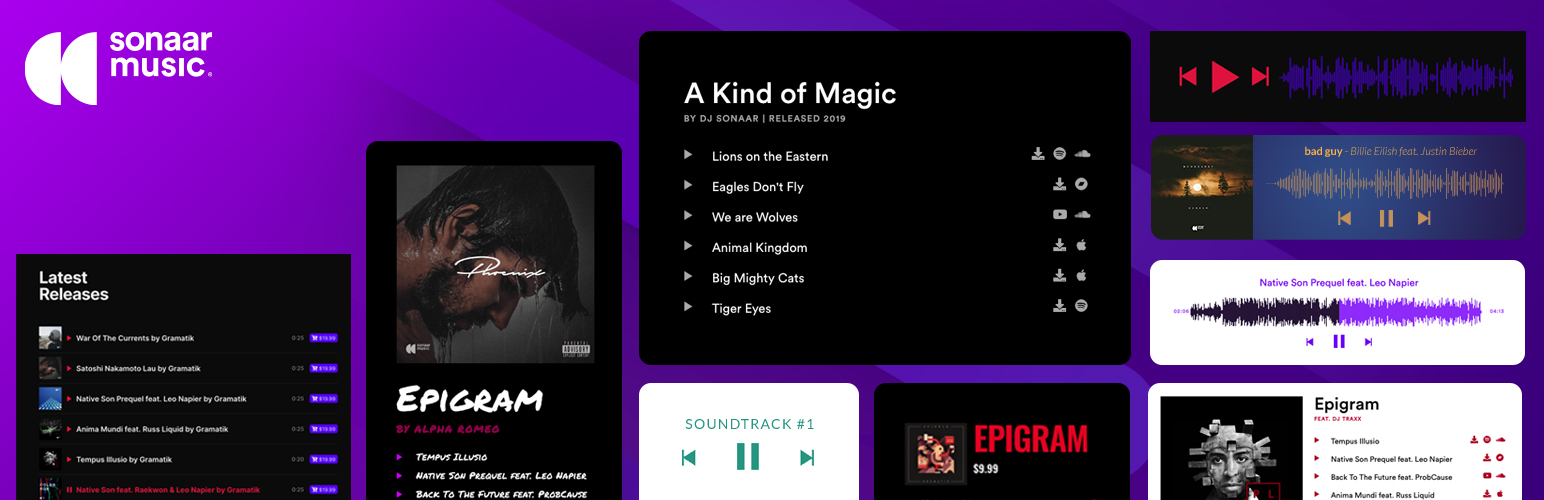
The most advanced Audio Player for Music & Podcast. For Elementor, Gutenberg, WooCommerce and more. Add un...
No. 1 Podcasting plugin for WordPress.
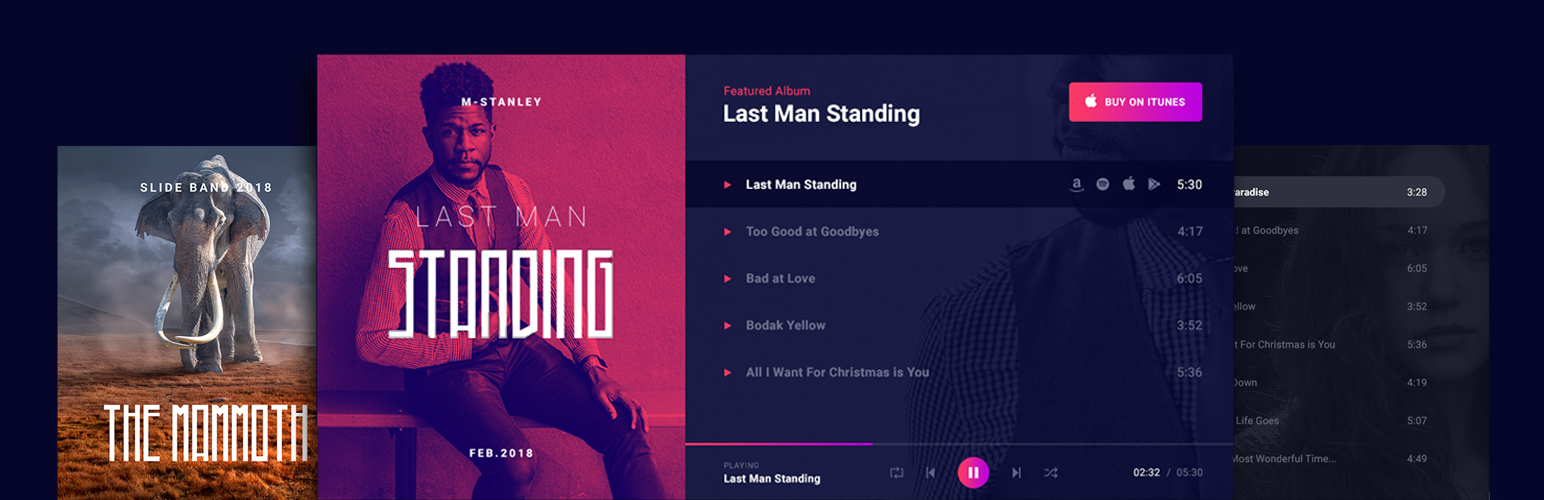
Audio Player for Elementor – the go-to plugin for adding MP3s, podcasts & playlists. Fully customizable, W...
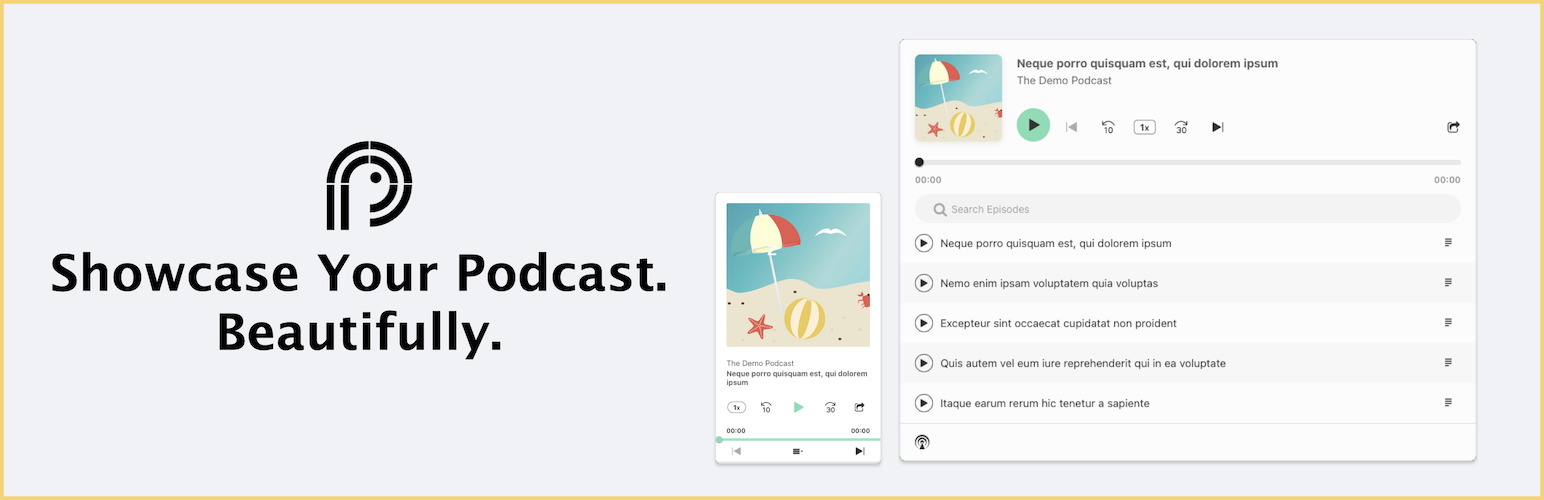
Showcase your podcast only using podcasting feed url. Use widget, shortcode or editor block to display podcast...
Free text to speech with browser voices + premium AI voices from Google, OpenAI & ElevenLabs. Add an audio...