
Elementor Carousel, Mega Menu, Posts List/Slider, WooCommerce Widgets, Display Conditions, AI Abilities, Prema...
Free
600k+ installs 4.9★ (1,677)
This plugin add an image carousel module to the Divi theme.
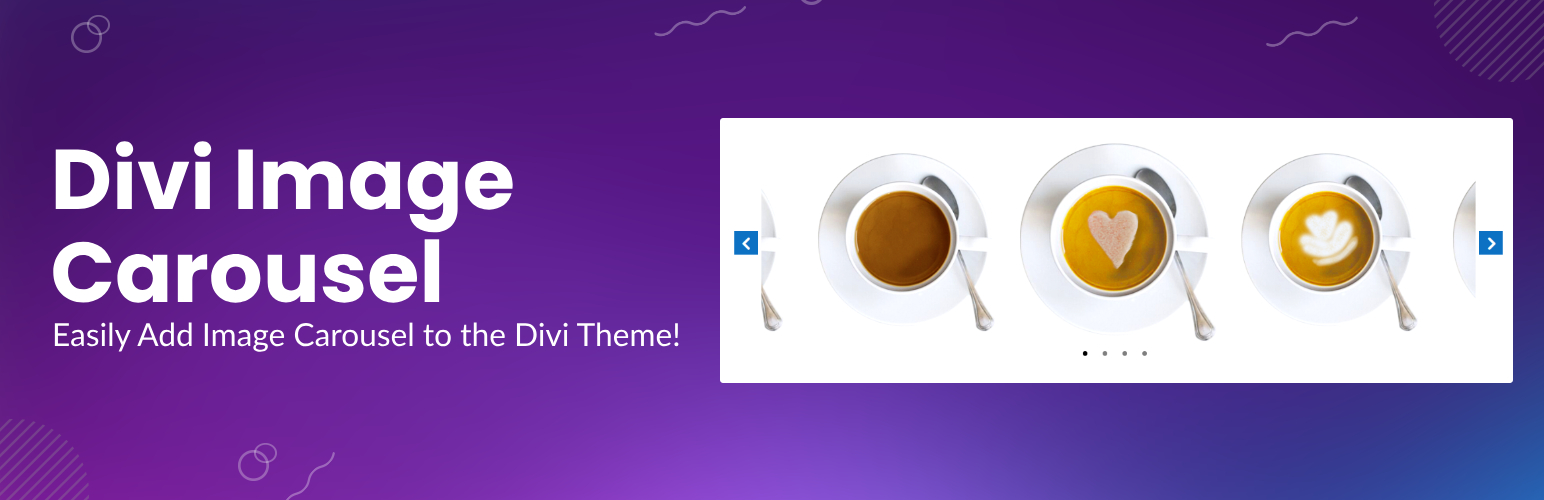
The Image Carousel Module for Divi is a WordPress plugin that allows you to add image carousels to your website using the Divi Builder. Once activated, it introduces a new module that can be easily dragged and dropped into your layout, enabling you to showcase portfolios, products, or galleries with various customizable layouts and animations.
This plugin is designed for users of the Divi Builder who want to enhance their websites with responsive image sliders. It offers features such as autoplay, infinite looping, and customizable navigation elements, making it suitable for beginners and those looking for ease of use in creating visually appealing carousels.
Best for: This plugin suits users of the Divi Builder who want to create image carousels on their websites.
What it does well
Where it falls short
The Image Carousel Module for Divi provides a straightforward way to add carousels to your site. It is user-friendly and offers a range of customization options.
learnhowwp's own description of Image Carousel Module for Divi, lightly tidied.
Add image carousels on your website with the Divi Image Carousel plugin. This plugin adds a new Image Carousel module in the Divi Builder. Once you activate the plugin a new module will appear in your module list by the name of Image Carousel. You can then use the module to add an Image Carousel anywhere inside the Divi Builder.
Transform your Divi website with the Image Carousel Module for Divi, the ultimate solution for creating stunning, responsive image carousels and sliders. Whether you’re showcasing portfolios, products, team showcases, or galleries, this powerful Divi module gives you complete control over design, layout, and animation.
With seamless integration into the Divi Builder, the Image Carousel Module allows you to add visually appealing sliders anywhere on your website. Choose from multiple layouts, including Center Mode, Synced Slider, and Vertical Slider, and customize every aspect of your carousel to match your website’s style and functionality.
More Free Divi Plugins
If you have any questions or feature ideas please create a new thread in Support.
Other plugins for sliders and carousels.
Elementor Carousel, Mega Menu, Posts List/Slider, WooCommerce Widgets, Display Conditions, AI Abilities, Prema...

Responsive slider plugin to create sliders in visual editor easily. Build beautiful image slider, layer slider...

Elementor templates, Header footer builder, Elementor Post Grid, Woocommerce Grid builder, Slider, Forms, Gall...

Slider, gallery, carousel plugin for WordPress. Build your image slider, video slider, post slider, YouTube sl...

Essential elements for modern websites. Add buttons, sliders, heroes, maps, images, carousels, features, icons...

Build Stunning Slider and Popup. Exit intent Popup, Image slider carousel, video slider carousel, post slider...