
Comprehensive image optimization with WebP, AVIF, Lazy Load, and more. Optimize images automatically for Faste...
Free
1M+ installs 4.8★ (1,838)
Automatically resize, optimize, and convert images to WebP and AVIF. Compress images in bulk or on upload to boost your WordPress site performance.
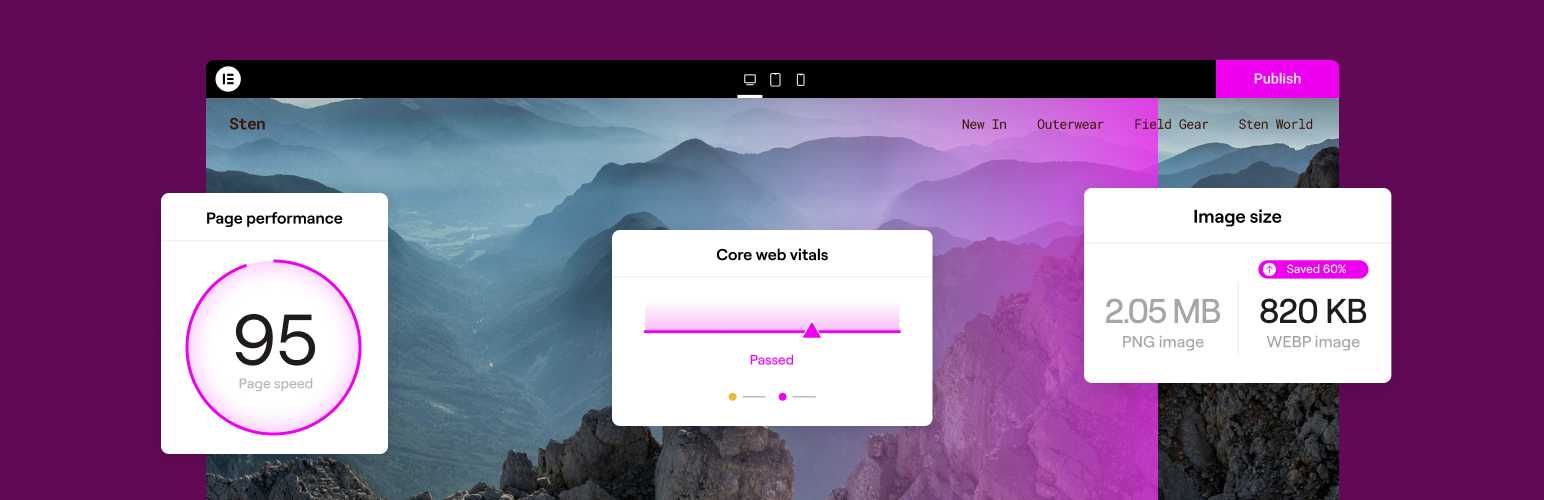
Image Optimization is a WordPress plugin that reduces image sizes through compression and resizing techniques while preserving quality. It supports various formats, including JPEG, PNG, WebP, AVIF, and GIF, and can optimize images automatically upon upload or in bulk.
The plugin works in the background, allowing you to continue using your site while images are being processed. It offers two compression levels, lossless and lossy, and includes features for resizing, clearing metadata, and backing up original images.
Best for: This plugin suits website owners looking to improve image loading times and overall site performance.
What it does well
Where it falls short
Image Optimization provides essential image compression features for WordPress users, but its low rating may raise concerns about reliability and user satisfaction.
Elementor's own description of Image Optimization, lightly tidied.
Image Optimization (formally known as Image Optimizer) is an easy-to-use WordPress plugin that reduces image size through various compression and resizing techniques – all of which preserve the highest possible image quality. Image Optimization supports many popular formats, including JPEG, PNG, WebP, AVIF, and GIF.
Image Optimization ensures faster loading times, enhanced user experience, and overall boosted website performance. It reduces the size of your website’s images, improving Core Web Vitals and search engine rankings. With the Image Optimization’s exceptional capabilities and unique algorithms, you can fine tune images and reduce their file sizes while retaining quality with lossless or lossy compression.
Features
Image Optimization by Elementor lets you optimize all images in your library either one at a time, or in a batch according to your preferences and settings. Easily configure the plugin to scale or compress your images on-demand, or automatically have them triggered as they are being uploaded. Or, if you have a large number of images already uploaded, the bulk optimization feature allows you to resize and/or compress your entire library of existing images in just a few clicks.
With Image Optimization’s advanced algorithms, you can compress images and reduce their file size at the level that makes the most sense for you. We offer 2 types of compression for processing images giving you the perfect balance of compression and quality.
Lossless Compression: Lossless compression reduces image file sizes without sacrificing or diminishing the quality of your images. This type of compression reduces file sizes by removing unused or unnecessary data so that no image details are lost along the way. Hence, you are able to reduce the file size and still maintain the quality of your image.
Lossy Compression: Lossy compression performs maximum compression resulting in lightweight images and smaller file sizes. It reduces image size by removing image data that is generally invisible to the human eye and minimizes any compromise in image quality.
Convert to WebP and AVIF: Convert images to the slimmer WebP or AVIF formats for even better optimization with a 25-30% savings over JPEG and PNG. Most browsers support WebP, however if they don’t, you can have fallback versions of the image available in the same format as the original image.
By tailoring compression to the level you need, your visitors will enjoy faster load times, improved responsiveness, and a seamless browsing experience. Our approach also enables your website to rank higher in search results. Since a search engine’s ranking is heavily influenced by speed, user experience, and Core Web Vitals, Elementor’s Image Optimization is an invaluable tool for any website, especially one that’s abundant with images.
For more information about Image Optimization, visit our official website or Try It Now.
If you have any questions or need support, feel free to contact us or visit our help center.
This plugin requires a connection to an active Elementor account in order to identify the user and provide the purchased service. This connection is triggered manually by the user via the plugin’s settings panel.
This plugin uses a 3rd party service operated by Elementor, which accepts a standard image in JPG, PNG, GIF or WEBP format and returns a web optimized image based on the selected settings. This flow is triggered by the user or automatically (based on the selected plugin settings) on a compatible image upload or by manually initiating optimize process.
Other plugins for optimising images.
Comprehensive image optimization with WebP, AVIF, Lazy Load, and more. Optimize images automatically for Faste...

Compress and optimize images, enable lazy load, serve WebP & AVIF, and speed up your site with a global im...

Speed up your website by using our WebP & AVIF Converter. Optimize images and serve WebP and AVIF images i...

Duplicate post, post order, image resize, email via SMTP, admin menu editor, custom css / code, disable gutenb...
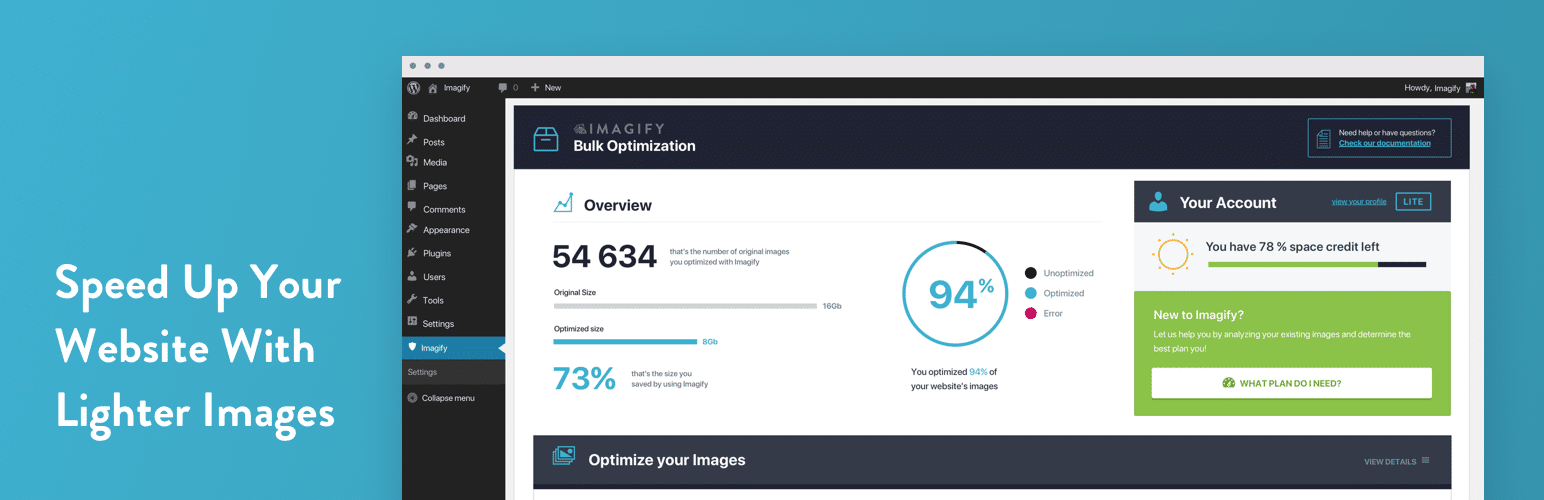
Image optimization in 1‑click: compress, resize & convert to WebP/AVIF – free up to 20MB/month. Enjoy the...

SpeedyCache is a WordPress cache plugin that helps you improve performance of your WordPress site by caching,...