
Create Better Content With The Block Editor. Custom Blocks for Bloggers and Content Marketers.
Free
50k+ installs 4.9★ (729)
Create Interactive Images for Your Site That Empowers Publishers and Bloggers
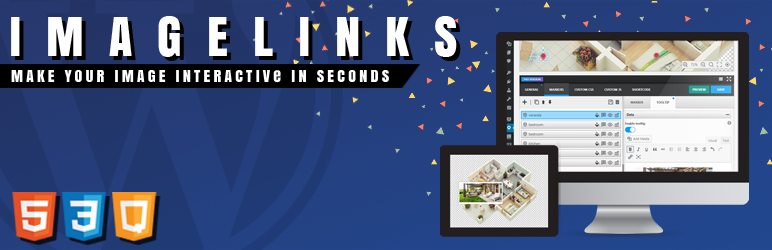
ImageLinks is a WordPress plugin that allows you to make images interactive by tagging them with various web content, such as hyperlinks, videos, and more. You can create engaging visual stories, infographics, and product maps by adding markers and tooltips to your images. The plugin features a drag-and-drop builder, responsive design, and the ability to publish interactive images using a shortcode.
This plugin is suitable for bloggers, publishers, and anyone looking to enhance their website with interactive image content. It is particularly useful for creating shoppable catalogs or informative presentations that require visual engagement.
Best for: This plugin suits bloggers and publishers looking to create interactive image content.
What it does well
Where it falls short
ImageLinks provides a straightforward way to enhance images with interactive elements, making it a practical choice for users wanting to engage their audience visually.
Avirtum's own description of ImageLinks, lightly tidied.
To our amazing ImageLinks community! We are proud to introduce PicPoints – our next-generation interactive image map builder.
It is built on modern web standards to solve old layout problems once and for all. It features full CSS/JS isolation (Shadow DOM) to prevent theme conflicts, a powerful Figma-like vector editor, and enhanced performance for multi-level floor plans or shoppable lookbooks.
🎁 Check out PicPoints and download it for FREE!
ImageLinks is a WordPress plugin that lets you tag your images with any web content, so making them more interactive. Using this plugin, you can take any image and tag it with practically any web hosted content, such as hyperlinks to webpages, albums hosted on photo services, videos (YouTube, Vimeo etc) and countless other things. Basically, if an online hosted digital content has a unique URL, chances are that you can tag it on your image using this plugin. It also features rich previews of the tagged media. This means that if you want to watch a YouTube video tagged on an image, you can do it directly on the image, without having to even open up YouTube. It’s similar to thinglink service. Use this plugin to create interactive news photography, infographics, imagemap, product map and floor map and shoppable product catalogs in minutes!
Using [imagelinks id=”123″] shortcode, you can publish an interactive image on any Page or Post in your WordPress sites.
This is the LITE version of the official ImageLinks – Interactive Image Builder for WordPress plugin which comes with support and doesn’t have some limitations.
You can place any markers by simply clicking on an image. Each marker can have its own tooltip which gives an excellent opportunity for creating engaging visual stories & presentations.
Other plugins for personal bloggers.
Create Better Content With The Block Editor. Custom Blocks for Bloggers and Content Marketers.
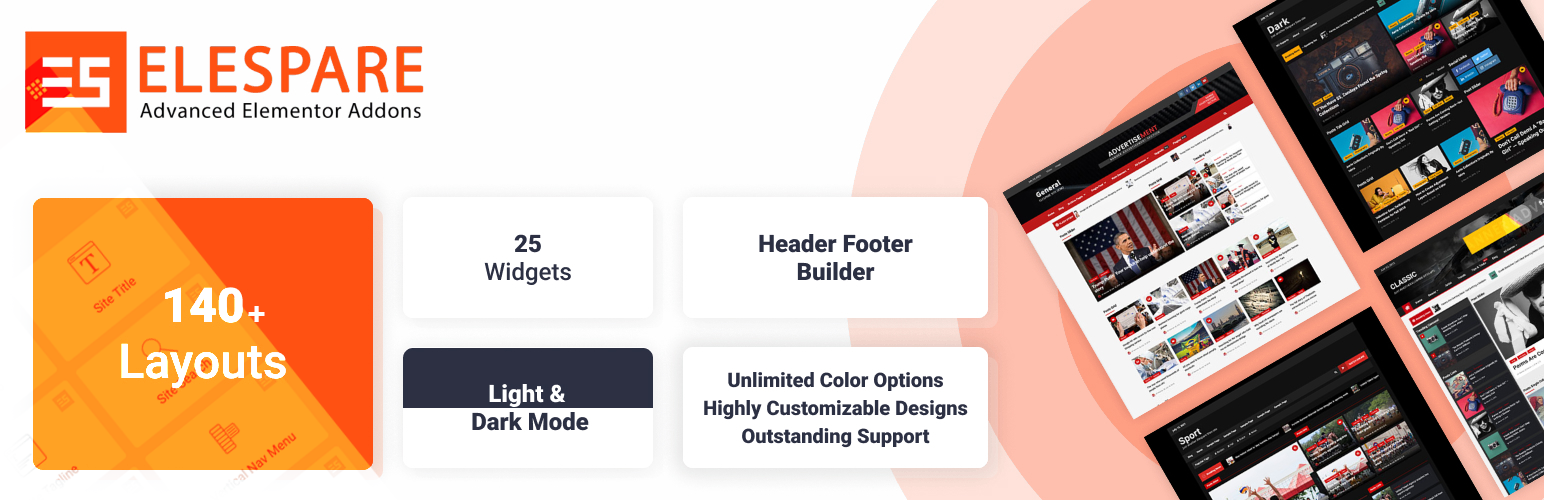
EleSpare provides pre-designed templates, header/footer builders, and various post layouts for creating stunni...

Easy Footnotes lets you quickly and easily add footnotes throughout your WordPress posts using a simple shortc...

WP Delicious is an SEO-optimized and Schema-friendly recipe plugin for food bloggers to create and display unl...

Displays a wealth of useful statistics about your site. Display total number of posts, pages, categories, tags...

Easily move your blog from Blogger to WordPress. Import all your content and setup 301 redirects automatically...