
Backup, restore or migrate your WordPress website to another host or domain. Schedule backups or run manually....
Free
3M+ installs 4.8★ (8,631)
Create a staging WordPress site from production (live site). Ideal for testing updates, version change or re-write. Sync back only the changes.
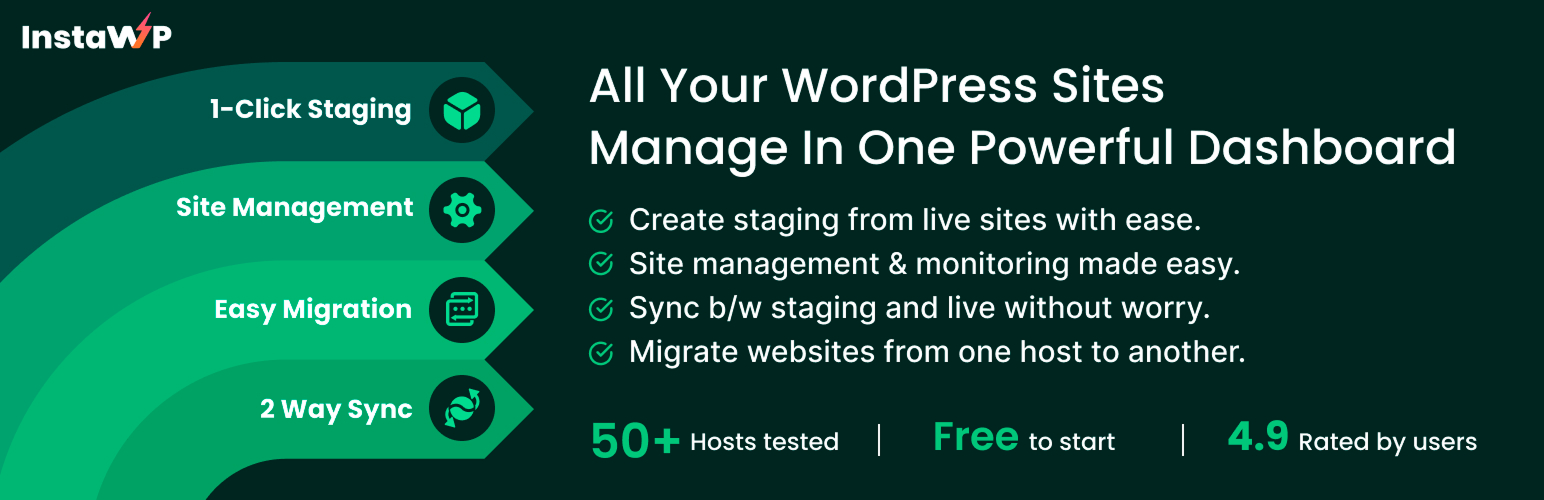
InstaWP Connect is a WordPress plugin designed for staging and migrating WordPress sites efficiently. It serves as a companion tool for InstaWP, allowing you to create staging environments quickly from your WordPress admin panel with just a click. The plugin simplifies the process of testing, developing, and managing your WordPress sites by connecting them to your InstaWP account.
Once activated, you can create quick, custom, or full staging sites without the hassle of manual setup. The plugin supports two-way syncing between staging and production environments, enabling you to push changes back and forth easily. This tool is particularly useful for developers and site managers looking to streamline their workflow and improve site management.
Best for: This plugin suits developers and site managers who need efficient staging and migration solutions for WordPress.
What it does well
Where it falls short
InstaWP Connect offers a straightforward approach to staging and migration for WordPress users. It is particularly beneficial for those already using InstaWP for their development needs.
InstaWP's own description of InstaWP Connect, lightly tidied.
InstaWP Connect is a WordPress staging and migration plugin developed by the InstaWP team. It works as a companion tool for InstaWP – a famous tool for creating WordPress websites to test plugin or theme, product demo creation, client project delivery, and everything that can improve your WordPress workflows.
The aim of this plugin is to speed up your WordPress staging process and complete it in seconds without you putting in any effort.
Once you activate InstaWP Connect, you can click Create Site and connect your site to your InstaWP account. Once it’s connected, you can select to:
One-click, and the staging creation process will begin!
Once the process is complete (it takes a few minutes depending on the site’s size), you will be able to find the staging of your live site in the InstaWP dashboard. Now, it’s possible to test, develop, edit, clone, migrate, or log in to your staging site in seconds.
Using this companion plugin, you can connect your existing WordPress sites anywhere on the internet to your InstaWP. After your site is connected, you can create 1-click staging websites from within the WP admin panel.
InstaWP is an online WordPress development environment to get you started with a new WP site within seconds. It allows you to create WordPress websites for testing, development, and staging in seconds.
You can get a free account here – https://app.instawp.io/onboard.
Other plugins for moving sites.
Backup, restore or migrate your WordPress website to another host or domain. Schedule backups or run manually....

Trusted by 60M+ sites: The gold standard for WordPress migration and backup. Migrate, backup, and restore your...

The best WordPress backup and migration plugin. Quickly and easily backup ,migrate, copy, move, or clone your...

All-in-one WordPress backup, migration and staging plugin — schedule automatic backups, restore in one click,...
Effortlessly migrate, clone, or transfer your WordPress site to over 5,000 web hosts with Migrate Guru, truste...

WordPress backup plugin: backups, restore & migration in minutes. Clone or duplicate your site, test updat...