
Elementor addon offering 120+ widgets and templates — Elementor Gallery, Slider, Form, Post Grid, Menu, Accord...
Free
1M+ installs 4.9★ (4,111)
Let's create virtual tours for your site that empowers your visitors and clients!!! Build a live tour in just a few steps.
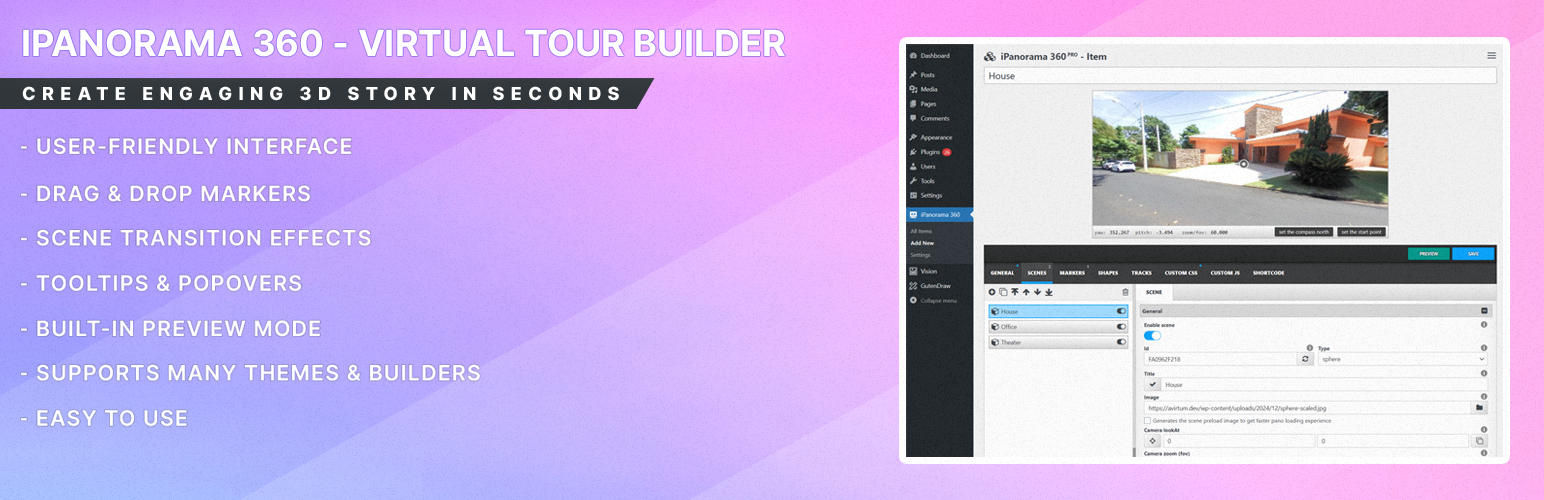
iPanorama 360 is a WordPress plugin designed for creating virtual tours using 360-degree panoramic images. You can build interactive tours directly within the WordPress admin interface, adding markers for navigation and information. The plugin supports both the classic shortcode and Gutenberg Block Editor for easy embedding of tours into posts and pages.
This plugin is suitable for users looking to create virtual tours for various applications, such as travel and art galleries. It provides features like scene transitions, tooltips, and a preview mode to enhance the user experience when designing tours.
Best for: This plugin is best for travel operators, galleries, or anyone needing to create virtual tours.
What it does well
Where it falls short
iPanorama 360 offers a straightforward solution for building virtual tours within WordPress. It is a practical tool for those looking to enhance their sites with interactive content.
Avirtum's own description of iPanorama 360, lightly tidied.
iPanorama 360 is the WordPress plugin out there that lets you create excellent virtual tours for clients from directly inside the WordPress admin in seconds. The plugin supports markers for providing information about any part of the scene or for navigation to other rooms/areas. With a well-builded tooltip system, you can enrich a scene with text, images, video, and other online media resources. Use this plugin to create interactive & virtual tours, maps, presentations.
Just upload 360 panoramic images, and this plugin will help you to transform them into a good realistic virtual tour.
iPanorama 360 supports the classic shortcode, plus it’s fully compatible with Gutenberg Block Editor and has iFrame embed feature that help to share your tour on a third-party web resources.
This plugin has all features that are needed for your deployed a good virtual tour without any problem.
Powerful Builder Interface To Create Virtual Tours Easily
iPanorama 360 has a modern web interface, created to help you build an interactive virtual tour quick and easy.
Just imagine, you can create your first virtual tour in seconds!!!
The plugin supports the preview mode, it will help you to see all your changes before the publish. Isn’t that a good feature?)
Create A Realistic Tour From Scene to Another
You can create several scenes from 360 degree images and connect them using markers. The user can click on a marker to go previous or next scene. The walking to another scene can be styled by using a special transition effects (fade, zoom, twist and etc). Plus you can set tooltips & popovers for markers on each scene to show additional information to a viewer.
Shortcode Support
Inside the classic editor you can simply embed a virtual tour using this [ipano id=”123″] shortcode. Just set your virtual tour ID and your tour is ready to publish.
Gutenberg Block Support
Inside the Gutenberg block editor you can find the iPanorama 360 block, see the common section. This block is used to embed your virtual tour quckly on a page or post. Select a virtual tour ID from the list, set width & height if it’s needed and the tour is ready to go.
IFrame Embed Feature Support
Other plugins for extending a page builder.
Elementor addon offering 120+ widgets and templates — Elementor Gallery, Slider, Form, Post Grid, Menu, Accord...

Join millions who empower their websites with ElementsKit Elementor Addons. Get templates, & 100+ widgets...

Elementor addons with 18+ free widgets, Header & Footer Builder, WooCommerce widgets & templates. Trus...

Elementor Carousel, Mega Menu, Posts List/Slider, WooCommerce Widgets, Display Conditions, AI Abilities, Prema...

Elementor templates, Header footer builder, Elementor Post Grid, Woocommerce Grid builder, Slider, Forms, Gall...

Disable Gutenberg Block Editor and restore the Classic Editor and original Edit Post screen (TinyMCE, meta box...