
Elementor addon offering 120+ widgets and templates — Elementor Gallery, Slider, Form, Post Grid, Menu, Accord...
Free
1M+ installs 4.9★ (4,111)
The best Table of Contents plugin for WordPress. Auto or manual insert, Gutenberg Block, beautiful themes, onboarding wizard, and deep customization.
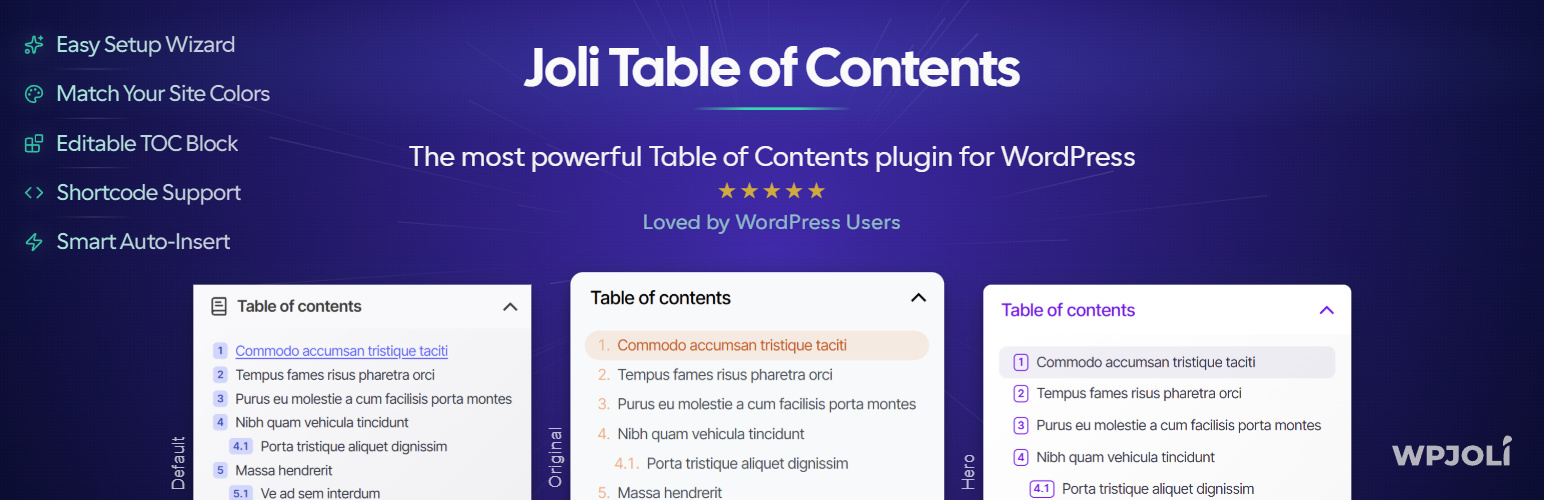
Joli Table Of Contents is a WordPress plugin designed to create customizable tables of contents for your posts. It includes features such as an onboarding wizard for easy setup, smart heading detection, and a Gutenberg block for inline editing. This plugin is suitable for both beginners and advanced users who need a flexible TOC solution.
The plugin allows you to insert a table of contents using auto-insert, a Gutenberg block, or shortcodes. It focuses on performance and offers customization options through a color palette system, making it easy to adapt the appearance of the TOC to your site’s design.
Best for: This plugin suits WordPress users looking for a customizable table of contents solution.
What it does well
Where it falls short
Joli Table Of Contents offers a solid option for creating and managing tables of contents in WordPress, particularly appealing to both novices and experienced users.
WPJoli's own description of Joli Table Of Contents, lightly tidied.
Joli Table Of Contents is the most customizable and performance-focused table of contents plugin for WordPress. It works out of the box for beginners — thanks to a built-in Onboarding Wizard — and offers deep control for advanced users and developers.
Easily insert a table of contents into all your posts with either the Auto-insert, the Gutenberg Block, or the Shortcode.
After activation, a step-by-step setup wizard walks you through the most important settings — no configuration headaches, no reading documentation. You’ll have a working, good-looking TOC in minutes.
The new Color Palette makes customization effortless. Set just the Accent color and it automatically propagates across your entire TOC — that’s 90% of the visual work done in a single click. Fine-tune everything else at your own pace.
Joli Table Of Contents accurately detects headings from third-party shortcodes and blocks that don’t appear directly in the editor but are rendered on the front end. Since v3, you can now choose between Content scope (default — prevents unwanted headings from appearing) and Extended scope for advanced use cases.
Use the dedicated Gutenberg Block to insert a table of contents anywhere in your post. The block lets you hide or edit specific headings inline — no settings page needed.
No jQuery dependency. Minified CSS and JavaScript. Conditional style loading based on active settings — only the code you need is loaded. Built for fast websites.
Already using Easy Table of Contents, LuckyWP Table of Contents, or another plugin? You can switch to Joli TOC without updating a single shortcode across your posts.
Other plugins for extending a page builder.
Elementor addon offering 120+ widgets and templates — Elementor Gallery, Slider, Form, Post Grid, Menu, Accord...

Join millions who empower their websites with ElementsKit Elementor Addons. Get templates, & 100+ widgets...

Elementor addons with 18+ free widgets, Header & Footer Builder, WooCommerce widgets & templates. Trus...

Elementor Carousel, Mega Menu, Posts List/Slider, WooCommerce Widgets, Display Conditions, AI Abilities, Prema...

Elementor templates, Header footer builder, Elementor Post Grid, Woocommerce Grid builder, Slider, Forms, Gall...

Disable Gutenberg Block Editor and restore the Classic Editor and original Edit Post screen (TinyMCE, meta box...