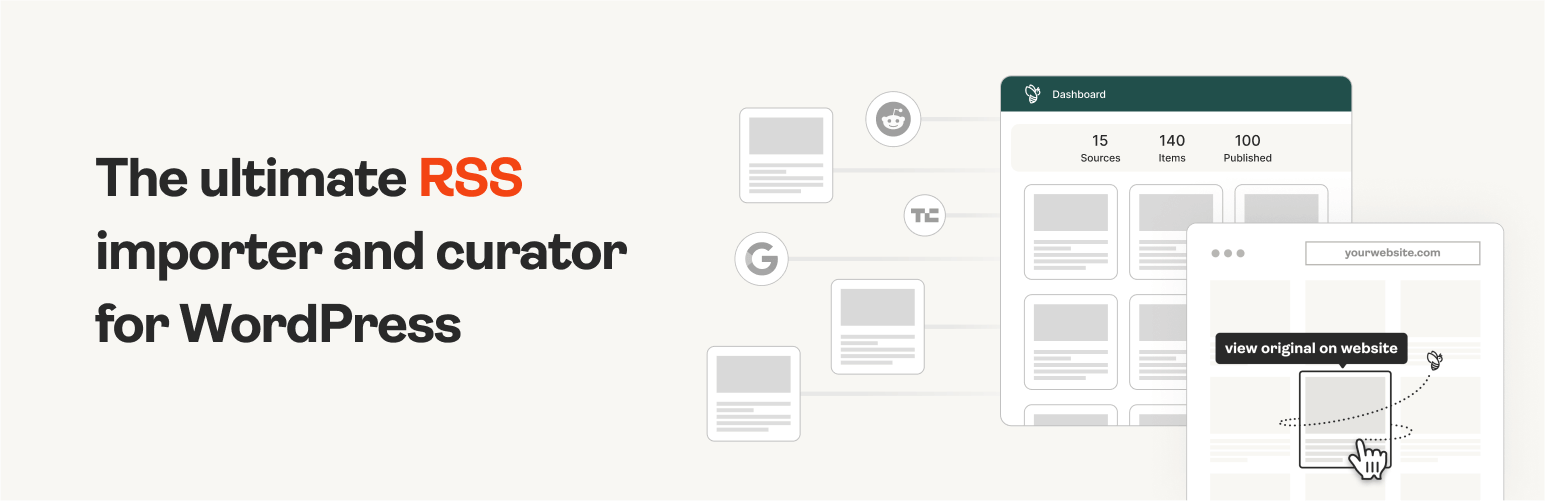
The #1 WordPress RSS aggregator to quickly import RSS feeds, build a news aggregator, and for easy autobloggin...
Free
40k+ installs 4.5★ (562)
Get last X number of posts from a selected RSS feed. Default is last 5 items. Includes shortcode for listing feed items on posts or pages.

JP's Get RSS Feed is a WordPress plugin that allows you to display RSS feed items on your site. You can show these items on posts, pages, sidebars, or footers, using shortcodes or PHP functions. The plugin supports various customisation options, such as displaying item descriptions and featured images from the feeds.
This plugin is suitable for users who want to aggregate content from different RSS feeds, such as blogs or social media. It is particularly useful for those looking to enhance their site's content with external information while maintaining control over the display settings.
Best for: This plugin suits website owners looking to integrate and display content from various RSS feeds.
What it does well
Where it falls short
JP's Get RSS Feed provides a straightforward way to incorporate RSS feeds into your site, but its age may raise concerns about compatibility and support.
jp2112's own description of JP's Get RSS Feed, lightly tidied.
Notice: Version 1.3.1 introduced admin menus for plugin settings. There is also a new way to pass parameters to the shortcode and PHP function. You should check all shortcodes and plugin function calls before and after upgrading, to confirm compatibility with this version.
If this plugin breaks your site or just flat out does not work, please go to Compatibility and click “Broken” after verifying your WordPress version and the version of the plugin you are using.
Then, create a thread in the Support forum with a description of the issue. Make sure you are using the latest version of WordPress and the plugin before reporting issues, to be sure that the issue is with the current version and not with an older version where the issue may have already been fixed.
Please do not use the Reviews section to report issues or request new features.
This plugin uses WordPress’ ability to return feeds, to get the last X number of items from any RSS feed. Display the last few items from any RSS feed of your choice. For example, your Twitter feed, or another blog or forum that outputs a RSS feed. Any RSS feed can be grabbed. Call it in your footer to list your last few tweets, or your sidebar to showcase content from another one of your blogs.
Uses fetch_feed, which was introduced in WordPress 2.8. Works and tested in WordPress 3.5 and above. By default, feeds are cached for 12 hours. You can choose a shorter (or longer) cache time.
Feed items are wrapped in a div tag, with class “jpgetrssfeed” so you can style the output in your CSS file. The items list is surrounded by <ul></ul> tags, with each feed item listed in a <li></li> tag. However, you can specify a new CSS class to style output differently for different feeds.
You can output the feed item description along with each feed item link.
A button is added to the post editor toolbar so you can insert the shortcode in your posts or pages.
With help from:
https://codex.wordpress.org/Function_Reference/fetch_feed
To display a feed on any post or page, use this shortcode:
[jp-rss-feed]
Other plugins for aggregating content.
The #1 WordPress RSS aggregator to quickly import RSS feeds, build a news aggregator, and for easy autobloggin...
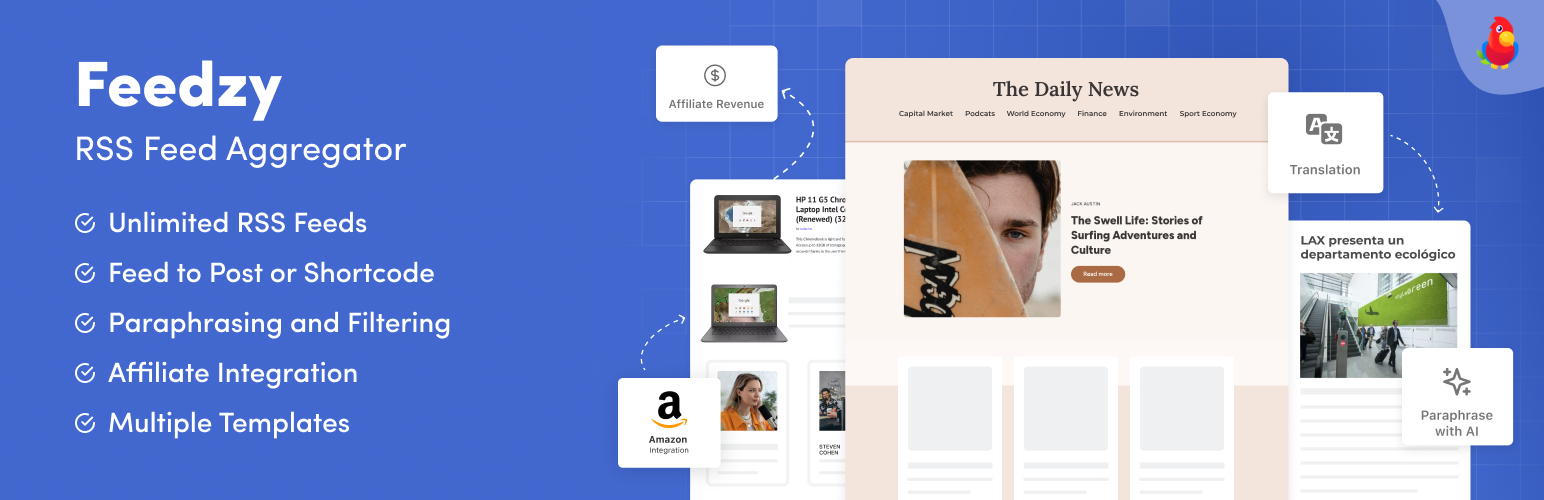
The most powerful WordPress RSS aggregator, helping you curate content, autoblog, import RSS & display unl...

Ditty offers a range of content display options, including its signature news ticker and customizable layouts.

Podcasting the way it's meant to be. No mess, no fuss - just you and your content taking over the world.

GN Publisher makes RSS feeds that comply with the Google News RSS Feed Technical Requirements for including yo...

Hide posts or WooCommerce products from the homepage, archives, search, RSS, REST API, sitemaps and SEO tools...