
WP-Optimize
95Get caching and more with this powerful cache plugin. Cache, optimize images, clean your database and minify f...
Free
1M+ installs 4.8★ (2,606)
Insert icons anywhere in your content — inline in text, headings, buttons, or as a standalone block.
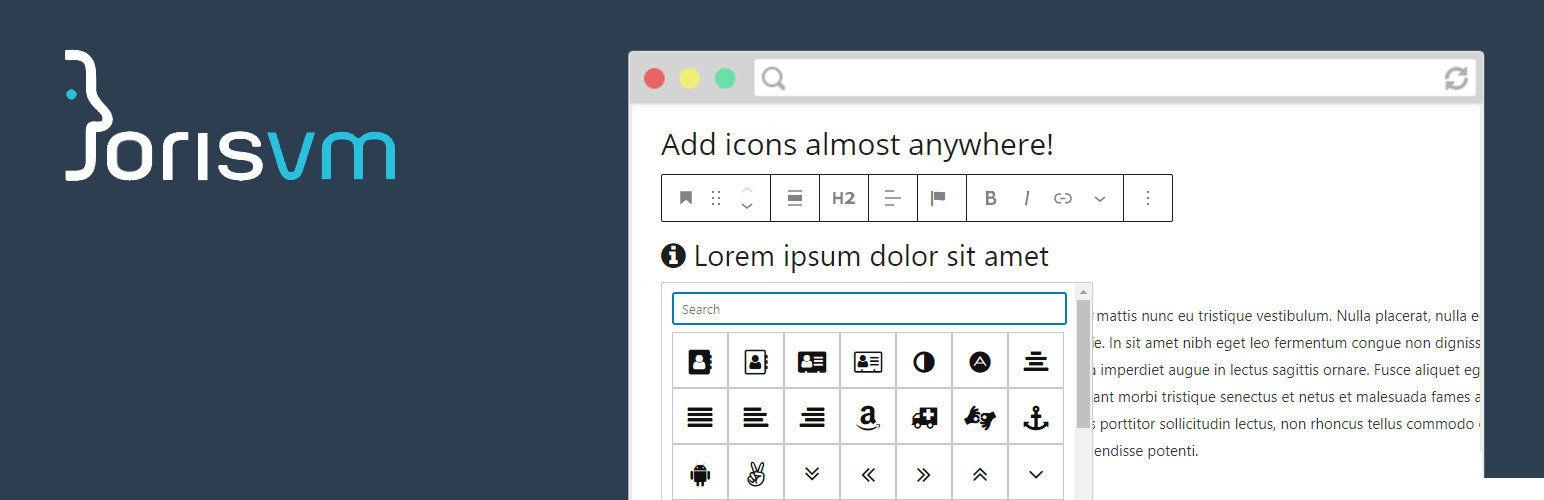
JVM Rich Text Icons is a WordPress plugin that allows you to add icons to any rich text field in the block editor. You can insert icons inline in various elements such as paragraphs, headings, and buttons, or use a dedicated single icon block. The plugin includes an icon picker for easy selection and supports both Font Awesome and custom SVG icons for better performance.
This plugin is suitable for developers and users looking to enhance their content with icons while maintaining page speed. It offers features like inline SVG rendering, which reduces the need for external requests and improves loading times, making it a practical choice for those focused on performance.
Best for: This plugin suits developers and content creators looking to add icons to their WordPress sites efficiently.
What it does well
Where it falls short
JVM Rich Text Icons provides useful features for adding icons in the block editor, particularly for those prioritising performance. It is a solid choice for enhancing content visually.
Joris van Montfort's own description of JVM Rich Text Icons, lightly tidied.
Add icons to any rich text field in the WordPress block editor. Insert icons inline in paragraphs, headings, lists, buttons, or use the dedicated single icon block.
Pick an icon from the toolbar while editing any rich text field. The plugin inserts a small HTML tag that gets styled by the chosen icon set.
When you use a custom SVG icon set, the plugin defaults to inline SVG rendering. This is a great choice for performance! Google PageSpeed Insights will thank you.
Alternative render technologies (CSS masks, ::before / ::after pseudo-elements) are also available for custom SVG icons if your use case requires it.
The plugin provides several filter hooks to customize its behavior. You can load your own icon set, CSS file, or change the icon class prefix.
Load a custom icon set file
add_filter( 'jvm_richtext_icons_iconset_file', function($file) {
    return get_stylesheet_directory() . '/path_to_my/icons.json';
});
Load a custom CSS file
add_filter( 'jvm_richtext_icons_css_file', function($cssfile) {
    return get_stylesheet_directory_uri() . '/path_to_my/cssfile.css';
});
Other plugins for making sites fast.
Get caching and more with this powerful cache plugin. Cache, optimize images, clean your database and minify f...

All-in-one unbeatable acceleration & PageSpeed improvement: caching, image/CSS/JS optimization...

Comprehensive image optimization with WebP, AVIF, Lazy Load, and more. Optimize images automatically for Faste...

Easy to use Under Construction Page & Coming Soon Page. Enable Under Construction Mode in seconds & sh...

Compress and optimize images, enable lazy load, serve WebP & AVIF, and speed up your site with a global im...

Speed up your website by using our WebP & AVIF Converter. Optimize images and serve WebP and AVIF images i...