
Comprehensive image optimization with WebP, AVIF, Lazy Load, and more. Optimize images automatically for Faste...
Free
1M+ installs 4.8★ (1,838)
Enable safer SVG and WebP uploads and set rules for file types, sizes, dimensions, filenames, and duplicates in the WordPress Media Library.

Kodlo Media Manager is a WordPress plugin that helps you manage media uploads by defining clear rules for file formats, sizes, dimensions, and naming conventions. It integrates with the WordPress Media Library, allowing you to enforce these rules directly within the native settings interface.
This plugin is suitable for users who want to maintain consistent upload standards and control various media formats, including SVG and WebP, without needing additional plugins or code modifications. It also provides validation for uploads on the server side, ensuring that files meet the specified criteria before being accepted.
Best for: This plugin is best suited for WordPress users who need to manage media uploads with specific rules and standards.
What it does well
Where it falls short
Kodlo Media Manager offers a structured approach to media uploads, ensuring consistency and control for WordPress users. It may be particularly useful for those working with various file formats.
Kodlo's own description of Kodlo Media Manager, lightly tidied.
Turn your Media Library requirements into clear, consistent upload rules.
Kodlo Media Manager adds a focused rules builder to Settings -> Media. Define which formats WordPress may accept, where each format is allowed, how large an upload may be, which image dimensions are acceptable, and how filenames should be formatted.
The plugin validates uploads on the server and provides early feedback in the standard WordPress media uploader. It uses native WordPress, PHP, and browser APIs and includes no third-party libraries or external services.
.svg uploads with an internal allowlist before WordPress stores them.On a fresh installation, Kodlo Media Manager automatically configures SVG and WebP uploads for the standard WordPress Media Library. No code snippet, manual MIME filter, or separate SVG upload plugin is required.
SVG files are sanitized locally on the server before WordPress stores them. The plugin removes unsupported or potentially active content, rejects external references and malformed SVG documents, and accepts only the canonical .svg extension and image/svg+xml MIME type.
WebP files can be uploaded and used through the normal WordPress media workflow while the plugin enforces the configured MIME type, file size, image dimensions, filename, and duplicate rules.
Each rule combines a file extension and MIME type with one of three policies:
WordPress uses several upload flows beyond the Media Library. Importers, plugin and theme installers, custom frontend forms, and third-party tools may upload files through different WordPress endpoints. The separate policies let you allow a format only where it is needed instead of enabling it for every upload flow on the site.
Allowed (Media Library Only) is the recommended choice for content files such as SVG, WebP, AVIF, PDF, and regular images. It includes uploads made through the standard Media Library modal used by WordPress editors and normal Elementor image controls. Selecting or reusing a file that is already in the Media Library is not restricted by these upload policies.
Use Allowed (Globally) only when the format must also work outside the standard Media Library, such as through an importer, a custom upload form, or a third-party tool with its own upload endpoint. Some specialized Elementor features or add-ons may use such custom endpoints even though normal Elementor image selection uses the WordPress Media Library.
An administrator can also set a per-format maximum file size and, for raster images, maximum width and height. Dangerous executable and active-content formats remain unavailable even if they are submitted through malformed settings data.
Other plugins for optimising images.
Comprehensive image optimization with WebP, AVIF, Lazy Load, and more. Optimize images automatically for Faste...

Compress and optimize images, enable lazy load, serve WebP & AVIF, and speed up your site with a global im...

Speed up your website by using our WebP & AVIF Converter. Optimize images and serve WebP and AVIF images i...

Duplicate post, post order, image resize, email via SMTP, admin menu editor, custom css / code, disable gutenb...
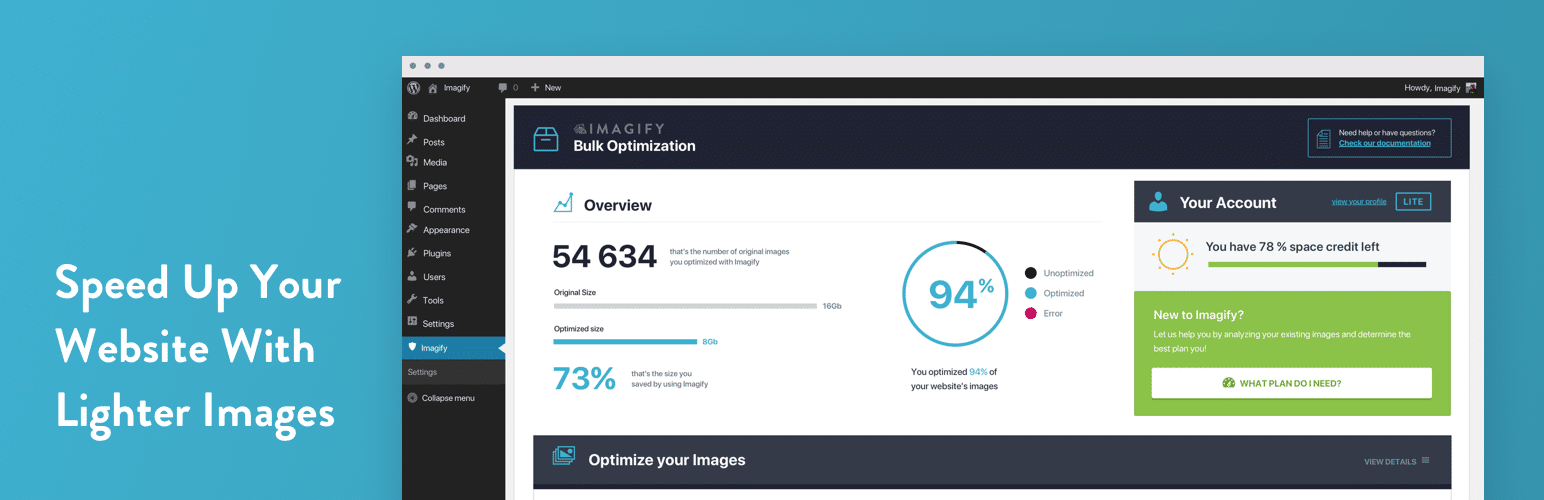
Image optimization in 1‑click: compress, resize & convert to WebP/AVIF – free up to 20MB/month. Enjoy the...

SpeedyCache is a WordPress cache plugin that helps you improve performance of your WordPress site by caching,...