Layout Grid Block
A Gutenberg container block to let you align items consistently across a global grid.
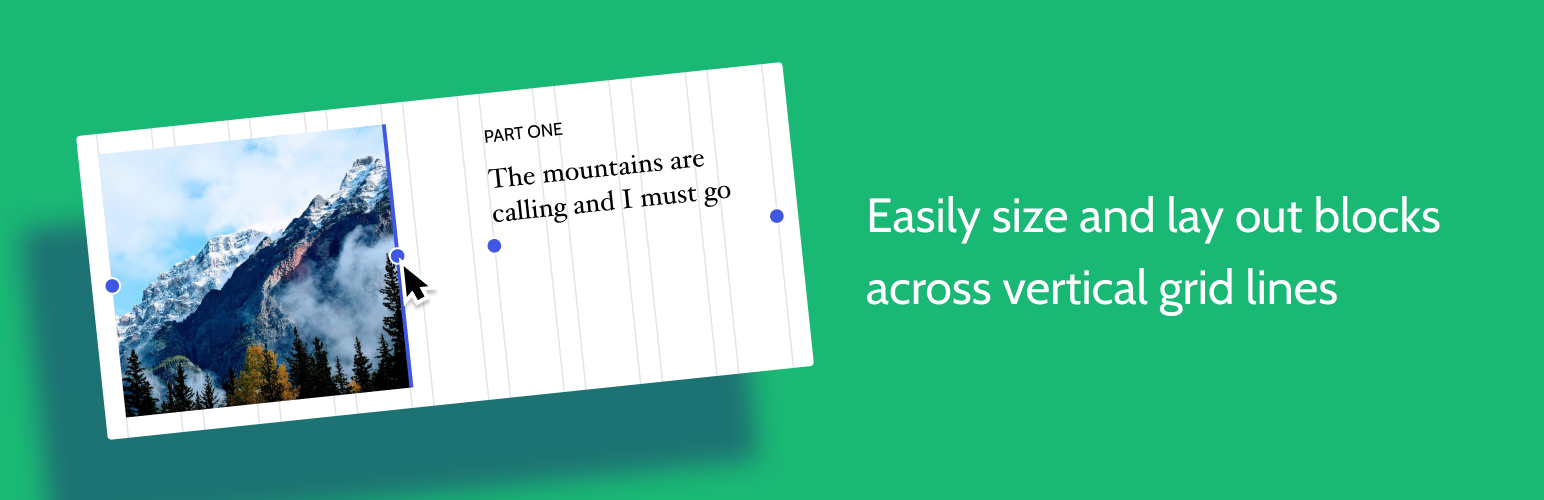
The facts
- Rating
- 4.7★ from 13
- Active installs
- 200k+
- Price
- Free
- Last updated
- 11 Jul 2023
- Added
- Nov 2019
- Requires WP
- 5.8
- Tested up to
- WP 6.2.11
- Downloads
- 200,433
Our analysis
AI-assistedThe Layout Grid Block is a WordPress plugin that allows you to create column-based layouts with customizable column widths and positions. It enables you to align content to a global layout grid across your posts and provides options for specific layouts tailored to mobile or tablet devices.
You can choose between one to four columns and adjust their sizes and positions for different screen sizes. The plugin also allows you to apply background colours and paddings for added emphasis, making it suitable for users looking to enhance their content layout.
Best for: This plugin is suitable for WordPress users who want to create visually appealing layouts for their content.
What it does well
- ✓Create customizable column-based layouts
- ✓Align content to a global layout grid
- ✓Options for mobile and tablet breakpoints
- ✓Supports 1-4 columns with adjustable sizes
- ✓Background colours and paddings can be applied
Where it falls short
- •Limited to a maximum of four columns
- •No advanced layout options mentioned
Verdict
The Layout Grid Block offers a straightforward way to manage content layouts in WordPress. It is useful for those looking to enhance their posts with a grid-based design.
From the developer
Automattic's own description of Layout Grid Block, lightly tidied.
Want to create a column-based layout with easily customizable column-width and positions? Or perhaps you want to align your content to a global layout grid across your post. With this Layout Grid block you can do both or either. There are also options to provide specific layouts to mobile or tablet breakpoints. Pick a number of columns (1-4), then go ahead and resize and position each column as you want them to look, for any screen. Optionally apply background colours and paddings to add emphasis.
Source and Support
You can follow development, file an issue, suggest features, and view the source at the Github repo: https://github.com/automattic/block-experiments