
TablePress
96Embed beautiful, accessible, and interactive tables into your WordPress website’s posts and pages, without hav...
Free
600k+ installs 5★ (4,625)
Active Directory Integration/LDAP Integration enables login & sync in WordPress with Active Directory/LDAP Directory credentials, 24/7 ACTIVE SUPPORT
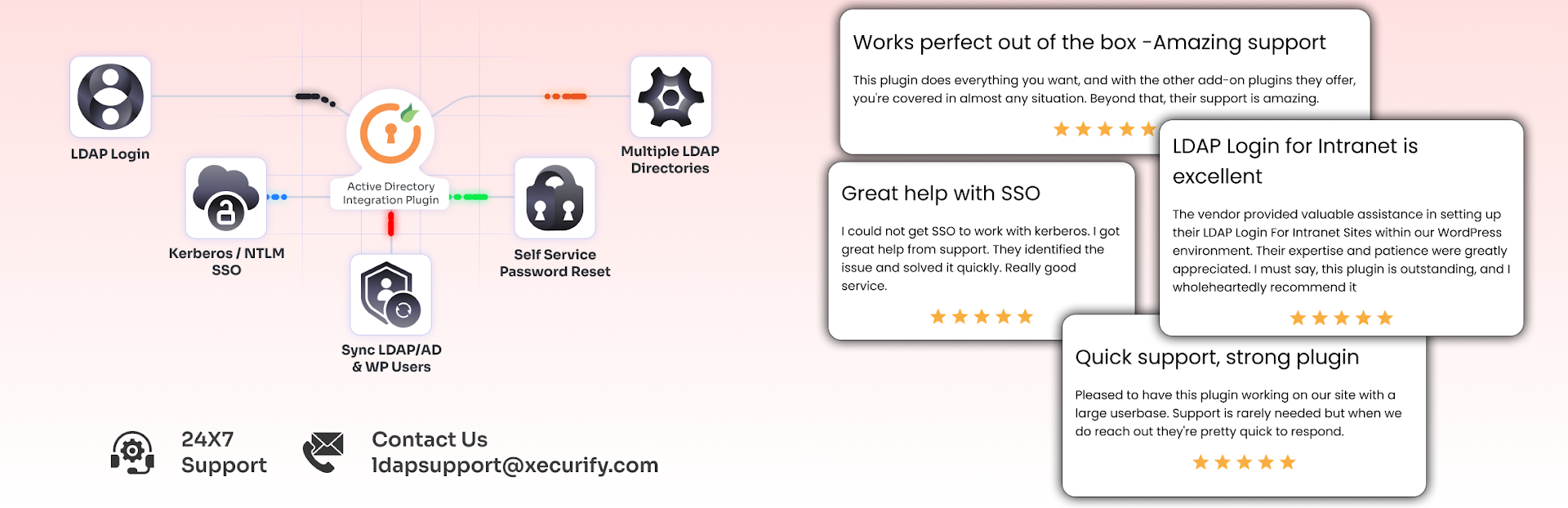
Active Directory Integration / LDAP Integration is a WordPress plugin that allows users to log in using their LDAP or Active Directory credentials. It maps attributes from LDAP and Active Directory to WordPress user fields, syncs profiles upon login, and assigns roles based on directory groups or organisational units (OUs).
This plugin is suitable for organisations that use LDAP or Active Directory for user management and want to centralise authentication for their WordPress sites. It supports various directory types, including Microsoft Active Directory and OpenLDAP, and provides features like logging authentication failures for security review.
Best for: This plugin is best for organisations using LDAP or Active Directory for user authentication.
What it does well
Where it falls short
Active Directory Integration / LDAP Integration provides a straightforward solution for centralised authentication in WordPress. It is particularly useful for businesses that rely on directory services for user management.
miniOrange's own description of Active Directory Integration / LDAP Integration, lightly tidied.
Features | Setup Guide | Documentation | Integrations | Contact Us
Active Directory Integration / LDAP Integration Login for Intranet Sites plugin lets users sign in to WordPress using their LDAP or Active Directory credentials. It maps LDAP and Active Directory attributes to WordPress user fields, syncs profiles on login, and assigns roles based on directory groups or OUs.
This plugin supports:
OpenDS and other LDAP directories.
You can fetch LDAP OUs, map LDAP attributes, test LDAP and Active Directory authentication, and review LDAP authentication reports for failed login attempts.
How the Plugin Works:
When a user enters their details on the WordPress login page, the plugin sends an LDAP or Active Directory authentication request to your directory server. If the LDAP or AD credentials match, the user is logged in, and a WordPress account is created or updated.
During LDAP or Active Directory login, the plugin can:
You can enable LDAP secure connection (LDAPS) or Kerberos / NTLM for passwordless AD login on domain-joined machines. LDAP filters, multiple LDAP search bases, and backup LDAP servers can be configured when needed. LDAP authentication failures are logged for security review.
This ensures WordPress uses your LDAP or Active Directory server as the main source of truth for identity and login.
Plugin
LDAP/Active Directory Login for Intranet Sites Plugin
LDAP/Active Directory login for Intranet Sites Premium Plugin
LDAP/Active Directory login for Intranet Sites Premium Plugin for Multisite
LDAP/Active Directory login for Cloud/Shared Hosting Plugin
Add Ons
Kerberos Single Sign On (SSO)
Sync User LDAP Directory
Profile Picture Sync for WordPress and BuddyPress
Search Staff/Employee from LDAP Active Directory
Password Sync with LDAP Server
Get a quick overview of our product
Features of the AD Integration/ LDAP Integration Login for Intranet Sites Plugin
Other plugins for directory sites.
Embed beautiful, accessible, and interactive tables into your WordPress website’s posts and pages, without hav...

Best WordPress file manager without FTP access. Edit code with built-in editor, upload files, download plugins...

Powerful user profile plugin to create front-end user registration forms, login & user profile forms. Incl...

Membership & community plugin with user profiles, registration & login, member directories, content re...

Simple plugin to scan "uploads" directory and bring those files into Media Library.

Create modern careers page, list jobs, and manage applications directly from your WordPress dashboard.