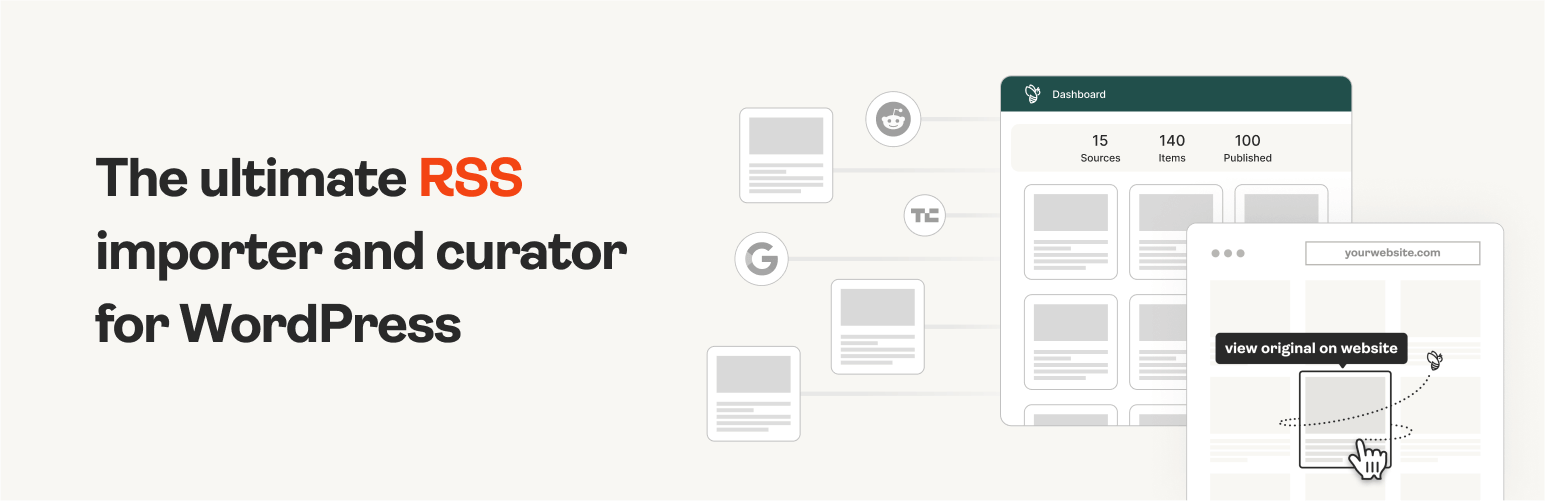
The #1 WordPress RSS aggregator to quickly import RSS feeds, build a news aggregator, and for easy autobloggin...
Free
40k+ installs 4.5★ (562)
Create bookshelves that link to your library catalog. Use shortcodes to display book covers in carousels.

The Library Bookshelves plugin allows you to create virtual bookshelves on your WordPress site, displaying curated collections of books in a carousel format. It retrieves cover images and links from various library catalog systems and third-party CDNs, making it suitable for libraries or individuals looking to showcase their book collections online.
You can populate the bookshelves using different APIs and RSS feeds, and configure settings to link to your specific catalog. The plugin is designed for users who want to enhance their library's online presence with customizable and interactive book displays.
Best for: This plugin is best for libraries or individuals who want to display curated book collections on their WordPress site.
What it does well
Where it falls short
Library Bookshelves offers a practical solution for showcasing books online, but may require some technical setup and understanding of library catalog systems.
photonicgnostic's own description of Library Bookshelves, lightly tidied.
The Library Bookshelves plugin allows you to curate virtual bookshelves just like you would a shelf around a theme in your library. Bookshelves are displayed as customizable Slick carousels, using cover art from and links to your library catalog. The plugin creates a Bookshelves post type, shortcode, and custom taxonomy.
This plugin currently supports these catalog system OPACs:
– Alexandria
– Aspen
– Atriuum
– BiblioCommons
– Bibliotheca cloudLibrary
– Calibre and COPS
– Civica Spydus
– DB/Textworks
– EBSCOHost Discovery Service
– Evergreen
– Ex Libris Primo
– Hoopla
– III Encore, WebPAC PRO, Polaris, Vega
– Insignia
– Koha
– Marmot Pika
– OPAC SBN
– OpenLibrary.org
– Overdrive
– SirsiDynix Enterprise and Horizon
– Surpass Cloud
– TLC
– WorldCat
It supports retrieval of images from these third-party CDNs:
– Amazon
– ChiliFresh
– Baker & Taylor
– EBSCO
– OpenLibrary.org
– Syndetics
– TLC
Bookshelves can be populated using:
– Aspen API
– BiblioCommons RSS feeds
– Calibre OPDS (and HTML) PHP Server API
– Evergreen SuperCat feeds
– JSON data from any web address
– Koha Reports Web Service
– Koha RSS feeds
– New York Times Books API
– OpenLibrary API
– Pika API
– Sierra API
– SirsiDynix RSS feeds
– SirsiDynix Symphony Web Service
– TLC LS2 PAC API
You can set the plugin to use catalogs or image servers not specifially listed in the plugin settings. Select ‘Other’ catalog system or image server on the Catalog Settings tab, paste a URL from your catalog or server, and replace the item identifier with {ID}. If you think your catalog should be listed as a choice in the settings let us know on the support forum.
You may need to whitelist your web server IP in your ILS in order for this plugin to access APIs. When using an API you can set a Bookshelf to update items on a regular schedule using the WordPress cron system.
Originally developed by and for staff at the Guilderland Public Library.
Thanks to Gregory Testa of Chesapeake Public Library and Josh Stompro of Lake Agassiz Regional Library for feature suggestions and code contributions. Thanks to Emric Taylor for the admin menu icon.
Create a new Bookshelf using ISBNs or UPCs from items in your catalog. You can input items manually, from an exported list, or from a web service API. Paste the Bookshelf shortcode into a post, page, or widget area. You can add location tags to your Bookshelves to keep them organized and remember where you have them displayed on your site.
You can make a Bookshelf that links to an ebook catalog while having other Bookshelves link to your main catalog. To do this, enter your ebook catalog URL(s) in addition to your main catalog URL in the plugin settings. Create a new Bookshelf and choose an option in the eBook Catalog box.
Captions can be displayed below the item images or overlaid on hover. See the new options in Bookshelves > Settings > Slider Settings. There are customizable options for captions on the Customize CSS tab.
EBSCOHost users must enter Accession Numbers, and Calibre/COPS users must enter book ID numbers instead of ISBNs or UPCs.
Other plugins for aggregating content.
The #1 WordPress RSS aggregator to quickly import RSS feeds, build a news aggregator, and for easy autobloggin...
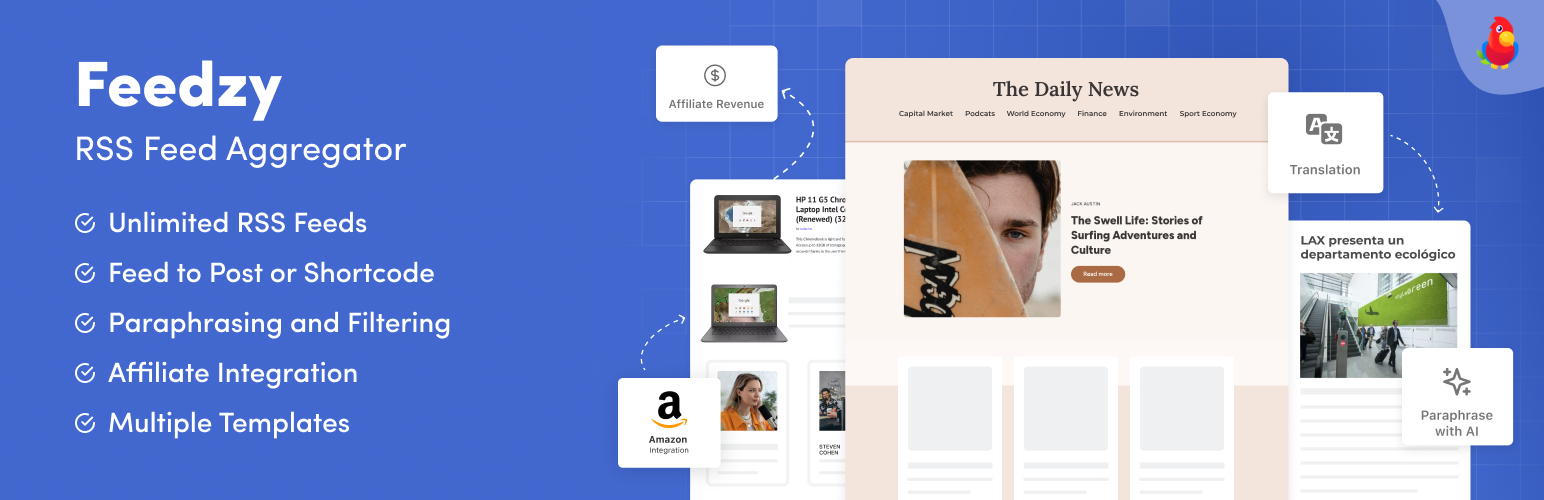
The most powerful WordPress RSS aggregator, helping you curate content, autoblog, import RSS & display unl...

Ditty offers a range of content display options, including its signature news ticker and customizable layouts.

Podcasting the way it's meant to be. No mess, no fuss - just you and your content taking over the world.

GN Publisher makes RSS feeds that comply with the Google News RSS Feed Technical Requirements for including yo...

Hide posts or WooCommerce products from the homepage, archives, search, RSS, REST API, sitemaps and SEO tools...