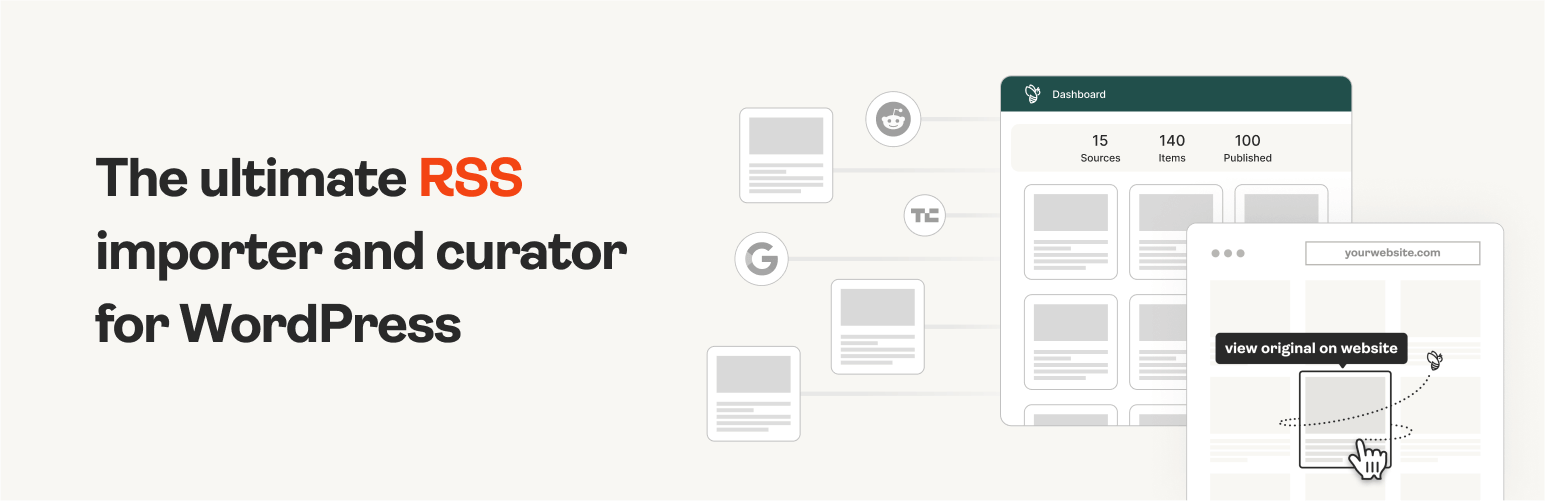
The #1 WordPress RSS aggregator to quickly import RSS feeds, build a news aggregator, and for easy autobloggin...
Free
40k+ installs 4.5★ (562)
Optimize and modify your website's parameters
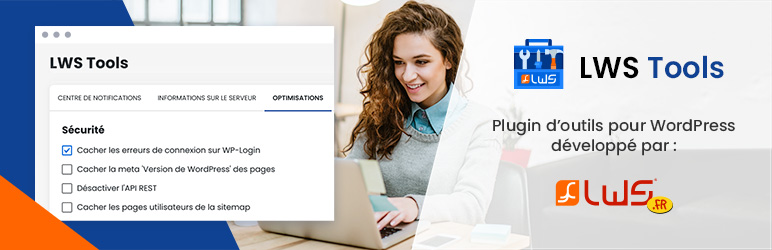
LWS Tools is a WordPress plugin designed to provide various optimisation and security tools for your website. It allows you to manage options such as deactivating emoticons, hiding sensitive information, and modifying REST API settings. Additionally, it offers insights into your server and database, helping you to maintain and enhance your site's performance.
This plugin is suitable for WordPress users looking to streamline their website management and improve security. With features for managing updates, server information, and database parameters, it caters to those who want a more hands-on approach to their site's optimisation and security.
Best for: WordPress users seeking to optimise their site's performance and security.
What it does well
Where it falls short
LWS Tools provides a range of useful features for managing and securing your WordPress site. It may be particularly beneficial for users who prefer a hands-on approach to website optimisation.
Aurélien LWS's own description of LWS Tools, lightly tidied.
With LWS Tools, get a hold on various tools and options to optimize your website. From deactivating emotes or hiding sensible informations to deactivating REST API!
You can access and change several parameters, get informations on your database and your server and even more.
Meet WPilot, your dedicated AI assistant for WordPress, available exclusively with LWS hosting. WPilot automatically analyzes your site, plugins, and theme to provide personalized advice and guidance. Whether you’re creating, updating, or optimizing your website, WPilot acts as your co-pilot, helping you troubleshoot common issues and make informed decisions about your WordPress site. This intelligent assistant understands your specific setup and offers tailored recommendations to enhance your website’s performance and functionality.
Find an improved notification center allowing you to see at a glance what to update, what to delete, correct or adjust.
View all the characteristics of the server on which your WordPress website is hosted:
Delete, reduce elements that are not useful to you. Or add minor features. Here are the features you can enable as you wish:
Here are some functions that you can activate. These have a positive impact on the security of your site:
Other plugins for aggregating content.
The #1 WordPress RSS aggregator to quickly import RSS feeds, build a news aggregator, and for easy autobloggin...
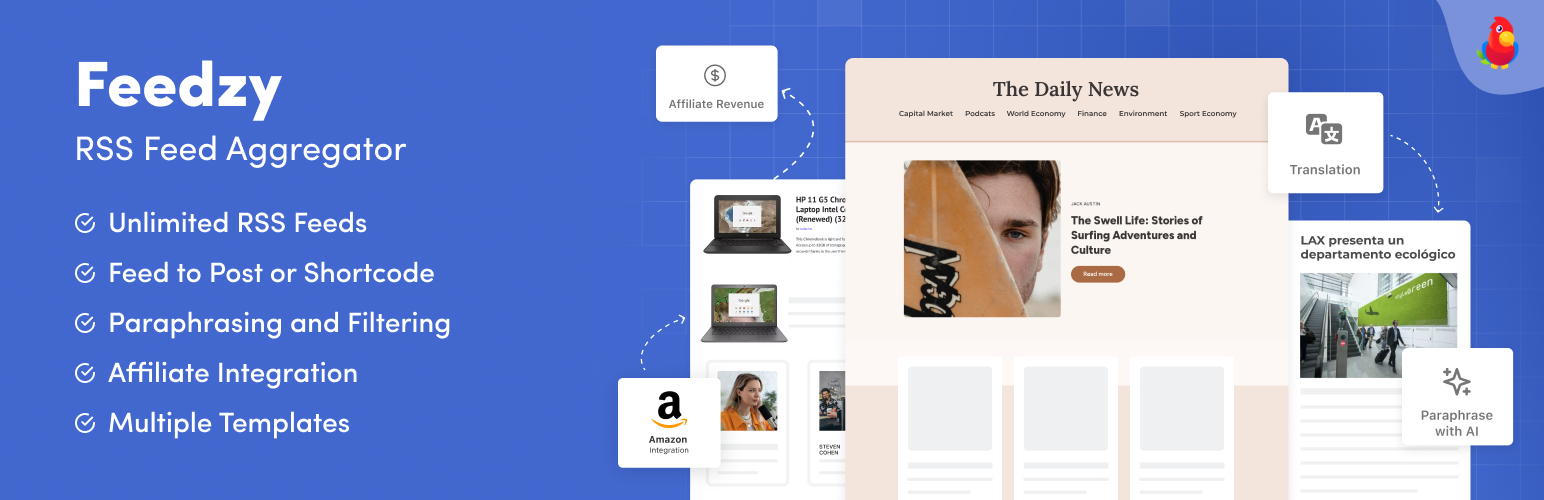
The most powerful WordPress RSS aggregator, helping you curate content, autoblog, import RSS & display unl...

Ditty offers a range of content display options, including its signature news ticker and customizable layouts.

Podcasting the way it's meant to be. No mess, no fuss - just you and your content taking over the world.

GN Publisher makes RSS feeds that comply with the Google News RSS Feed Technical Requirements for including yo...

Hide posts or WooCommerce products from the homepage, archives, search, RSS, REST API, sitemaps and SEO tools...