
Easy to use Under Construction Page & Coming Soon Page. Enable Under Construction Mode in seconds & sh...
Free
600k+ installs 4.8★ (1,285)
Enable maintenance mode in one click with stunning animations and customizable access for specific users.

Maintenance & Coming Soon Redirect Animation is a WordPress plugin designed for developers, designers, and site administrators. It allows users to preview a site before it goes live or to temporarily hide it during updates, while providing access to logged-in administrators. The plugin includes features for managing access and custom animations during maintenance periods.
The plugin supports whitelisting specific user roles and IP addresses, enabling broader access for clients or teams. Users can choose animations from a library or upload their own, enhancing the engagement of visitors during the maintenance phase. It also provides WP-CLI commands for installation and management.
Best for: This plugin suits developers and site administrators managing maintenance or coming soon pages.
What it does well
Where it falls short
Maintenance & Coming Soon Redirect Animation offers useful features for managing site visibility during updates, particularly for developers and administrators. Its lightweight design and customisation options make it a practical choice for those needing maintenance solutions.
ilyasine's own description of Maintenance & Coming Soon Redirect Animation, lightly tidied.
This super lightweight plugin is intended primarily for developers, designers and site administrators that need to allow clients to preview the site before being available to the public or to temporarily hide it while undergoing major updates.
Any logged-in user with WordPress administrator privileges will be allowed to view the site regardless of the settings in the plugin. The exact privilege can be set using a filter hook – see FAQs.
The behaviour of this can be enabled or disabled at any time without losing any of the settings configured in its settings pane. However, deactivating the plugin is recommended versus having it activated while disabled.
When redirect is enabled, it can send a different header types.
A list of IP addresses can be set up to completely bypass maintenance mode. This option is useful when needing to allow a client’s entire office to access the site while in maintenance mode without needing to maintain individual access keys.
Access keys work by creating a key on the user’s computer that will be checked against when maintenance mode is active. When a new key is created, a link to create the access key cookie will be emailed to the email address provided. Access can then be revoked either by disabling or deleting the key.
Whitelisted User Roles – user roles who see the site, instead of under maintenance page
Whitelisted Users – users who see the site, instead of maintenance page
Animations :
Animation on the web is not only fun, but engaging in such a way that it has converted site visitors into customers even before will be available to the general public and it will make them eagerly await its launch.
You can either choose your animation from the library or upload your own; this animation will be shown in front of your site when it is undergoing maintenance.
Notes :
✔ This plugin will override any other maintenance plugin you use.
✔ All settings are auto-updated , you don’t need to save anything .
Note : before you begin run these commands make sure you have wp-cli installed on your server and your are in your WordPress site Root folder
✔ To install the plugin via wp-cli : sudo wp plugin install maintenance-coming-soon-redirect-animation --allow-root
✔ To activate it : sudo wp plugin activate maintenance-coming-soon-redirect-animation --allow-root
✔ To deactivate it : sudo wp plugin deactivate maintenance-coming-soon-redirect-animation --allow-root
✔ To uninstall it : sudo wp plugin uninstall maintenance-coming-soon-redirect-animation --allow-root
Note : before you can uninstall the plugin you have to deactivate it first
✔ To Update the plugin : sudo wp plugin update maintenance-coming-soon-redirect-animation --allow-root
Other plugins for maintenance pages.
Easy to use Under Construction Page & Coming Soon Page. Enable Under Construction Mode in seconds & sh...

Easy Drag & Drop Page Builder. A complete solution to create a WordPress Website, Custom Themes, Landing P...

Great looking maintenance, coming soon & under construction pages. Put your site under maintenance in minu...
Include inline javascript, stylesheets, CSS code or anything you want in Header and Footer areas of your WordP...
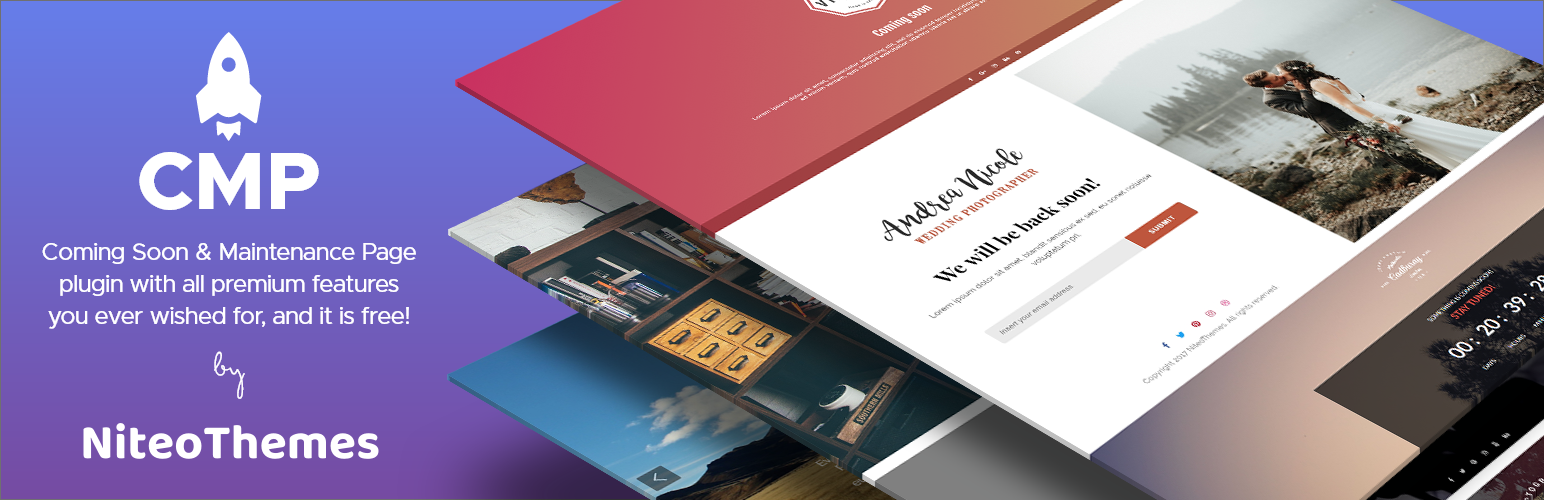
Beautiful Coming soon, Maintenance or Landing page on your website, packed with premium features for free.

Simplified WordPress management. Manage site info, maintenance, security, & redirects.