Make Paths Relative
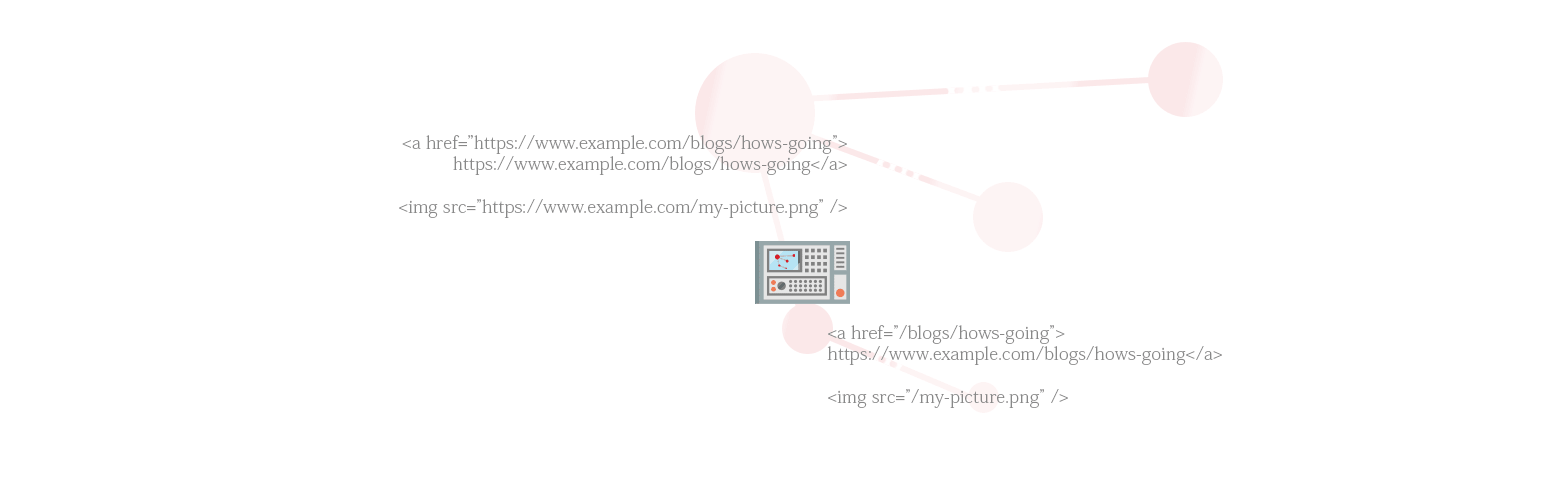
Convert Absolute URLs to be relative in your fingertip.
The facts
- Rating
- 4.1★ from 15
- Active installs
- 2k+
- Price
- Free
- Last updated
- 22 Jul 2025
- Added
- Jun 2016
- Requires WP
- 2.6
- Tested up to
- WP 6.8.8
- Requires PHP
- 5.6
- Downloads
- 74,840
Our analysis
AI-assistedMake Paths Relative is a WordPress plugin that converts absolute paths for resources like links, scripts, stylesheets, and images into relative paths. This helps maintain website functionality regardless of its server location or domain.
The plugin is designed for users who want to simplify website maintenance, especially when relocating their site. It allows for centralized control over paths and may improve loading times in some cases. Users can also whitelist specific domains to ensure internal links are optimized while keeping external resources intact.
Best for: This plugin suits website owners looking to simplify path management during migrations or updates.
What it does well
- ✓Automatically converts absolute paths to relative paths
- ✓Facilitates seamless website relocation
- ✓Centralizes path updates to avoid site-wide changes
- ✓Optional domain whitelisting for control over link behaviour
- ✓May enhance website loading times
Where it falls short
- •Limited information on specific performance improvements
- •Bug reports are not handled as support queries
Verdict
Make Paths Relative offers a practical solution for managing paths on WordPress sites, particularly for those needing to relocate their content without broken links.
From the developer
Sami Ahmed Siddiqui's own description of Make Paths Relative, lightly tidied.
This powerful plugin simplifies website maintenance by automatically converting absolute paths (URLs) for resources like links, scripts, stylesheets, and images to relative paths. This ensures your website functions flawlessly regardless of its location on a server or domain.
Enhanced Efficiency and Flexibility
- Seamless Relocation: Move your website with confidence, knowing all paths will adjust accordingly, preventing broken links and preserving a seamless user – experience.
- Centralized Control: Update paths once in a central location, eliminating the need for tedious, site-wide modifications.
- Potential Performance Boost: Relative paths can, in some cases, improve website loading times.
Whitelist Your Domains (Optional)
For extra control, you can specify a list of domains that will always be converted to relative paths. This ensures internal links are always optimized while allowing external resources to function properly.
Embrace a Streamlined Approach
This plugin empowers you to focus on creating exceptional content while eliminating the burden of managing absolute paths. Take control, optimize your workflow, and ensure your website’s continued success!
Filters
If you want to make plugin works and all the paths relative without going to check/visit Settings Page so, just add this line in your theme’s functions.php.
add_filter( 'make_paths_relative_activate_all', '__return_true' );
Note: Make sure to check the settings Page.
Bug reports
Bug reports for Make Paths Relative are welcomed on GitHub. Please note GitHub is not a support forum, and issues that aren’t properly qualified as bugs will be closed.