
Join millions who empower their websites with ElementsKit Elementor Addons. Get templates, & 100+ widgets...
Free
1M+ installs 4.9★ (2,036)
An easy to use mega menu plugin. Written the WordPress way.
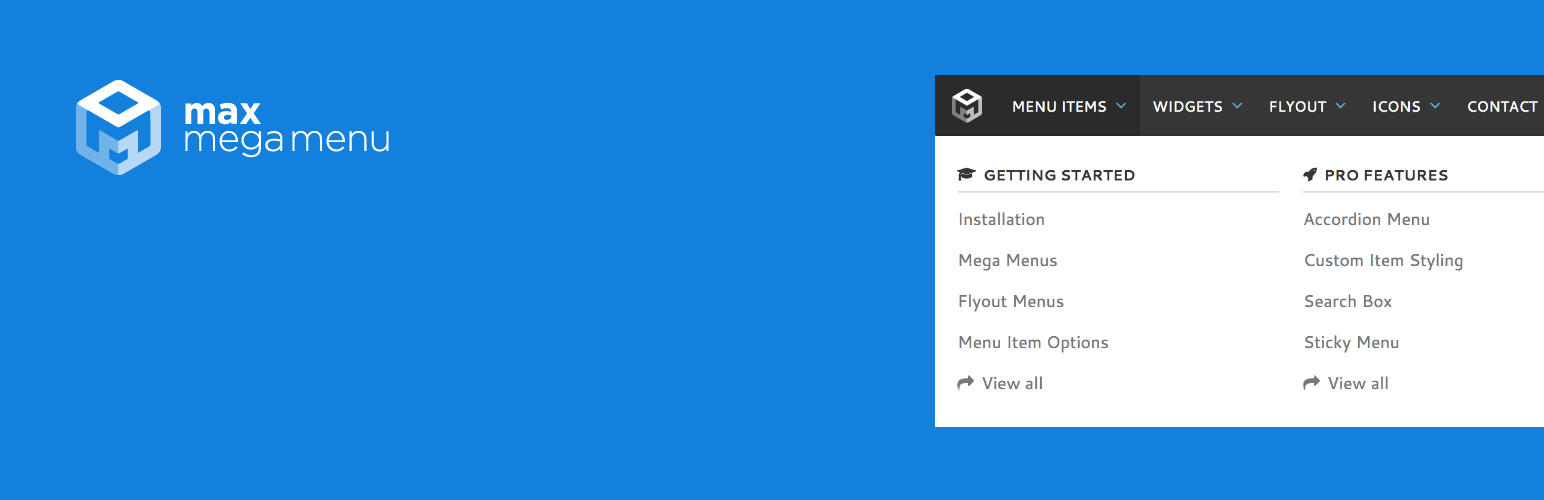
Max Mega Menu is a WordPress plugin designed for managing menus within the WordPress environment. It allows you to create new menus or enhance existing ones by adding widgets, blocks, or custom HTML to sub-menus. The plugin is built for the block editor, page builders, and classic themes, providing a user-friendly interface for customising menu styles and behaviour.
The plugin features mobile support with a built-in off-canvas menu option and allows for customisation of mobile toggle bars. It also extends the native WordPress menu system, supports multiple menu locations, and offers a variety of styling options through its theme editor. This plugin is suitable for users looking to improve their site's navigation experience, especially those using block editors or page builders.
Best for: This plugin is best for WordPress users looking to enhance their site's navigation with custom menus.
What it does well
Where it falls short
Max Mega Menu is a robust solution for managing and customising menus in WordPress, particularly useful for those who want a user-friendly interface and mobile support.
megamenu's own description of Max Mega Menu, lightly tidied.
Max Mega Menu is a complete menu management plugin for WordPress, built for the block editor, page builders and classic themes.
Create new menus from scratch or enhance your existing ones. With Max Mega Menu you can add WordPress widgets, blocks or custom HTML to your sub menus, style everything with the built in theme editor, and fine tune behaviour with powerful settings.
Place menus via a block, page builder element (Bricks, Breakdance, Divi & Elementor), shortcode, widget or wp_nav_menu. The result is a light weight, user friendly, accessible and touch ready mega menu with just a few clicks.
Documentation & Demo: https://www.megamenu.com
TAB activates keyboard navigation and navigates through the menu on both desktop and mobileENTER or SPACE on a sub menu arrow indicator shows/hides the sub menuESC closes all open sub menusMax Mega Menu is developed with a focus on code quality, performance and usability.
!important, inline or block CSS – menu locations are styled via a single static CSS filenav_menu_* filters (prefix with mega_)
- Sliding Panels Mobile Menu
- Tabbed Mega Menus
- Sticky Menu
- Vertical & Accordion Menus
- Font Awesome & Custom Icons
- Custom Item Styling
- Menu Logo
- Search Box
- WooCommerce & EDD support
- Roles & Restrictions
- Extended mobile toggle blocks
- Automatic updates
- Priority Support
Other plugins for site navigation.
Join millions who empower their websites with ElementsKit Elementor Addons. Get templates, & 100+ widgets...

Elementor Carousel, Mega Menu, Posts List/Slider, WooCommerce Widgets, Display Conditions, AI Abilities, Prema...

Elementor templates, Header footer builder, Elementor Post Grid, Woocommerce Grid builder, Slider, Forms, Gall...

Adds breadcrumb navigation showing the visitor's path to their current location.
Add icons to WordPress navigation menus easily — pick from Font Awesome, Dashicons, image icons & more. St...

Create a welcome notification bar for your website. Also, My Sticky Bar plugin can make your menu or header st...