Menu Humility
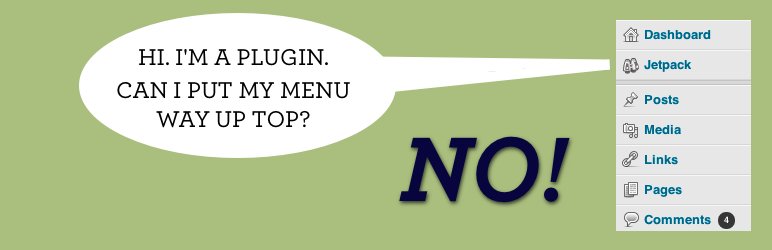
Don't you hate it when plugins add top level menus between "Dashboard" and "Posts"? This shoves those to the end.
The facts
- Rating
- 5★ from 19
- Active installs
- 200+
- Price
- Free
- Last updated
- 18 Apr 2018
- Added
- Jun 2011
- Requires WP
- 3.1
- Tested up to
- WP 4.9.31
- Downloads
- 9,503
Our analysis
AI-assistedMenu Humility is a WordPress plugin designed to reorganise the admin menu by moving top-level navigation menus to the bottom of the menu list. This aims to declutter the menu for users by prioritising more important items such as posts, pages, and comments. It is suitable for WordPress users who find the default menu arrangement distracting or unhelpful.
The plugin does not include a user interface and functions automatically once activated. It is particularly useful for those who want a simpler and more logical menu structure in their WordPress admin area.
Best for: WordPress users looking to streamline their admin menu layout.
What it does well
- ✓Reorganises admin menu for better usability
- ✓Moves less important menus to the bottom
- ✓No user interface required for operation
- ✓Free to use from the WordPress.org directory
Where it falls short
- •Limited information on features and functionality
- •Last updated in April 2018
Verdict
Menu Humility provides a straightforward solution for users seeking a more organised admin menu. However, its lack of updates may be a concern for some.
From the developer
Mark Jaquith's own description of Menu Humility, lightly tidied.
Some plugins (I’m looking at you, Automattic) put top level nav menus in the first menu group, right under “Dashboard.” This is annoying. These things are invariably less important than your posts, pages, comments, etc. This simple plugin (with no UI) shoves these line-cutting menus to the bottom, where they belong.