
Customer Reviews for WooCommerce plugin helps you get more sales with social proof. Set up automated review re...
Free
80k+ installs 4.8★ (1,529)
Automate Google Customer Reviews opt-in after WooCommerce checkout, choose the new store widget or legacy badge mode, and send optional GTM events.

Merchant Center Reviews for WooCommerce is a WordPress plugin that connects your WooCommerce store with Google Customer Reviews and Merchant Center review features. It adds an opt-in prompt for customers on the order confirmation page, allowing you to gather post-purchase feedback. You can also select how reviews are displayed on your site, either through a floating widget or a legacy badge.
The plugin requires you to enter your Google Merchant Center ID in the WooCommerce admin area for configuration. It supports various opt-in placements and can send product GTIN data when available. This plugin is suitable for WooCommerce store owners looking to enhance their customer feedback process and integrate with Google services.
Best for: WooCommerce store owners who want to collect customer reviews through Google.
What it does well
Where it falls short
Merchant Center Reviews for WooCommerce provides essential functionality for integrating Google review features, though further details on user experience would be beneficial.
Brumisphère's own description of Merchant Center Reviews for WooCommerce, lightly tidied.
Merchant Center Reviews for WooCommerce connects WooCommerce with Google Customer Reviews / Google Merchant Center review features.
The plugin adds the Google Customer Reviews opt-in prompt to the WooCommerce order confirmation page, helping eligible stores request post-purchase feedback from customers. It also lets you choose a clear review-display mode: Google’s current floating store widget for bottom-left or bottom-right placement, or the legacy Google Customer Reviews badge for inline shortcode placement or old floating badge behavior.
The checkout opt-in data is only output on a valid WooCommerce order-received URL after the order key has been checked. The optional Google Tag Manager/dataLayer event is privacy-minimized and excludes direct customer contact and address fields.
merchantwidget.js integration.[gmc_review_badge] inline placement or old bottom-left/bottom-right floating placement.After activation, go to WooCommerce -> Google Merchant Center Reviews to enter your Merchant Center ID and configure checkout opt-in, review display mode, new store widget settings, legacy badge settings, script placement, debug mode, and optional GTM tracking settings.
This plugin connects to Google services to facilitate Google Customer Reviews / Merchant Center review features. It loads Google’s store widget script from https://www.gstatic.com/shopping/merchant/merchantwidget.js when New Google store widget mode is enabled. It loads Google’s platform script from https://apis.google.com/js/platform.js on the WooCommerce Thank You page to allow customers to opt in for review requests, and when Legacy Google Customer Reviews badge mode is enabled.
Google may collect aggregated engagement data for the store widget. The current store widget mode passes widget placement and margin settings to Google; it does not pass customer order data. If the optional GTM/dataLayer event is enabled, the plugin sends a local browser event to the site’s existing analytics/tagging setup. The plugin does not load Google Tag Manager itself. The event payload is limited to event name, order total, currency, order number, item count, shipping country, and product ID/SKU/quantity/line total data; it does not include customer name, email, phone number, street address, postcode, city, or customer ID.
Other plugins for showing testimonials.
Customer Reviews for WooCommerce plugin helps you get more sales with social proof. Set up automated review re...

A modern video and audio player for courses, landing pages, marketing, and testimonials — with captions, brand...

An easy-to-use testimonial plugin to collect and show customer feedback in WordPress
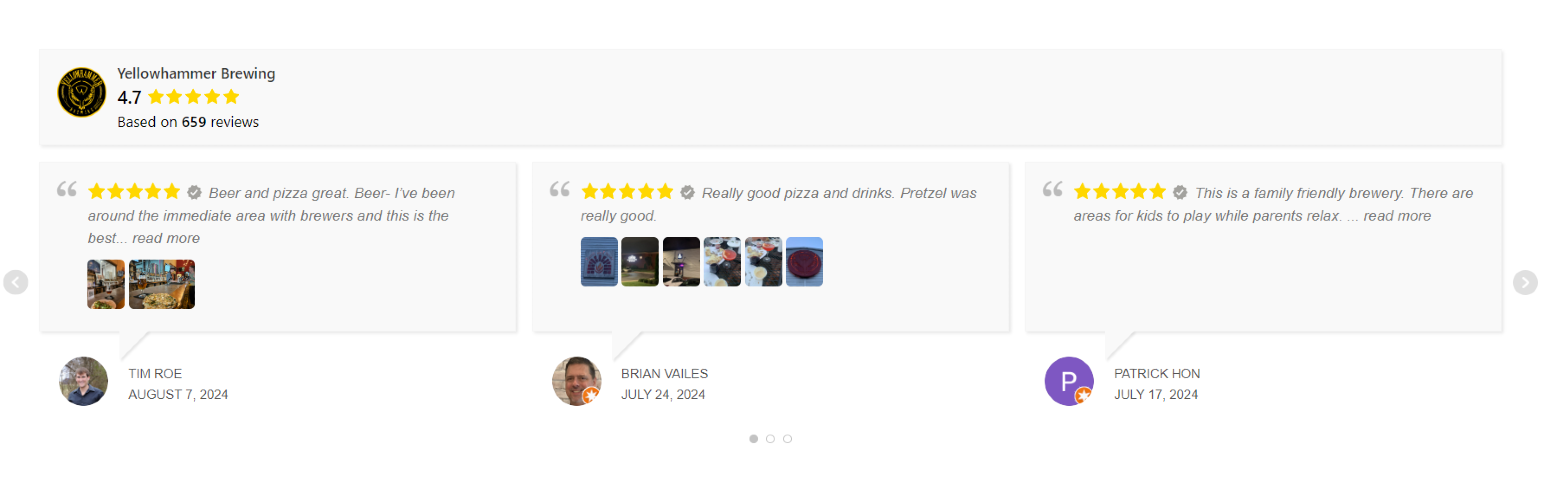
Display Google reviews on your site with a slider or grid. Reviews are saved locally on your server for fast l...

No API key required. Display Yelp and Google reviews for any business in a clean, customizable feed on your si...

A Customizable Testimonial plugin to Automate Collecting, Filtering, and Publishing Customer Reviews. Testimon...