Metro Tabs
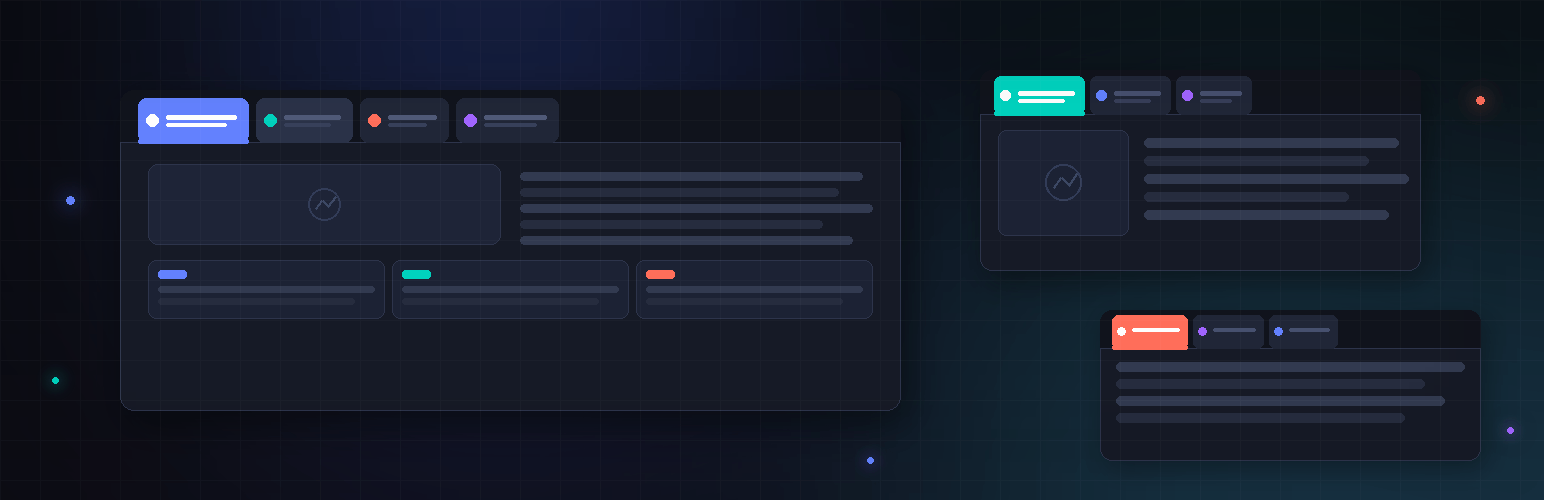
Tab blocks: multiple groups per page, any blocks in each tab. No jQuery, no dependencies.
The facts
- Active installs
- 100+
- Price
- Free
- Last updated
- 20 May 2026
- Added
- Mar 2026
- Requires WP
- 6.0
- Tested up to
- WP 7.0.4
- Requires PHP
- 8.0
- Downloads
- 2,613
Our analysis
AI-assistedMetro Tabs is a WordPress plugin that allows you to create tabbed content using the block editor (Gutenberg). You can add a Tab Group block and include multiple Tab Item blocks within it, each with its own heading and content area. The tabs switch visible content without reloading the page, providing a clean user experience.
This plugin is suitable for users who want to organise content into tabs easily, enhancing the layout of their pages. It requires no additional JavaScript libraries, relying solely on vanilla JavaScript, making it lightweight and straightforward to use.
Best for: This plugin suits WordPress users looking to enhance their site's content presentation with tabs.
What it does well
- ✓Easy to create tabbed content with block editor
- ✓Supports various content types in tab panes
- ✓No jQuery dependencies, uses vanilla JavaScript
- ✓Allows multiple Tab Groups on the same page
- ✓Lightweight styling that can be customised
Where it falls short
- •Limited information on user ratings and active installs
- •No advanced configuration options available
Verdict
Metro Tabs offers a simple solution for adding tabbed content to WordPress sites, though it may lack advanced features for more complex needs.
From the developer
Ciprian Popescu's own description of Metro Tabs, lightly tidied.
Metro Tabs adds block-editor (Gutenberg) blocks for building tabbed content. You add a Metro Tabs: Tab Group block, then add one or more Metro Tabs: Tab Item blocks inside it. Each tab has a heading (the label visitors click) and a content area where you can add any blocks—paragraphs, images, lists, etc. On the front end, visitors see a simple tab bar and panes; clicking a tab switches the visible content without reloading the page.
Features
- Tab Group block – Container for one set of tabs. You can use multiple Tab Group blocks on the same page for different tab sets.
- Tab Item block – A single tab: editable heading and a content area that supports any blocks (paragraphs, headings, images, etc.).
- No JavaScript libraries – Uses vanilla JavaScript only; no jQuery or jQuery UI.
- Block API version 3 – Compatible with the current block editor (WordPress 6.3+ iframe editor).
- Lightweight styling – Discrete front-end styles (underline-style active tab); you can override with your theme or custom CSS.
How to use
- In the block editor, add a Metro Tabs: Tab Group block (search for “Metro Tabs” or “Tab Group”).
- Inside the group, you’ll see placeholder Tab Items (e.g. “Tab 1”, “Tab 2”). Click each Metro Tabs: Tab Item block and:
- Edit the tab heading (the text shown on the tab).
- Add any blocks in the tab content area (paragraphs, images, etc.).
- Add or remove Tab Item blocks as needed. You can add more Tab Groups elsewhere on the page for separate tab sets.
- Publish or update. On the front end, the tab bar and panes are built automatically; clicking a tab switches the visible pane.
No settings or configuration are required. The plugin enqueues its script and styles on the front end when the page contains tab blocks.
Compatibility
- Requires WordPress 6.0 or higher (block editor).
- Requires PHP 8.0 or higher.