
Easy to use Under Construction Page & Coming Soon Page. Enable Under Construction Mode in seconds & sh...
Free
600k+ installs 4.8★ (1,285)
The Minimal Maintenance Mode plugin is a simple and lightweight solution to enable a maintenance mode on your WordPress website.

Minimal Maintenance Mode is a WordPress plugin designed to enable maintenance mode on your website. It allows you to restrict access to your site while displaying a customizable message to users who are not logged in. The plugin is straightforward to set up and can be activated within minutes.
It features an automatic bypass for logged-in users and administrators, as well as an option to use a secret word that allows non-logged-in users to access the site. This plugin is suitable for site administrators looking for a simple and privacy-friendly way to manage maintenance periods without complex configurations.
Best for: Site administrators who need a straightforward maintenance mode solution.
What it does well
Where it falls short
Minimal Maintenance Mode provides a simple and effective way to manage site maintenance. It is best suited for users who prefer a no-frills approach.
Stach Redeker's own description of Minimal Maintenance Mode, lightly tidied.
The Minimal Maintenance Mode plugin is a simple and lightweight solution to enable a maintenance mode on your WordPress website. The plugin is free, fast, and can be deployed within minutes.
When the maintenance mode is active, the plugin displays a customizable message for all not-logged-in users.
It is possible to set a custom secret word that users can append to the website URL to get access, even if they are not logged in.
To enable maintenance mode and set the message displayed during maintenance, follow these steps:
If you need to access your website during maintenance mode, you can use the following methods:
/wp-admin/ pages will not be blocked.?[SECRET WORD] to any URL to bypass the maintenance mode for a week. A functional cookie is placed on the user’s machine to make this work. If the secret word is changed, access using the old secret word is revoked immediately. The secret word can be configured in the advanced plugin settings.This plugin does not:
Please use the appropriate forums, issues on Github, or send an email.
This plugin is deliberately simple. It is made as a foolproof, quick, and privacy-friendly way for site administrators to activate a maintenance mode. This plugin will not be extended with loads of features, such as templates and styling options; there are plenty of other maintenance plugins to pick that do offer these options. If you nevertheless think that you can contribute to the plugin (e.g. by submitting a bug fix), please open a pull request.
Other plugins for maintenance pages.
Easy to use Under Construction Page & Coming Soon Page. Enable Under Construction Mode in seconds & sh...

Easy Drag & Drop Page Builder. A complete solution to create a WordPress Website, Custom Themes, Landing P...

Great looking maintenance, coming soon & under construction pages. Put your site under maintenance in minu...
Include inline javascript, stylesheets, CSS code or anything you want in Header and Footer areas of your WordP...
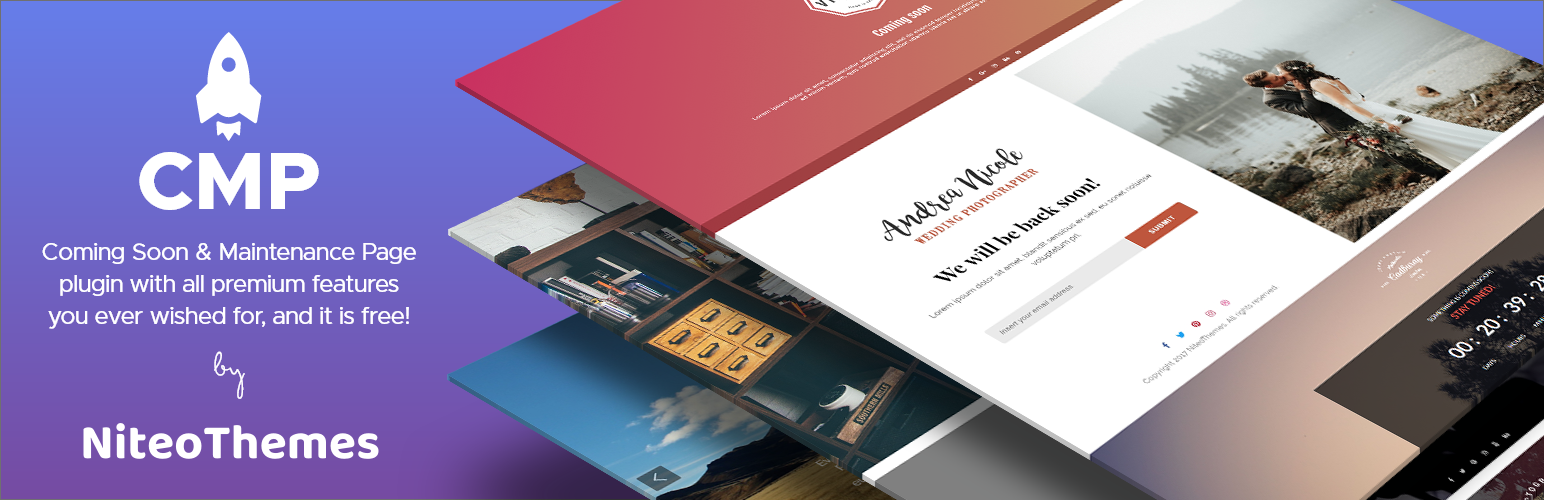
Beautiful Coming soon, Maintenance or Landing page on your website, packed with premium features for free.

Simplified WordPress management. Manage site info, maintenance, security, & redirects.