
Elementor addon offering 120+ widgets and templates — Elementor Gallery, Slider, Form, Post Grid, Menu, Accord...
Free
1M+ installs 4.9★ (4,111)
Smart event organizer and time-management tool with a clean minimalist design for featuring your timetables and upcoming events.
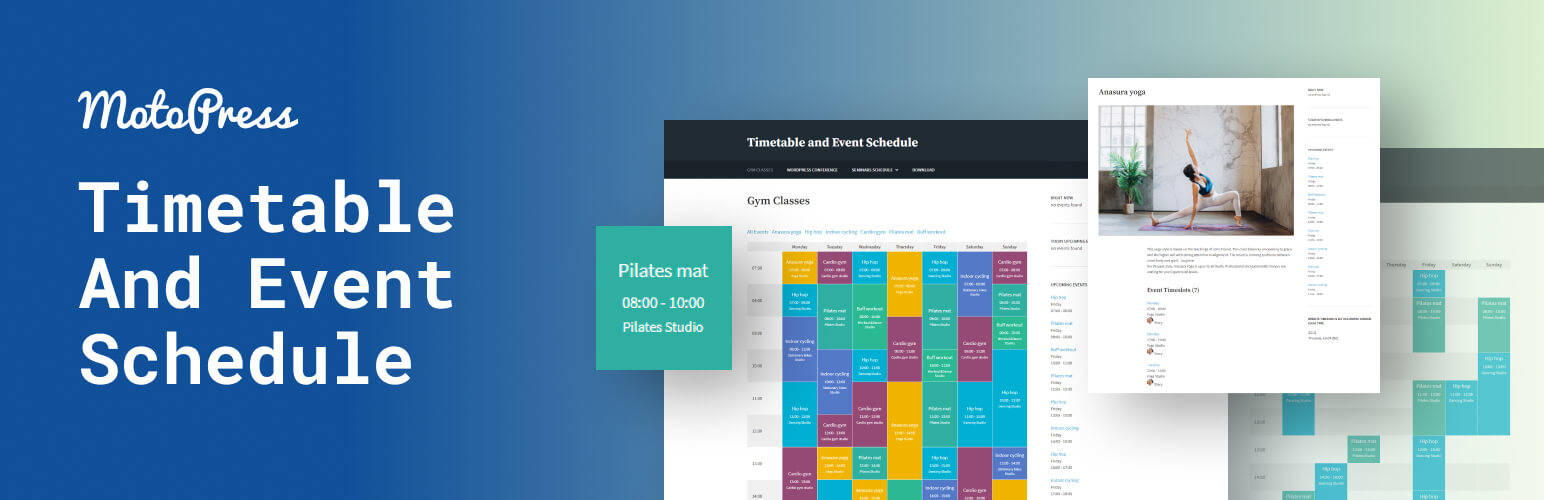
Timetable and Event Schedule by MotoPress is a WordPress plugin designed for creating and managing online schedules for various events. It allows users to customize event details such as date, time, and description, and display them in a structured timetable format.
This plugin is suitable for a range of events, including classes, festivals, and conferences. It features responsive design and offers options for event filtering, customizable parameters, and visual time frames, making it user-friendly for both administrators and visitors.
Best for: This plugin suits event organisers looking to create detailed schedules for various types of events.
What it does well
Where it falls short
Timetable and Event Schedule by MotoPress offers a solid solution for managing event schedules, though further details on premium options would be beneficial.
jetmonsters's own description of Timetable and Event Schedule by MotoPress, lightly tidied.
MotoPress Timetable and Event Schedule is an all-around organizer plugin developed to help you create and manage online schedules for a single or multiple events, customize the appearance of each event, add date, time, description and display all the needed items in a carefully-crafted timetable. It also comes with Upcoming events widget.
The event calendar plugin can be used for timetabling different types of events like various lessons, gym classes, festivals, conferences, ceremonies, case-studies, formal parties, concerts, and much more. It’s handy in terms of backend event schedule management and maximum easy for your audience to use.
The event calender is optimized to be viewed perfectly on different devices. Manually adjust the way to show your timetable on mobile devices and desktops.
The visitors can filter the timetable to display the only events they are interested in.
Highlight important activities by presenting them in different colors. Various color markers can become helpful in making the event calendar more colorful or in customizing it to fit your website color scheme.
Hourly time frames are generally large enough for showing the events, but you still can increase them by setting the timetable to show up to 15 minutes accurate time in the left ‘time’ column.
The calendar events plugin provides Timetable block for Gutenberg. Timetable can be added to any other builder via shortcode.
Other plugins for extending a page builder.
Elementor addon offering 120+ widgets and templates — Elementor Gallery, Slider, Form, Post Grid, Menu, Accord...

Join millions who empower their websites with ElementsKit Elementor Addons. Get templates, & 100+ widgets...

Elementor addons with 18+ free widgets, Header & Footer Builder, WooCommerce widgets & templates. Trus...

Elementor Carousel, Mega Menu, Posts List/Slider, WooCommerce Widgets, Display Conditions, AI Abilities, Prema...

Elementor templates, Header footer builder, Elementor Post Grid, Woocommerce Grid builder, Slider, Forms, Gall...

Disable Gutenberg Block Editor and restore the Classic Editor and original Edit Post screen (TinyMCE, meta box...