
Best WordPress form builder plugin. Create contact forms, payment forms & order forms with 1000+ integrati...
Free
600k+ installs 4.8★ (2,117)
WooCommerce plugin - Multi CryptoCurrency Payments Requires at least WooCommerce: 6.0 Tested up to: 9.8.2 License: GPLv2 or later
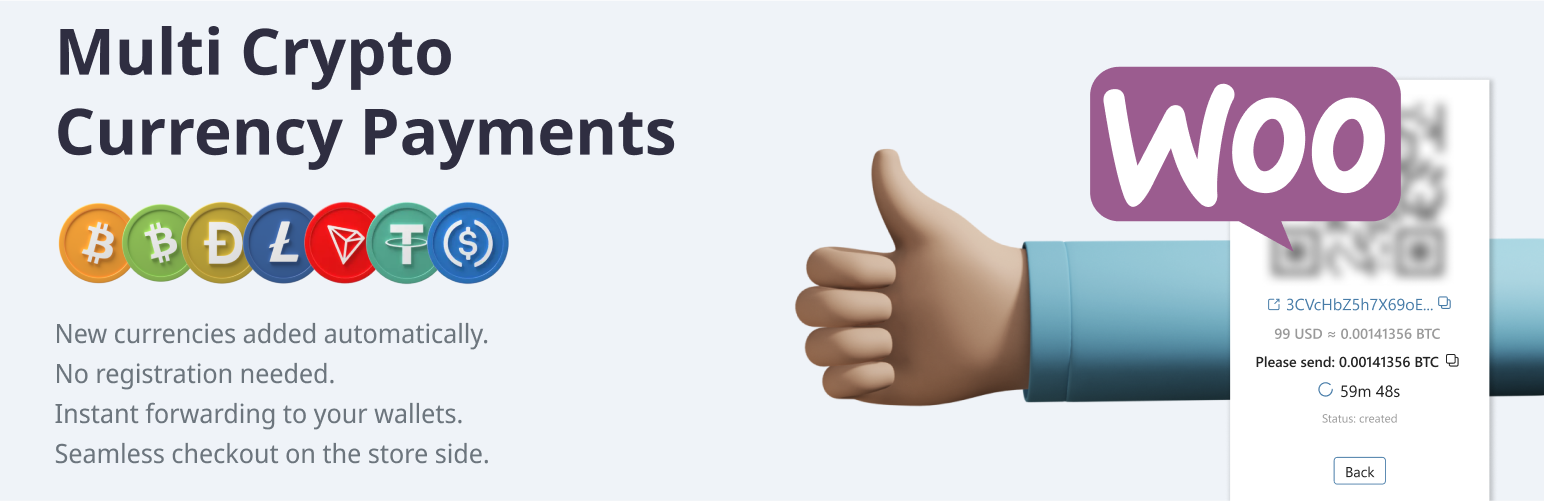
Multi CryptoCurrency Payments is a WordPress plugin that enables you to accept various cryptocurrencies in your online store. It supports popular currencies such as Bitcoin, Litecoin, and Dogecoin, allowing for transactions worldwide. The plugin generates temporary crypto addresses for each order, facilitating direct payments to your wallet without the need for KYC documentation.
The payment process involves generating a QR code for buyers to scan and complete their transactions. The plugin notifies the store upon payment confirmation, enabling seamless order processing. It is suitable for eCommerce sites looking to expand their payment options to include cryptocurrencies.
Best for: This plugin is best for eCommerce sites wanting to accept cryptocurrency payments.
What it does well
Where it falls short
Multi CryptoCurrency Payments offers a straightforward solution for accepting cryptocurrencies in online stores. It may appeal to those looking to diversify their payment methods without extensive setup requirements.
Alex Zaytseff's own description of Multi CryptoCurrency Payments, lightly tidied.
Accept the most popular cryptocurrencies (BTC, LTC, BCH, Doge etc.) on your store all around the world. Use any crypto supported by provider to accept coins using the Forwarding payment process.
Key features:
The Buyer adds items into the cart and prepares the order.
Using API requests, the store generates temporary crypto (BTC, LTC, BCH, Doge) address and show a QR code.
Then, the buyer scans the QR code and pays for the order. This transaction goes to the blockchain.
The payment gateway immediately notifies the store about the payment.
The store completes the transaction.
Go to WordPress Admin panel > Plugins > Add New in the admin panel.
Enter “Multi CryptoCurrency Payments” in the search box.
Click Install Now.
Fill settings of your crypto addresses into Plugin Settings: WooCommerce > Settings > Payments > Multi CryptoCurrency Payments. Turn the “On” checkbox in the Plugin on the same setting page.
Other plugins for taking payments.
Best WordPress form builder plugin. Create contact forms, payment forms & order forms with 1000+ integrati...

AI form generator and WordPress form builder for contact and Stripe payment forms, with surveys and quizzes in...

Developed exclusively between Payment Plugins and PayPal, PayPal for WooCommerce integrates with PayPal's...

Appointment booking plugin for WordPress. Let clients self-schedule 24/7, accept payments at booking, and redu...

Accept Credit Cards, Google Pay, ApplePay, Afterpay, Affirm, ACH, Klarna, iDEAL and more all in one plugin for...

The #1 eCommerce plugin to sell digital products & subscriptions. Accept payments with Stripe & PayPal...