
WPForms
98The best WordPress contact form plugin. Drag & Drop form builder to create beautiful contact forms, paymen...
Free
5M+ installs 4.8★ (14,369)
Upload unlimited files to Contact Form 7 with an intuitive interface, file management, and automatic ZIP compression for email delivery.
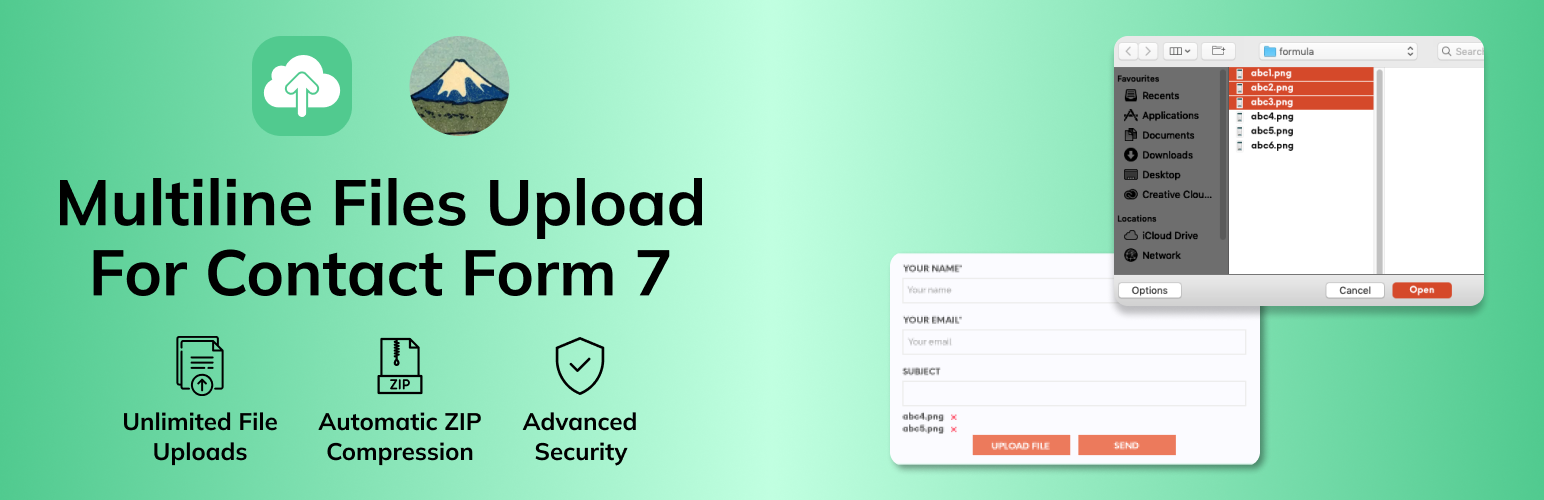
MultiLine Files for Contact Form 7 is a plugin that adds multiple file upload functionality to Contact Form 7 forms. It allows users to upload documents, images, videos, and more, enhancing the form's capabilities with features like unlimited file uploads and smart file management.
The plugin is designed for various use cases, including document submissions, portfolio uploads, job applications, and support ticket systems. It integrates easily with Contact Form 7 and offers a responsive user interface suitable for all devices.
Best for: This plugin is suitable for websites that require forms with multiple file attachment capabilities.
What it does well
Where it falls short
MultiLine Files for Contact Form 7 provides useful functionality for users needing to upload multiple files through forms. It is a practical choice for various applications, though some advanced features are only available in the premium version.
Maulik Vora's own description of MultiLine Files for Contact Form 7, lightly tidied.
MultiLine Files for Contact Form 7 is the ultimate solution for adding multiple file upload functionality to your Contact Form 7 forms. Whether you’re collecting documents, images, videos, or any other file types, this plugin provides a seamless, user-friendly experience that enhances your forms’ capabilities.
Why Choose MultiLine Files for Contact Form 7?
✅ Unlimited File Uploads – No restrictions on the number of files users can upload
✅ Intuitive User Interface – Clean, responsive design that works on all devices
✅ Smart File Management – Users can preview, remove, and manage files before submission
✅ Automatic ZIP Compression – All files are automatically compressed into a single ZIP file for easy email delivery
✅ Advanced Security – Built-in file type validation, size limits, and security measures
✅ Easy Integration – Works seamlessly with Contact Form 7 without complex setup
✅ Fully Responsive – Perfect experience on desktop, tablet, and mobile devices
Perfect For:
If you want to change our plugin button or others file listing style and apply your custom style please add your custom css in your theme’s css file. Adding style in child theme is recommended. Here I have shown style guide for button and listing. so, you can easily update style of the elements.
Buttton style: #mfcf7_zl_add_file { background-color: #004834; }
‘X’ icon style: .mfcf7_zl_multifilecontainer p .mfcf7_zl_delete_file i { color: azure; }
Selected file name style: .mfcf7-zl-multifile-name { color: black; }
Need Help?
This plugin does not collect, store, or transmit any personal data. All file uploads are handled locally on your server and are not sent to any third-party services. Files are temporarily stored during form submission and are automatically cleaned up after processing.
Other plugins for building forms.
The best WordPress contact form plugin. Drag & Drop form builder to create beautiful contact forms, paymen...

The best anti-spam protection to block spam comments and spam in a contact form. The most trusted antispam sol...

Get a fast contact form plugin. Create advanced forms using drag and drop form builder with all smart features...

Best WordPress form builder plugin. Create contact forms, payment forms & order forms with 1000+ integrati...

Save and manage Contact Form 7 messages. Never lose important data. It is a lightweight contact form 7 databas...

Elementor forms builder to create WordPress forms like contact form, booking form, feedback form, survey form,...