My Wp Brand
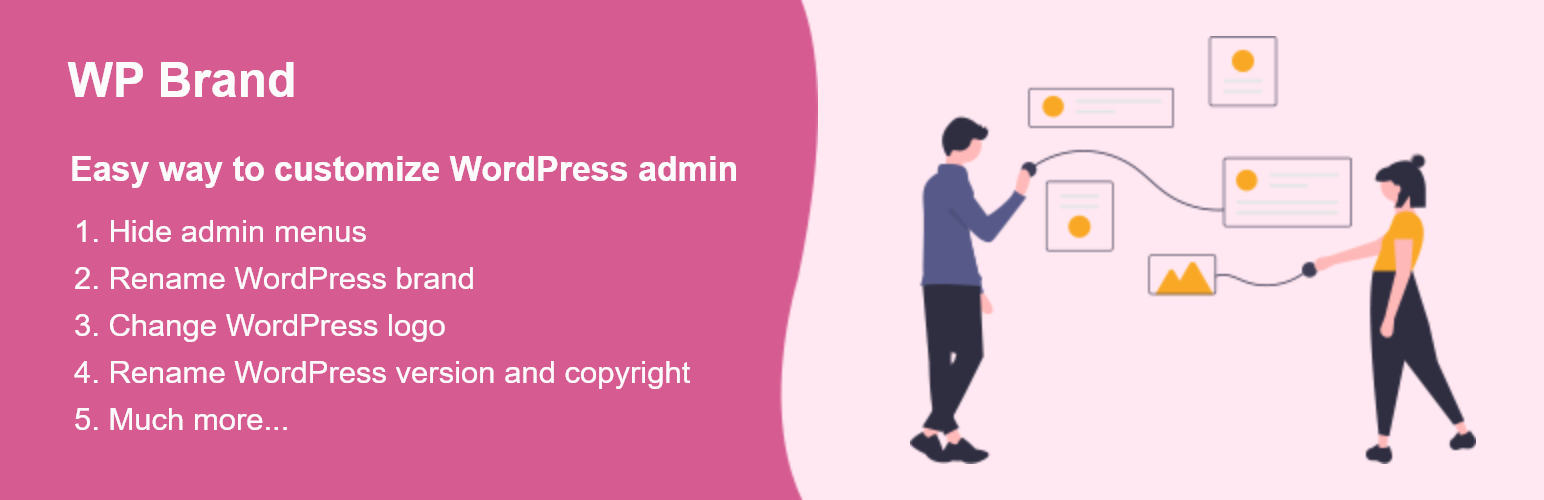
This plugin gives the facility for hiding and showing plugins and the admin menu, it also gives the options to customize WordPress branding.
The facts
- Rating
- 4★ from 4
- Active installs
- 1k+
- Price
- Free
- Last updated
- 7 Oct 2025
- Added
- Feb 2022
- Requires WP
- 6.7
- Tested up to
- WP 6.8.8
- Requires PHP
- 7.4
- Downloads
- 16,141
Our analysis
AI-assistedMy Wp Brand is a WordPress plugin designed to customise the admin interface by allowing you to hide elements such as the admin menu and plugin lists. It also offers options to rename the WordPress brand, change the logo, and hide the WordPress version. This plugin is suitable for users who want to tailor the WordPress admin experience for specific user roles or for branding purposes.
The plugin provides functionality to hide admin menu items for specific users, making it useful for sites with multiple user roles. By enabling these customisations, you can create a more personalised and secure environment for your website's administration.
Best for: This plugin suits WordPress site administrators looking to customise the admin interface and enhance branding.
What it does well
- ✓Hides admin menu and admin bar items
- ✓Allows hiding of specific plugins
- ✓Enables branding with custom name and logo
- ✓Hides WordPress version easily
- ✓Customisation options for specific user roles
Where it falls short
- •Limited information on additional features
Verdict
My Wp Brand offers practical tools for customising the WordPress admin experience. It is particularly beneficial for those managing multiple user roles or seeking to reinforce their brand identity.
From the developer
imw3's own description of My Wp Brand, lightly tidied.
This plugin gives the facility for hiding and showing the admin menu of the side / top bar, it also gives you the options to hide the plugin lists, WordPress version, rename, and style the brand of WordPress into your brand.
Ever want to style the appearance of the WordPress admin pages by hiding the menu, renaming the brand, changing the logo, etc.
Which Reason Makes the WordPress WP Brand Plugin Outstanding?
There are the following reasons that make the WordPress WP Brand Plugin Outstanding.
-
HIDE ADMIN MENU AND ADMIN BAR
You can hide the items in the admin menu and admin bar. -
HIDE ADMIN MENU ITEMS FOR SPECIFIC USERS
If you have multiple users on your website, you will sometimes need certain people to have specific permissions. It is the best way to do it for your particular user role. -
Hide Plugin
You can hide all the plugins or particular plugins from the plugin page. -
HIDE WORDPRESS VERSION
You can easily hide WordPress version by one click. -
REBRAND (NAME, LOGO, WELCOME MESSAGE)
You can easily rename the WordPress into your brand name.