
Easily improve site security with WordPress Hardening, Two-Factor Authentication (2FA), Login Protection, Vuln...
Free
3M+ installs 4.9★ (8,862)
No unsafe-inline helps you to build a Content Security Policy avoiding to use 'unsafe-inline' and 'unsafe-hashes'.
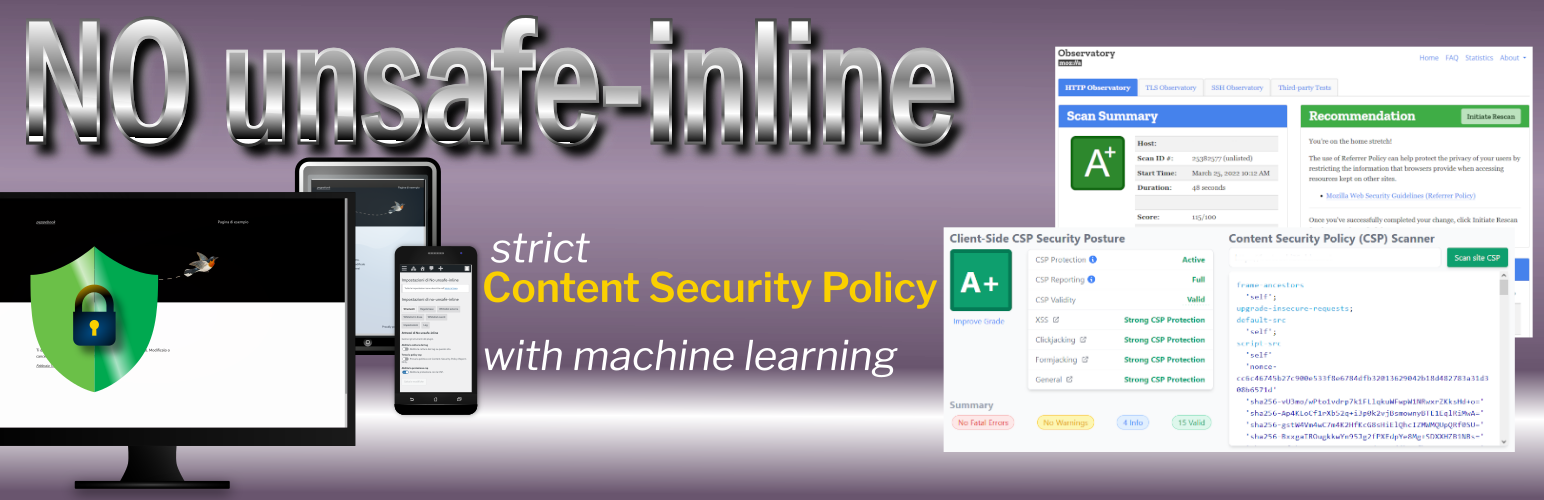
No unsafe-inline is a WordPress plugin designed to enhance website security by implementing a strict Content Security Policy (CSP). It aims to prevent vulnerabilities such as cross-site scripting (XSS) and code injection attacks by allowing only specific scripts to run on your site. This plugin is particularly useful for users who want to strengthen their site's defence against common web attacks.
Best for: This plugin is suitable for WordPress site owners looking to improve their site's security against script-based attacks.
What it does well
Where it falls short
No unsafe-inline provides a focused approach to implementing a strict CSP in WordPress. It is a useful tool for those serious about enhancing their site's security, though it may require some technical effort to set up properly.
Giuseppe's own description of No unsafe-inline, lightly tidied.
Content Security Policy (CSP) is a computer security standard introduced to prevent cross-site scripting (XSS), clickjacking and other code injection attacks resulting from execution of malicious content in the trusted web page context.
Cross-site scripting (XSS) is a type of security vulnerability that can be found in some web applications.
XSS attacks enable attackers to inject client-side scripts into web pages viewed by other users.
A cross-site scripting vulnerability may be used by attackers to bypass access controls like the same-origin policy.
Looking at National Vulnerability Database run by US NIST, more than 1100 (November 2025) vulnerabilities are reported as XSS for WordPress’ plugins and themes.
Keeping your site up-to-date with the latest versions of plugins and themes is the first line of defense to ensure your site’s security.
The second thing to do, is to deploy a strict Content Security Policy.
The main problem with Content Security Policies implemented in the real world is that they are too weak to really protect your site and that many of them can be trivially bypassed by an attacker.
Google researchers recommend, instead of whole host whitelisting, to activate individual scripts via a CSP nonces approach.
In addition, in order to facilitate the adoption of nonce-based CSP, they proposed the ’strict-dynamic’ keyword.
Manual creation of a policy
Usually, a WordPress project is a mix of code written by different authors who contributed to the Core and or wrote plugins and themes.
If it is possible to whitelist every external script loaded from a <script src="">, the real truth is that in a WordPress project you can have dozens of those scripts included with your plugins and calculate a cryptographic hash for each of them to be included in your CSP header can be a frustrating job. However, there are many browser extensions and WordPress’ plugins that can help you in this job.
Inline scripts
WordPress core, and plugins, use inline scripts. For these scripts, you can compute hashes to be inserted manually into your policy, only if these scripts do not change at any page load. Unfortunately, this is not very common, as it is frequent to include variable values calculated server side in inline scripts. And it means that your inline scripts change too frequently to manually add their hashes to your policy.
This commonly happens when scripts are “localized”.
WordPress has no API to implement nonces for CSP
Even if it is easy to generate a nonce for each page view, this nonce has to be inserted in every script tag used to embed inline scripts in your page as
<script nonce="rAnd0m">
    doWhatever();
</script>
and in your script-src directive:
script-src 'nonce-rAnd0m';
And, of course, a nonce must be unique for each HTTP response.
Unsafe hashes / Inline styles
Sometimes, HTML elements as images or buttons use HTML Event Attributes (onclick, onsubmit…) to let events trigger actions in a browser.
You cannot use hashes or nonces for script included in event attributes and, adopting a strict CSP, requires refactoring those patterns into safer alternatives or to use ‘unsafe-hashes’.
You got a similar problem when inline styles are used in HTML tags:
<h1 style="color:blue;text-align:center;">This is a heading</h1>
<p style="color:red;">This is a paragraph.</p>
CSP Level 2 browsers may be ok with just putting the hash in your style-src directive. However, to allow hashes in the style attribute on inline CSS on browsers that support CSP Level 3, you may get an error like this
Refused to apply inline style because it violates the following Content Security Policy directive: "style-src 'self' 'sha256-nMxMqdZhkHxz5vAuW/PAoLvECzzsmeAxD/BNwG15HuA='". Either the 'unsafe-inline' keyword, a hash ('sha256-nMxMqdZhkHxz5vAuW/PAoLvECzzsmeAxD/BNwG15HuA='), or a nonce ('nonce-...') is required to enable inline execution.
To allow inline styles you need to use ‘unsafe-hashes’ in your style-src directive (that is, in facts, unsafe).
^
This plugin affords those problems in this way:
<script> and <link>)The plugin supports multisite installations and has (too) many options documented in inline help.
After plugin activation, go to Settings menu and search for CSP Settings submenu.
The steps you are supposed to do are the following.
Other plugins for securing a site.
Easily improve site security with WordPress Hardening, Two-Factor Authentication (2FA), Login Protection, Vuln...

Firewall, Malware Scanner, Two Factor Auth, and Comprehensive Security Features, powered by our 24-hour team....

The best anti-spam protection to block spam comments and spam in a contact form. The most trusted antispam sol...

Loginizer is a WordPress security plugin which helps you fight against bruteforce attacks.

Enable SVG uploads and sanitize them to stop XML/SVG vulnerabilities in your WordPress website.

Protect your website investment with All-In-One Security (AIOS) – a comprehensive and easy to use security plu...