
Members
94The best WordPress membership and user role editor plugin. User Roles & Capabilities editor helps you rest...
Free
300k+ installs 4.9★ (1,274)
Use your mobile phone to login into wordpress. Allow users instant registration. Fully protection against force brute attacks
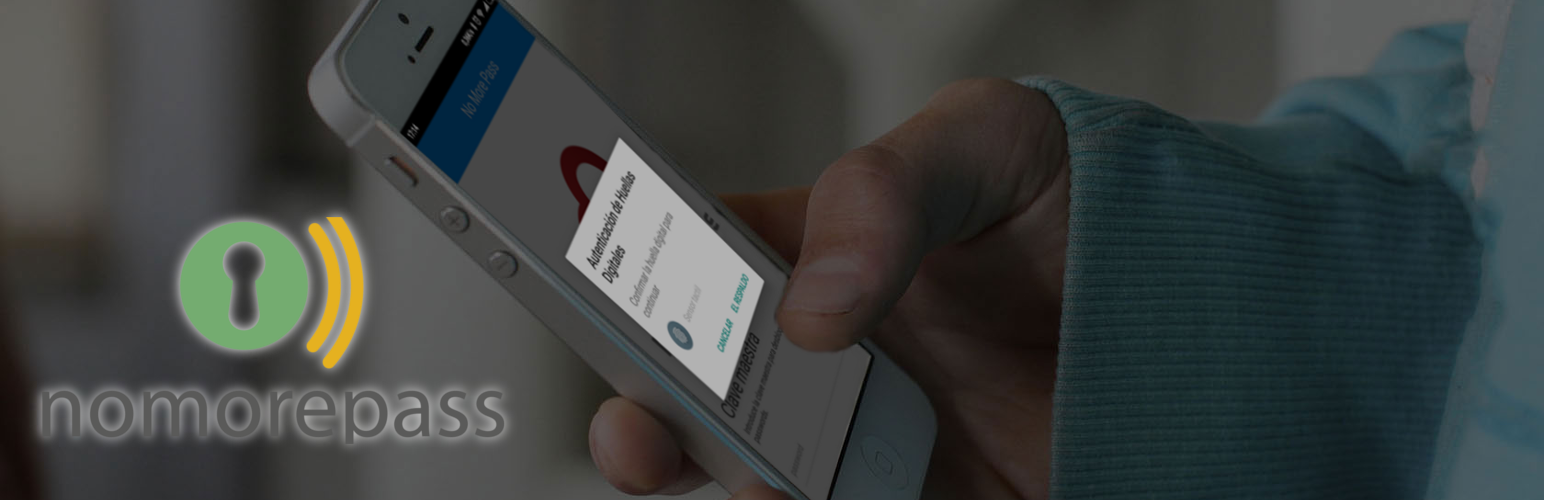
NoMorePass Login is a WordPress plugin that enables two-factor authentication using a mobile app. It allows users to log in to WordPress by scanning a one-time QR code, ensuring that passwords remain stored securely on their mobile devices without being saved on servers.
The plugin offers features like instant user registration and the ability to include a login form via shortcode on any page or post. It is designed for users who prefer a password-free login experience and enhances security against brute-force attacks.
Best for: This plugin is suitable for WordPress site owners looking for a secure and user-friendly login method.
What it does well
Where it falls short
NoMorePass Login provides a modern approach to authentication, focusing on security and ease of use. It may appeal to those wanting to eliminate traditional passwords.
yoprogramo's own description of NoMorePass Login, lightly tidied.
NoMorePass is a secure and easy to use technology to provide you two factor autentication on every situation. This plugin allows you to login to wordpress using just your mobile phone, with no other requirement. No registering, no API keys, install, activate and that’s all.
Your passwords will be only on your mobile phone, no copies over your computers, not even on nomorepass servers, fully anonymous. Login just scanning a one-time qr-code.
IMPORTANT: Install the app in your phone:
Instant user registration
You have a new configuration option named “Auto-login after registration” that allows your users scan the provided qr-code only providing username and email, then the password is sent to the mobile phone and the user is registered immediately.
Register your users in just one step, safely.
Avoid force brute attacks
You can force users to use NoMorePass app to login to your site, making impossible force-brute attacs. Even if the attackers guess the correct user an password they will be unable to enter if not using the mobile app.
Allow access from every page/post/widget
You can use a shortcode to include a login form in any page or post or include in your sidebar.
NoMorePass support,
if you find a bug please open a ticket in the support request or go to NoMorePass.com.
Every issue will be fixed asap!
NoMorePass plugin is also compatible with any plugin that hooks in the login form, including
In order to create a login form or custom login page for WordPress with the default options, all you need to do is use this shortcode:
[nmp_login_form]
You can use parameters in the shortcode:
Other plugins for managing users.
The best WordPress membership and user role editor plugin. User Roles & Capabilities editor helps you rest...

User Role Editor WordPress plugin makes user roles and capabilities changing easy. Edit/add/delete WordPress u...

LoginPress is a Custom Login Page Customizer plugin allows you to easily customize the layout of login, admin...

Build membership sites with tiered plans, content restriction, drag-&-drop custom registration & login...

Customize your WordPress login page with live preview. Change logo, background, colors, and form styling witho...

Powerful user profile plugin to create front-end user registration forms, login & user profile forms. Incl...