
LocoAI
89LocoAI - Auto Translate For Loco Translate is a powerful tool for developers looking to quickly translate thei...
Free
70k+ installs 4.9★ (637)
Take full control of WordPress emails and notifications. Replace default messages, add custom triggers, and send alerts via email, webhook, Slack, and …
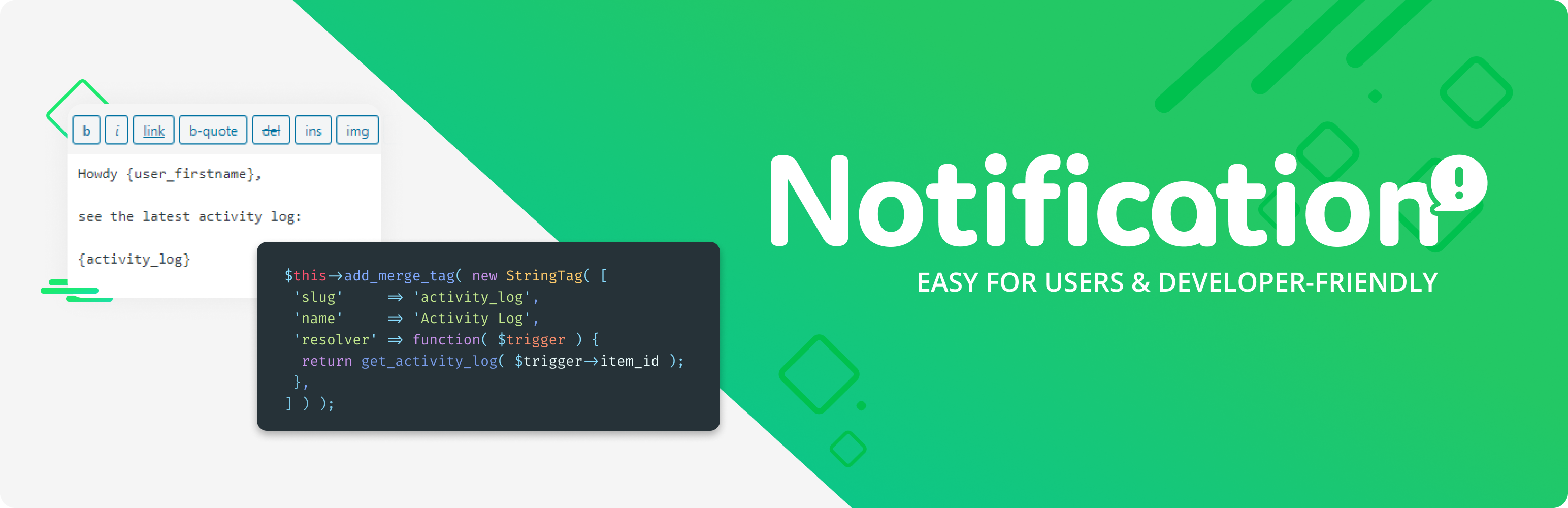
Notification is a WordPress plugin that allows you to customise and manage notifications sent by your WordPress site. It replaces the default WordPress emails with fully customisable messages and enables you to create new notifications based on various events, such as post publications or user registrations, without needing coding skills.
The plugin includes a built-in wizard for setting up notifications quickly and offers over 50 triggers to choose from. Notifications can be sent via email or webhooks, and you can personalise messages using dynamic content. It is suitable for users looking to enhance their site's communication capabilities and tailor notifications to their specific needs.
Best for: This plugin suits WordPress site owners who need to manage and customise notifications effectively.
What it does well
Where it falls short
Notification provides a robust solution for customising WordPress notifications, making it a useful tool for those looking to improve site communication.
Kuba Mikita's own description of Notification, lightly tidied.
WordPress sends emails you can’t customize. You can’t change who receives them, what they say, or how they look. And if you need to notify your team about content changes, user activity, or security events — WordPress simply doesn’t do that.
Notification fixes this. It gives you complete control over what WordPress sends, to whom, and through which channel. Replace rigid default emails with fully customizable messages, or create entirely new notifications triggered by any WordPress event. No coding required — set up your first notification in under 5 minutes.
{post_title}, {user_email}, or {comment_content} to personalize every messageThe built-in Wizard walks you through disabling WordPress default emails and replacing them with your own. You keep full control over the content, recipients, and formatting — no more generic messages you can’t edit.
Over 50 triggers are ready to use out of the box. Enable or disable them in Settings.
Each trigger comes with its own set of Merge Tags, plus you can use Global Merge Tags ({site_title}, {admin_email}, {home_url}, etc.) anywhere.
Extend the plugin with additional carriers, triggers, and features:
Notification is designed to be extended. Create custom Triggers from any do_action() call, add Merge Tags in a single line of code, or build entirely new Carriers. The plugin can be bundled with your theme or plugin and white-labeled with one function call.
Other plugins for integrating services.
LocoAI - Auto Translate For Loco Translate is a powerful tool for developers looking to quickly translate thei...

The AI + Automation plugin for WordPress. Automate workflows across all your plugins and apps, add an AI agent...

Create custom interactive maps with free Leaflet-based styles, no Google Maps API key, frontend marker submiss...

Monitor every change on your WordPress site — who did what, when, and where it came from — for a complete audi...

No API key required. Display Yelp and Google reviews for any business in a clean, customizable feed on your si...

Contact Form, Google Sheet, MailChimp, Brevo, Webhook, Zoho CRM Automation and Integration plugin that Connect...