
Autoptimize
92Autoptimize speeds up your website by optimizing JS, CSS, images (incl. lazy-load), HTML and Google Fonts, asy...
Free
800k+ installs 4.7★ (1,428)
The #1 fonts plugin for WordPress. 1,400+ Google Fonts, Adobe Fonts and your own font files. Live preview, no code required.

Fonts Plugin is a WordPress plugin that allows you to easily apply different fonts to various parts of your website. You can select fonts from Google Fonts, Adobe Fonts, or upload your own font files, with a live preview feature to see changes in real-time before publishing. This plugin is designed for users who want to enhance their site's typography without needing to edit theme files or write CSS.
It is suitable for anyone looking to customise their website's fonts, whether for a corporate site or a personal blog. The plugin supports all WordPress themes and offers a range of font options and customisation features, making it accessible for users without coding skills.
Best for: This plugin suits website owners looking to customise typography easily without coding.
What it does well
Where it falls short
Fonts Plugin provides a straightforward way to enhance your site's typography with a variety of font options and live previews. It is a practical choice for users wanting to improve their website's appearance without technical expertise.
fontsplugin's own description of Fonts Plugin, lightly tidied.
Pick a font from a dropdown and watch your site change live. When you’re happy, click Publish.
The preview updates on your own content as you browse, so you can try as many fonts as you like before anything goes live. You never need to edit theme files or write CSS.
Fonts Plugin is the #1 fonts plugin for WordPress: 200,000+ websites, 10.6 million downloads, and a 5.0 rating from 1,217 reviews on WordPress.org.
Fonts Plugin lets you apply different fonts to different parts of your website. Choose one typeface for headings and another for body text, then adjust size, weight, colour, line height and letter spacing from the same screen. The live preview updates instantly, so you can see how a font looks on your own content before saving. The plugin works with every WordPress theme (Twenty Twenty-Five, GeneratePress, Elementor, and others) and requires no changes to your theme files.
Fonts Plugin gives you three ways to get fonts onto your site.
Google Fonts: over 1,400 typefaces, all free for personal and commercial use.
Adobe Fonts (Typekit): connect your Adobe Creative Cloud subscription and use any typeface from your kit.
Your own font files: upload in any standard format for brand fonts that aren’t in either library.
Whether you need a sans-serif for a corporate site or a serif for a blog, you can set it up without installing a second plugin.
Pro adds local hosting, font loading controls, and per-element typography.
Pro is a one-time payment. Lifetime updates and priority support are included, with no subscription or renewal fees. Every purchase is covered by a 14-day money-back guarantee.
Other plugins for typography control.
Autoptimize speeds up your website by optimizing JS, CSS, images (incl. lazy-load), HTML and Google Fonts, asy...

Redux is a simple, truly extensible, and fully responsive options framework for WordPress themes and plugins....

The original Google Fonts self-hosting plugin. Automagically caches your fonts locally — no configuration (or...

SpeedyCache is a WordPress cache plugin that helps you improve performance of your WordPress site by caching,...
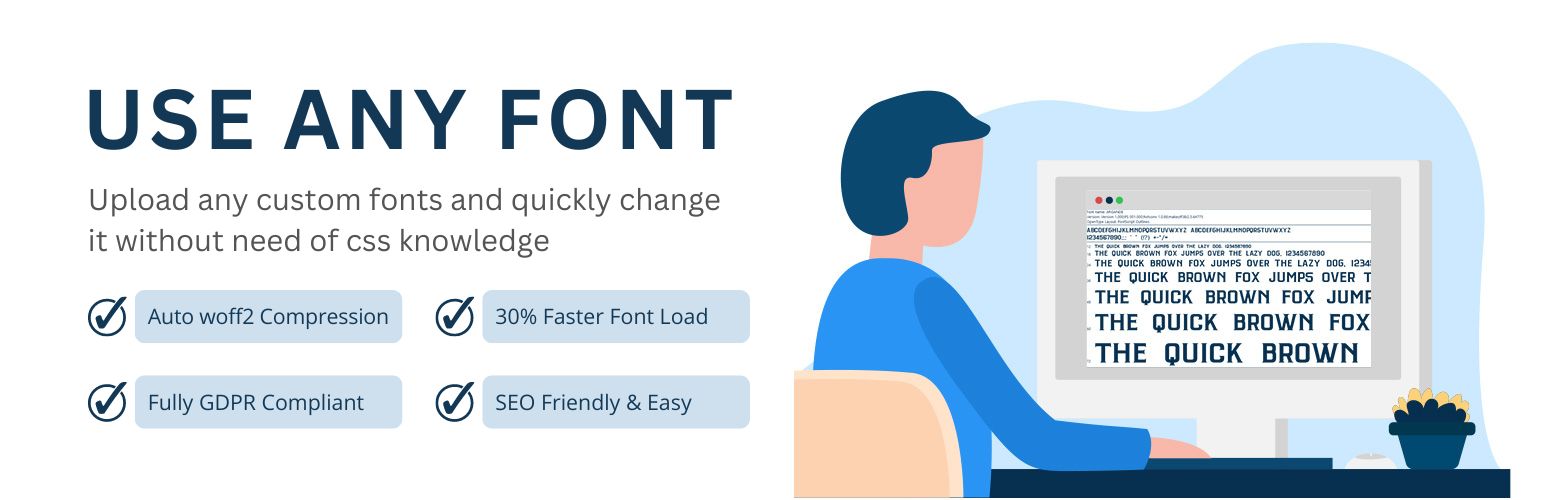
Upload custom fonts with custom font uploader. Auto converts to woff2 for better performance. Self-hosted, GDP...
Add modules: share buttons, header/footer scripts, disable comments, reading progress, custom fonts, custom lo...