
Gallery
91FooGallery is a fast, responsive photo gallery and image gallery plugin with 7 gallery layouts, built-in light...
Free
100k+ installs 4.8★ (986)
Block or shortcode to render MusicXML in the browser as sheet music using OSMD.

OpenSheetMusicDisplay is a WordPress plugin designed for rendering MusicXML files directly on your site. It provides two blocks: the 'OSMD Sheet Music' block for displaying sheet music and the 'OSMD QR Code' block for linking to the PracticeBird app via QR code. Users can upload .xml, .musicxml, and .mxl files to the Media Library for use in these blocks.
The plugin includes options for rendering and updating sheet music, allowing for both automatic and manual re-rendering. It is suitable for users who want to integrate sheet music into their WordPress sites, particularly musicians and educators.
Best for: This plugin suits musicians and educators looking to display sheet music on their WordPress sites.
What it does well
Where it falls short
OpenSheetMusicDisplay offers a straightforward solution for integrating MusicXML files into WordPress. It is useful for those specifically needing to display sheet music and link to related apps.
OSMD's own description of OpenSheetMusicDisplay, lightly tidied.
This plugin provides two blocks for MusicXML usages:
It enables uploading of .xml, .musicxml and .mxl files to your WordPress Media Library, which can then be selected in the block for rendering.
(We have also added a shortcode in this plugin for those who do not use the Gutenberg editor.)
The block has a number of options in the sidebar (Inspector Controls) described here.
The section immediately below the block heading contains two controls related to re-rendering the sheet music.
Toggle, Default: Off
When this is on, any change to the lower settings (except for ‘Container Aspect Ratio’) will trigger a re-render of the sheet music in the editor.
This is not recommended for larger pieces of sheet music, as rendering can take time.
It is best to do ‘batch’ updates with the settings and use the ‘Rerender’ button to manually preview the changes.
Button
This button is used to trigger a manual rerender of the sheet music in the currently selected OSMD block.
This is particularly useful for updating the settings of larger pieces of sheet music that take longer to render.
This section contains basic options for the block: the musicXML file to render as well as some display options.
Other plugins for musicians and bands.
FooGallery is a fast, responsive photo gallery and image gallery plugin with 7 gallery layouts, built-in light...

The fastest drag & drop photo gallery plugin. Create stunning image galleries, albums, video galleries &am...

Create responsive photo, image, video, and mixed media galleries for WordPress with gallery blocks, albums, sl...

The most popular gallery plugin that lets you create galleries and albums in seconds.
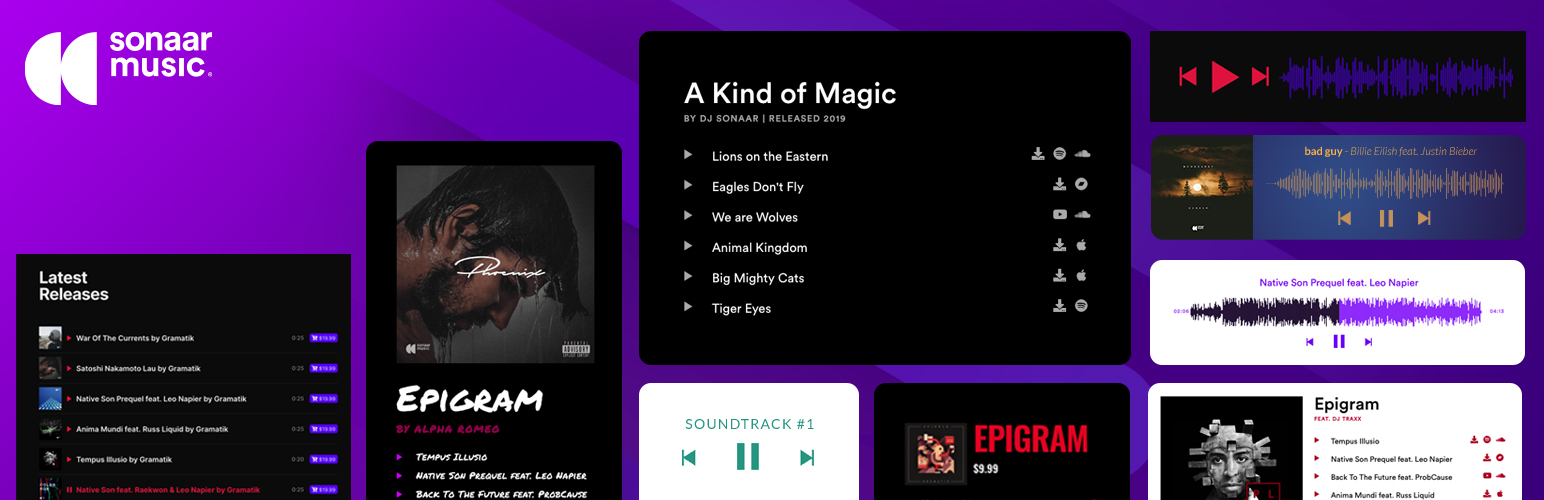
The most advanced Audio Player for Music & Podcast. For Elementor, Gutenberg, WooCommerce and more. Add un...

Create responsive WordPress photo galleries, album galleries, gallery groups, lightbox galleries, optimized im...