
SureRank SEO
90Lightweight SEO assistant for meta tags, schema and structured data, XML sitemaps, Open Graph previews, robots...
Free
400k+ installs 4.8★ (41)
WordPress organization chart plugin is a nice and handy tool for creating simple and nice organizational charts. If you have any suggestions about the …
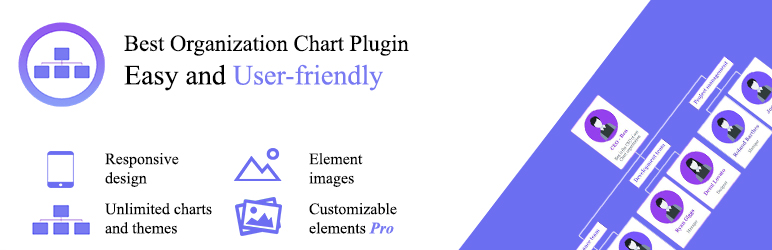
The Organization Chart plugin for WordPress allows you to create simple and visually appealing organizational charts. It features a user-friendly interface and is designed to work with all current versions of WordPress. The plugin includes responsive design, making it suitable for mobile devices, and is Gutenberg-ready.
You can add unlimited themes and elements, include images for each element, and duplicate charts or themes. The plugin also offers options to change the background color and border radius of the charts, as well as enabling popup functionality and configuring popup styles. This plugin is suitable for users looking to visually represent hierarchies or structures within their website.
Best for: This plugin is best for individuals or organisations needing to display organizational structures on their WordPress sites.
What it does well
Where it falls short
The Organization Chart plugin offers essential features for creating organizational charts, making it a practical choice for users needing basic functionality without cost.
wpdevart's own description of Organization chart, lightly tidied.
WordPress organization chart plugin is a nice and handy tool for creating simple and nice organizational charts. If you have any suggestions about the functionality, just let us know.
Also, our plugin has a premium version, so you can upgrade the free version and get more functionality – WordPress Organization Chart Premium
If you have any questions, issues or even suggestions occurring our plugin, you can contact us at SUPPORT FORUM.
Below we listed the WordPress Organizational Chart plugin options list. If you click on the element edit button, you will see a popup window with the following settings.
Element Settings
Information tab
Styling
Theme Settings
Other plugins for charts and graphs.
Lightweight SEO assistant for meta tags, schema and structured data, XML sitemaps, Open Graph previews, robots...

Turn your data into WordPress apps with tables, forms, charts & maps — no code required, with optional hoo...

Create interactive images with clickable hotspots, using modern image maps for WordPress. Perfect for floor pl...

The best WordPress table plugin. Create responsive, and searchable tables and charts from Excel (.xlsx, .xls o...

Control how your WordPress posts, pages, WooCommerce products, and custom post types look when shared on Faceb...

The simple method to add Open Graph metadata to your entries so that they look great when shared on sites.