Page Links To
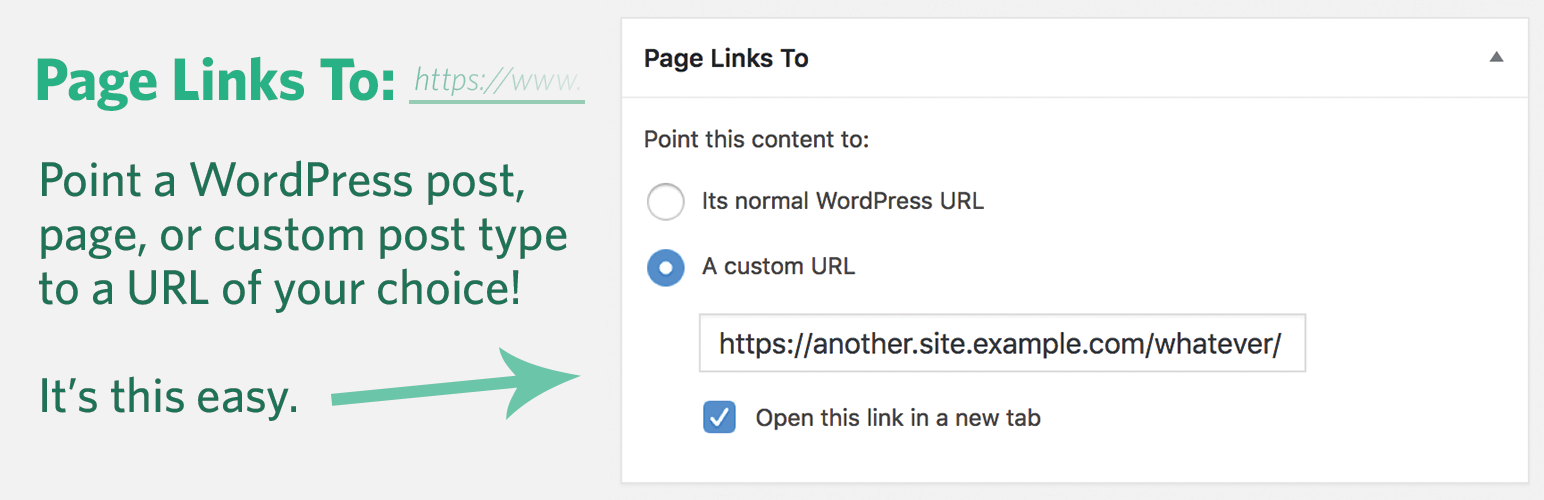
Lets you make a WordPress page (or port or other content type) link to a URL of your choosing (on your site, or on another site), instead of its norma …
The facts
- Rating
- 4.9★ from 157
- Active installs
- 100k+
- Price
- Free
- Last updated
- 4 Apr 2026
- Added
- Jul 2005
- Requires WP
- 6.8
- Tested up to
- WP 6.9.7
- Requires PHP
- 7.4
- Downloads
- 4,888,092
Our analysis
AI-assistedPage Links To is a WordPress plugin that allows you to link a page, post, or custom post type to a URL of your choice instead of its default WordPress URL. It also provides redirection from the original URL to the new one you set. This functionality is useful for creating navigational links to external resources, showcasing content from other blogs, or linking to products on different retail sites while maintaining a cohesive appearance on your WordPress site.
The plugin is suitable for site operators who want to manage external links effectively, whether for content curation, affiliate marketing, or simplifying complex URLs. It is particularly beneficial for those looking to enhance their site's navigation or link to off-site resources seamlessly.
Best for: This plugin suits WordPress site operators who need to manage external links and improve navigation.
What it does well
- ✓Allows linking to any URL instead of the default WordPress URL
- ✓Redirects users from the old URL to the new one
- ✓Useful for external resources and affiliate links
- ✓Enables creation of simplified URLs for complex links
- ✓Free to use from the WordPress.org directory
Where it falls short
- •Limited feature details provided
- •No information on support or updates beyond the last update date
Verdict
Page Links To offers a straightforward solution for linking and redirecting URLs within WordPress. Its utility in managing external content makes it a practical choice for various site operators.
From the developer
Mark Jaquith's own description of Page Links To, lightly tidied.
This plugin allows you to make a WordPress page (or post or custom post type) link to a URL of your choosing, instead of its WordPress URL. It also will redirect people who go to the old (or “normal”) URL to the new one you’ve chosen.
Common uses:
- Set up navigational links to non-WordPress sections of your site or to off-site resources.
- Publish content on other blogs (or other services, like Medium) but have them show up in your WordPress posts stream. All you have to supply is a title and a URL. The post title will link to the content on the other site.
- For store operators, you can link to products on other retailer’s sites (maybe with an affiliate code) but have them show up like they’re products in your store.
- Create a “pretty URL” for something complicated. Say you have https://example.com/crazy-store-url.cgi?search=productId&sourceJunk=cruft … just create a WordPress page called “My Store” and use Page Links To to point it to the ugly URL. Give people the new URL: https://example.com/my-store/ and it will redirect them!
Contribute
You can contribute (or report bugs) on Github.