
WooCommerce
94Everything you need to launch an online store in days and keep it growing for years. From your first sale to m...
Free
7M+ installs 4.5★ (4,820)
Parex Bridge for QuickBooks & Xero Plugin allows you to quickly integrate WooCommerce Order information with QuickBooks Online or Xero
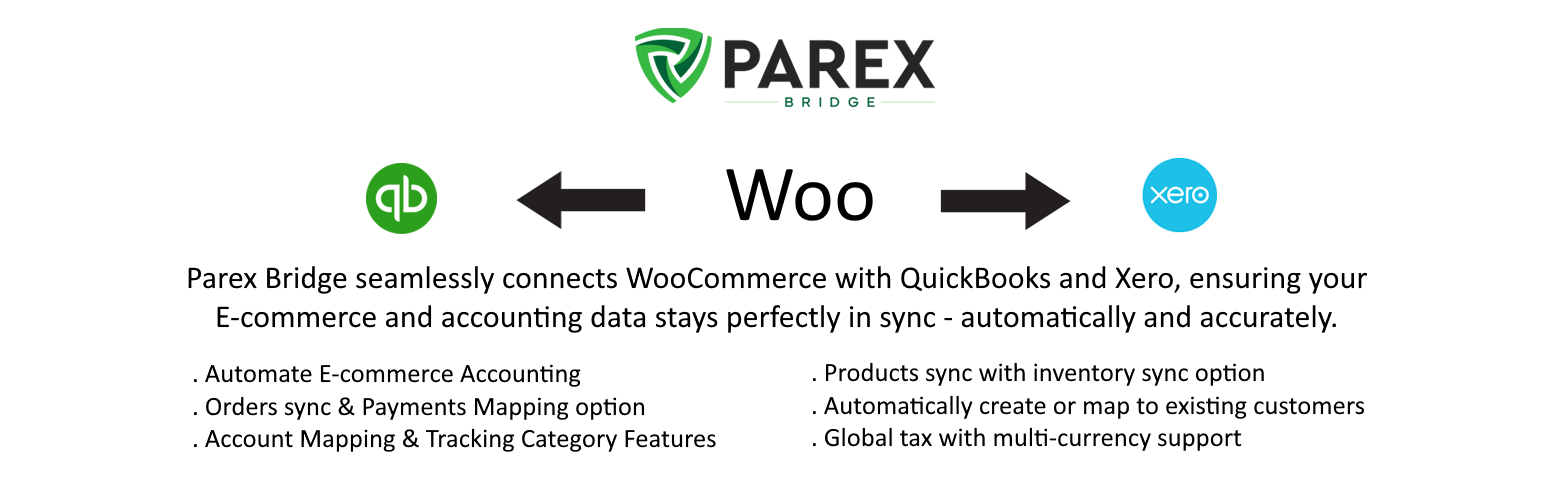
Parex Bridge for Quickbooks & Xero is a WordPress plugin designed to sync WooCommerce order data with QuickBooks or Xero accounts. It allows users to automatically sync customers, products, and orders, reducing manual effort and errors in accounting processes.
The plugin is suitable for business owners and accountants who want to streamline their order management and accounting tasks. Users can choose between automatic syncing or manual initiation, depending on their preferences.
Best for: This plugin suits WooCommerce store owners and accountants looking to integrate their accounting systems with their online store.
What it does well
Where it falls short
Parex Bridge for Quickbooks & Xero provides a practical solution for syncing order data, but potential users should consider the subscription requirement for full functionality.
parextech's own description of Parex Bridge for Quickbooks & Xero, lightly tidied.
Sync your WooCommerce order data with your QuickBooks or Xero online account automatically with our Parex Bridge. Our app will sync all your Customers, Products, and Orders from WooCommerce to Xero|QuickBooks. You can choose to do it automatically or initiate it yourself. Our app not only reduces the manual effort required by your team but also elminates any manual errors and significantly improves the productivity of your accounting team. Whether you are a business owner or the accountant, it assists you a lot.
[The plugin requires a paid plan subscription to connect to QuickBooks Online or Xero. Please view pricing information and other details at Parex Bridge
Whether you’re just getting started or are selling on multiple channels, Parex Bridge works like a charm.
Our WooCommerce plugin allows you to automatically sync your WooCommerce store orders with QuickBooks Online/Xero, throught the day! Easily sync your products, orders, customers and more from your WooCommerce store to QuickBooks Online/Xero.
Connect QuickBooks/Xero Account
You can connect QuickBooks or Xero Account by Oauth 2.0.
Customer Sync
While syncing the customers, you have 2 options. You can choose to sync the orders based on the Customer information in the order in WooCommerce (Unique Customer Every Order) or Select the option to use the Same Customer every order (user selected). New Customers if any will be synced with basic details which we fetched from orders.
Product Sync
While syncing the products, you have 2 options. You can choose to sync the orders based on the Product information in the order in WooCommerce (Unique Product Every Order) or Select the option to use the Same Product every order (user selected). New Products if any will be synced with basic details which we fetched from orders.
If you are using the Unique Product, option, there are further 2 options – matching by Name or by SKU. You can select these options as a part of the app Settings during the Setup part.
Orders Sync
Other plugins for selling online.
Everything you need to launch an online store in days and keep it growing for years. From your first sale to m...

Top-rated antispam for contact forms, comments, WooCommerce, eCommerce, and login. No CAPTCHAs, no friction, j...

Weight based shipping methods for WooCommerce. Flexible shipping with table rate rules by cart weight and orde...

Every store loses sales to cart abandonment. But with Cart Abandonment Recovery for WooCommerce, you can win t...

Germanized extends WooCommerce to become a legally compliant shop for the german market. Must Have for every g...

🤩 Make popups & optin forms to get more email newsletter subscribers, leads, and sales - #1 most popular...