
Easily improve site security with WordPress Hardening, Two-Factor Authentication (2FA), Login Protection, Vuln...
Free
3M+ installs 4.9★ (8,862)
Protect your WordPress site, pages, posts, WooCommerce products, and categories with single or multiple passwords.
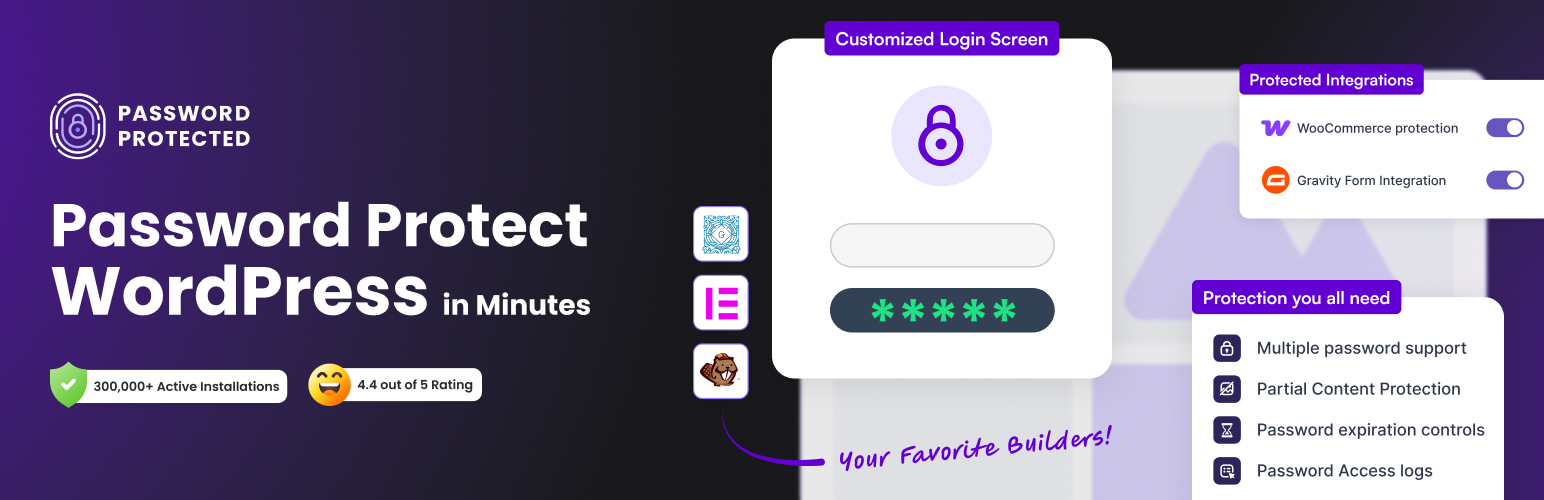
Password Protected is a WordPress plugin that allows you to secure your site by password protecting pages, posts, WooCommerce categories, and more. It provides options to lock entire sites or specific content sections while controlling access based on user roles or IP addresses.
This plugin is suitable for various users, including bloggers, business owners, and developers who need to protect sensitive information or restrict access to certain content. It offers features like password expiration, usage limits, and the ability to monitor login attempts, enhancing the overall security of your WordPress site.
Best for: This plugin suits anyone needing to secure sensitive content on their WordPress site.
What it does well
Where it falls short
Password Protected offers a comprehensive solution for securing WordPress content. It is a practical choice for users looking to restrict access to their site or specific sections.
Saad Iqbal's own description of Password Protected, lightly tidied.
Do you want to secure your WordPress site, to password protect pages, posts, WooCommerce categories, etc.❓ If so, then you need to install ✨the Password Protected plugin✨.
Password Protected is a robust password protection plugin for WordPress that empowers you to password protect entire posts, pages, WordPress categories, WooCommerce products, the WordPress login (wp-admin) page, and even partial content with ease.
Additionally, you can secure the password protected screen from WordPress attacks such as a WordPress brute force attack with the limit login feature.
Therefore, the Password Protected WordPress plugin ensures comprehensive security, covering everything from WordPress pages to WooCommerce products, all with a user-friendly interface.
With Password Protected, you can secure everything from entire websites to individual content sections while controlling exactly who gets access and how.
Password protect entire WordPress site
Password protect specific pages and posts
Protect WooCommerce products and categories
Protect custom post types and taxonomies
Lock specific sections of content with partial content protection
Allow trusted user roles to bypass password screens
Grant access based on IP addresses
Create and manage multiple passwords for different users
Generate bypass links for password-free access
Sell protected content using Gravity Forms
Automatically email access links after form submissions
Redirect users to custom pages after successful access
Block bots with Google reCAPTCHA, hCaptcha, and Cloudflare Turnstile
Monitor login attempts and access activity
Set password expiration dates and usage limits
Customize your password protected screen to match your brand
Add an extra layer of security to your WordPress login page
With the rapidly rising number of cyber threats, having an effective WordPress security system for your website is essential.
Whether you’re a blogger, a business owner, or a developer, protecting sensitive information and controlling who can access the content you have created is essential. This is where the Password Protected plugin comes in.
For example, imagine you’re a photographer showcasing your portfolio. By using the Password Protect WordPress plugin, you can share your work securely with potential clients.
You can either password protect your entire portfolio page or use partial content protection to lock only certain sections, such as high-resolution images or download links. This way, you can display teasers publicly while keeping your premium work private until you’re ready to share it.
Wouldn’t you like to have WordPress password protection that gives you peace of mind and immense security for your WordPress site❓
Here are some of the features of the password protect WordPress plugin that gives so much control over your WordPress content protection while protecting your site from unauthorized access.
Want to protect your entire WordPress site? Password Protected plugin makes it easy!
Other plugins for securing a site.
Easily improve site security with WordPress Hardening, Two-Factor Authentication (2FA), Login Protection, Vuln...

Firewall, Malware Scanner, Two Factor Auth, and Comprehensive Security Features, powered by our 24-hour team....

The best anti-spam protection to block spam comments and spam in a contact form. The most trusted antispam sol...

Loginizer is a WordPress security plugin which helps you fight against bruteforce attacks.

Enable SVG uploads and sanitize them to stop XML/SVG vulnerabilities in your WordPress website.

Protect your website investment with All-In-One Security (AIOS) – a comprehensive and easy to use security plu...