
Create advanced Elementor sticky headers with scroll effects: blur, shrink, hide on scroll, plus full responsi...
Free
300k+ installs 4.5★ (68)
WordPress block editor Toolkit: responsive controls, blocks, icons, animations, pattern library. Modular design, fast, no coding skills required.
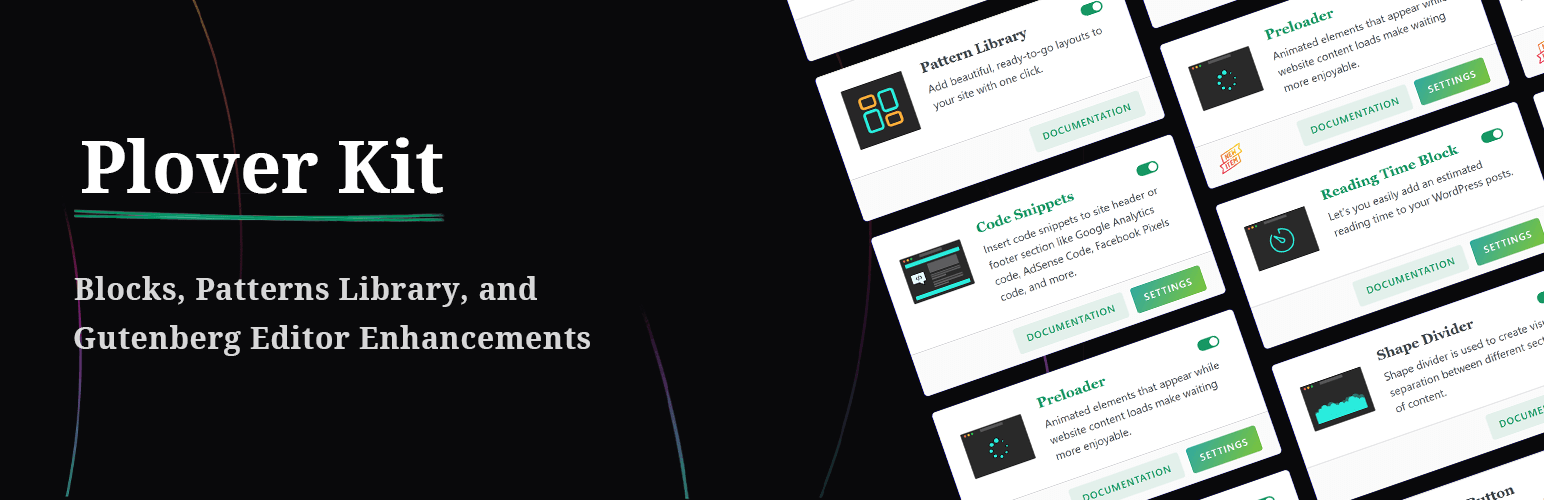
Plover Kit is a WordPress plugin designed to enhance the Gutenberg block editor by providing advanced layout options and a library of patterns. It allows users to create responsive designs without needing to write code, making it suitable for both beginners and developers.
The plugin includes features such as custom blocks for magazine layouts and tables of contents, as well as extensive controls for spacing, sizing, and visual styles. It is particularly useful for those looking to build professional-looking websites quickly and efficiently.
Best for: This plugin suits users who want to create visually appealing websites using the Gutenberg editor.
What it does well
Where it falls short
Plover Kit offers a range of enhancements for the Gutenberg block editor, making it a valuable tool for users looking to improve their site's design and functionality.
WP Plover's own description of Plover Kit, lightly tidied.
Tired of the limitations of the standard WordPress block editor? Plover Kit is a powerful WordPress blocks plugin that enhances the Gutenberg block editor with a beautiful pattern library, advanced custom blocks, and extensive responsive design controls for core blocks. Add magazine layouts, table of contents, icons, animations, and more—all while keeping your site fast with its modular design. Build professional websites faster, without touching code.
Go beyond the default settings. Plover Kit adds advanced design options to standard WordPress blocks like Cover, Columns, Query Pagination, Buttons, and more. Gain precise control over:
Instantly add complex functionality with dedicated blocks:
Add beautiful icons anywhere with our integrated icon system. Access a library of 2000+ free icons or upload your own SVGs.
Add motion and flair without slowing down your site:
header.php — your code stays safe even when switching themes.Other plugins for animations.
Create advanced Elementor sticky headers with scroll effects: blur, shrink, hide on scroll, plus full responsi...

Add CSS animations and scroll effects to any Gutenberg block. Choose from fade, slide, zoom & more, with d...

Create WordPress websites with free forms, Gutenberg blocks, popups, sliders, countdowns, animations, pre-buil...

Add creative image hover effects to Elementor page builder. Easily customize title and content and effects wit...

Easy to use advanced Parallax, Image and Video backgrounds block plugin with parallax and video support.

Elevate your website game with the Bricksable collection of premium elements for Bricks Builder. Designed to s...