Plugin Activation Date
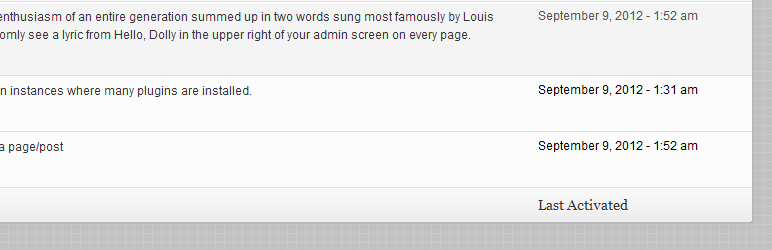
Keep track of plugins you activate or deactivate through the dashboard by viewing when each and every one of them was enabled or disabled.
The facts
- Rating
- 4.7★ from 10
- Active installs
- 300+
- Price
- Free
- Last updated
- 19 Oct 2012
- Added
- Sep 2012
- Requires WP
- 3.0
- Tested up to
- WP 3.4.2
- Downloads
- 6,872
Our analysis
AI-assistedPlugin Activation Date is a WordPress plugin that adds a new column to the plugins dashboard, displaying the activation date of each plugin. This feature is available only if the plugin was installed prior to activation. Users can choose to display the date in a relative format or a standard date format, as per their preference in the settings.
Best for: This plugin is suitable for WordPress users who want to track the activation dates of their plugins.
What it does well
- ✓Displays activation date of plugins
- ✓Allows choice between relative and standard date formats
- ✓Customisable date format through filters
Where it falls short
- •Limited information available on features
- •Last updated in October 2012
- •Tested only up to WordPress version 3.4.2
Verdict
Plugin Activation Date provides a straightforward way to see when plugins were activated, but its outdated status may limit compatibility with newer WordPress versions.
From the developer
Maor Chasen's own description of Plugin Activation Date, lightly tidied.
Current features:
- Adds a new column on the plugins dashboard screen that shows when each plugin was activated, only if PAD was installed before
- Control whether you’d like to see a relative date or a “regular” date as set under Settings > General
While by default the date & time settings are being used, you can always change the date format by filtering ‘pad_date_time_format’. For instance:
<?php

add_filter( 'pad_date_time_format', 'my_pad_date_time_format' );
function my_pad_date_time_format( $date_format ) {
    return 'm-d-Y';
}
Here’s some more info on date & time formatting in WordPress
Feel free to post your feature requests, issues and pull requests to Plugin Activation Date on GitHub.