
Easy to use Under Construction Page & Coming Soon Page. Enable Under Construction Mode in seconds & sh...
Free
600k+ installs 4.8★ (1,285)
Quickly find and fix WordPress plugin conflicts, recover from fatal errors, and clear stuck maintenance mode without any coding.
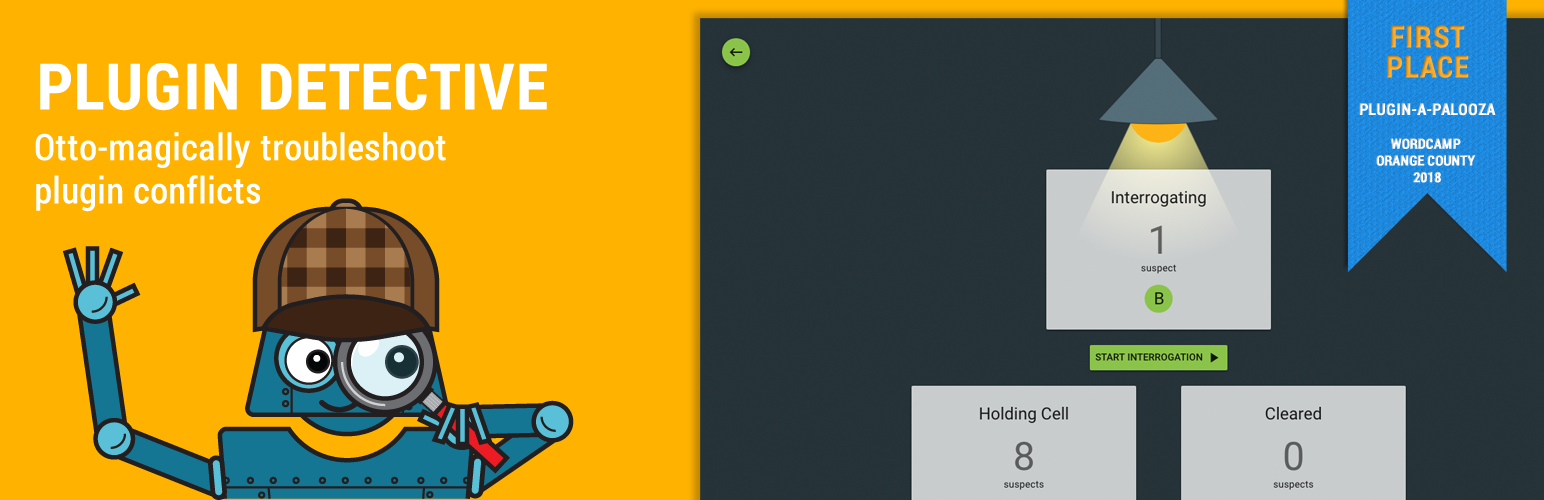
Plugin Detective is a WordPress plugin designed to help you troubleshoot issues on your site, particularly those caused by plugin conflicts. It provides a guided process through its interface, allowing you to identify and deactivate problematic plugins quickly. The plugin is also capable of resolving the white screen of death and removing stuck maintenance files, making it useful for site recovery.
This tool is suitable for WordPress users who may not have the technical expertise to manually deactivate plugins or resolve errors. With its step-by-step assistance from Detective Otto Bot, it simplifies the troubleshooting process, allowing you to focus on other tasks while it works to identify the issue.
Best for: This plugin is best for WordPress users looking for a straightforward way to troubleshoot plugin-related issues.
What it does well
Where it falls short
Plugin Detective offers a practical solution for resolving common WordPress issues related to plugins. It is particularly beneficial for users who prefer a guided approach to troubleshooting.
NSquared's own description of Plugin Detective, lightly tidied.
Plugin Detective helps you troubleshoot issues on your site quickly and easily to find the cause of a problem. Once the culprit is found, the problem plugin can be quickly deactivated. You can even fix your site when it has the white screen of death (fatal error). You’ll want to have Plugin Detective installed, so if your site crashes from a conflict or bad plugin update, you can get it back up and running quickly!
Plugin Detective is your best friend when you need to:
– Troubleshoot WordPress plugin conflicts
– Remove stuck .maintenance files
– Recover your site from fatal errors caused by plugins
We’ve all been there–something’s broken on your site. You’ve looked around the web for advice about what to do and have stumbled across the typical wisdom: deactivate all your plugins and then reactivate them one by one, checking your site for the problem after each reactivation.
Ugh.
Sure, it works. But who has time for that?
Detective Otto Bot walks you through solving your case one step at a time, all from one single screen.
Best of all – Plugin Detective can work even if you’re seeing the White Screen of Death on your site or if all you can see are PHP errors. Please have a look at the FAQ’s for how to access Plugin Detective and log into WordPress even if you can’t get to your login screen.
Once Otto has identified the culprit, you can quickly deactivate the troublesome plugin and go about your day.
Have you gotten stuck in maintenance mode on WordPress? The dreaded “Briefly unavailable for scheduled maintenance. Check back in a minute” message haunts you; the minute never ends!
With Plugin Detective installed you can quickly get out of these situations without the hassle of deleting files via your host or FTP. Just tack on this slug to the end of your website URL:
/wp-content/plugins/plugin-detective/troubleshoot/?restore=1
So that your URL looks like this:
https://yoursite.com/wp-content/plugins/plugin-detective/troubleshoot/?restore=1
Other plugins for maintenance pages.
Easy to use Under Construction Page & Coming Soon Page. Enable Under Construction Mode in seconds & sh...

Easy Drag & Drop Page Builder. A complete solution to create a WordPress Website, Custom Themes, Landing P...

Great looking maintenance, coming soon & under construction pages. Put your site under maintenance in minu...

Include inline javascript, stylesheets, CSS code or anything you want in Header and Footer areas of your WordP...

Beautiful Coming soon, Maintenance or Landing page on your website, packed with premium features for free.

Simplified WordPress management. Manage site info, maintenance, security, & redirects.