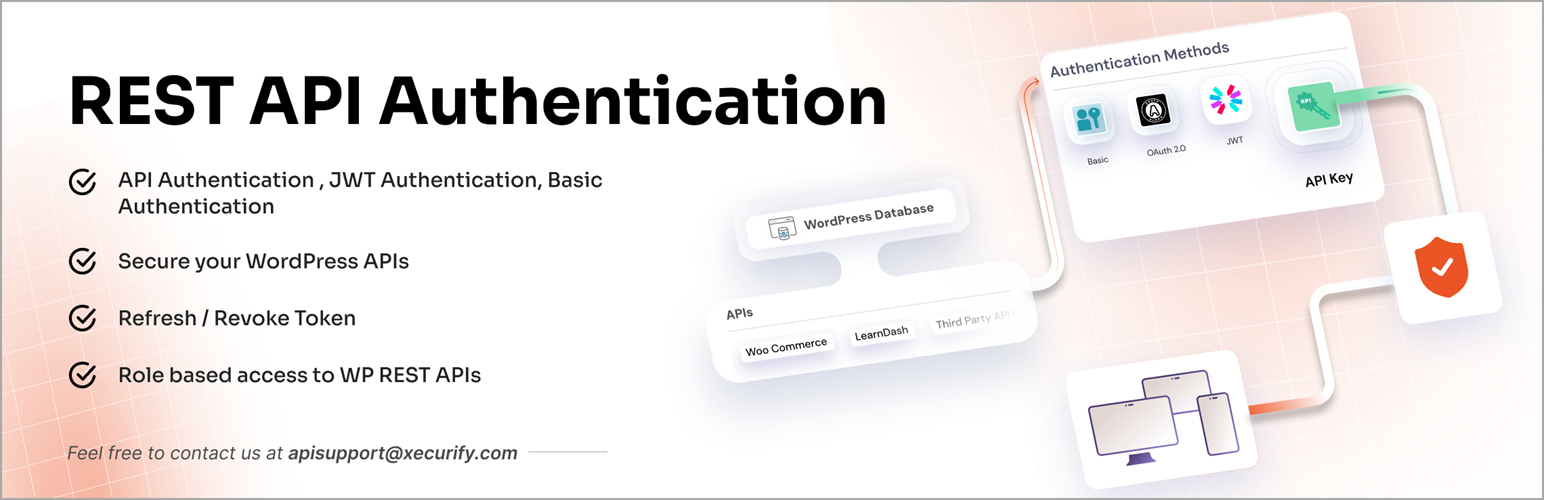
Secure and protect WordPress REST API from unauthorized access using JWT token, Basic Authentication, API Key,...
Free
20k+ installs 4.4★ (74)
The Post Password Token plugin allows readers to access protected posts without having to enter a password by creating secret token urls for the post.

The Post Password Token plugin allows you to create secret URLs for accessing password-protected content on your WordPress site. This feature is designed to simplify the sharing of protected posts with a select audience, such as friends or family, by eliminating the need for them to enter a password. The plugin generates encoded tokens that combine the post name and password, allowing for easy access while keeping the content hidden from search engines.
This plugin is suitable for users who want to share specific blog posts without making them publicly accessible. It is particularly useful for families or small groups who wish to keep their content private but still want to share it easily with trusted individuals. You can also revoke access to these secret URLs at any time, ensuring control over who can view your content.
Best for: This plugin suits personal blogs or family sites that need to share content privately with a select group.
What it does well
Where it falls short
Post Password Token provides a straightforward solution for sharing protected content without the hassle of password entry. It is a practical tool for those looking to maintain privacy while sharing specific posts.
Shawn Parker's own description of Post Password Token, lightly tidied.
The Post Password Token plugin lets you issue secret urls that allow readers to access protected content without having to enter a password. It extends the default WordPress post password protection functionality by creating secret urls to the post that have an encoded token. This is similar to the guest pass functionality that can be found on Flickr.
Sometimes you would like to share your blog posts with a specific group of people, but not with the wider world. For example, a family might want to blog about their adventures together for friends and family, but would rather not broadcast this to everyone. WordPress provides for this scenario by allowing you to password-protect a post. Unfortunately, we’ve found through experience that a lot of our friends never make it past the password form. Either they mis-type the password, are confused about what it is, or are simply scared off by an intimidating form.
The solution: give password-protected posts a secret url that can be shared with friends and family. The url allows your select audience to see the content without the confusion and hassle of an authentication form, while hiding the special content from search spiders and the wider-world. You can revoke secret urls at any time, so if a secret url gets to someone you don’t want it to, you can simply invalidate it.
The encoded tokens are made by taking the post-name and post-password and encoding them together. The plugin’s admin page also allows you to create a “salt”, or a unique key that makes the resulting encoded token more secure. Please note that once the salt option is set, changing it will change the secret urls for all posts. Unless you want to invalidate all of your old secret urls, it is recommended that you set the salt and leave it.
Other plugins for crypto and Web3 projects.
Secure and protect WordPress REST API from unauthorized access using JWT token, Basic Authentication, API Key,...

Crypto payment gateway for WooCommerce and Easy Digital Downloads. Accept 100+ coins: Bitcoin, Ethereum, BNB,...
ABC Crypto Checkout is a powerful cryptocurrency payment gateway for WooCommerce that lets you accept Bitcoin,...
Accept Bitcoin, Ethereum, and 300+ cryptocurrencies in WooCommerce using the official NOWPayments crypto payme...

Accept Bitcoin/USDT payments on your WooCommerce website. Crypto payments go directly to your wallet.
Instant Approval High Risk Merchant Gateway with instant payouts to your USDC POLYGON wallet using fiat to cry...