
WPThumbs
Themes Plugins By purpose By industry Best-of lists Fix it guides
Free Plugin by Saad Iqbal v4.2.4

Post Snippets

Create WordPress custom snippets shortcodes and reusable content and insert them in into your posts and pages.
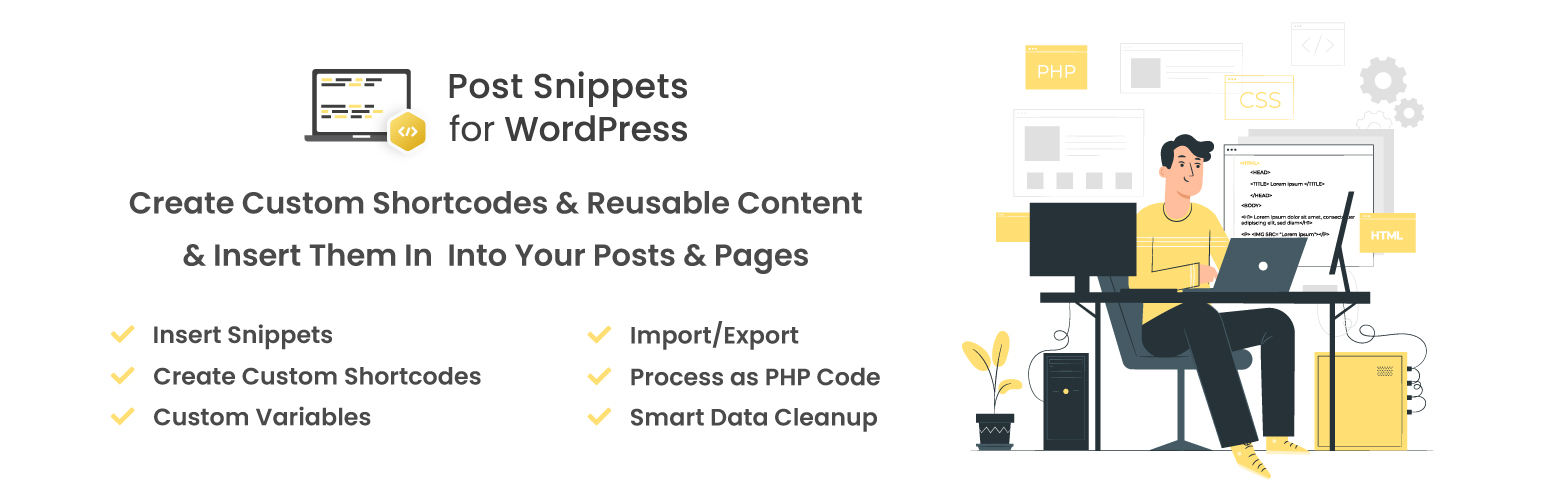
Post Snippets

The facts

Rating
4.6★ from 93
Active installs
20k+
Price
Free
Last updated
20 Aug 2026
Added
Mar 2009
Requires WP
5.3
Tested up to
WP 7.1
Requires PHP
8.0
Downloads
893,543

Our analysis

AI-assisted

Post Snippets is a WordPress plugin that allows you to create and manage custom shortcodes and reusable content for your posts and pages. You can build a library of HTML, PHP code, or recurring text snippets, which can be inserted directly into the post editor using a button. The plugin supports predefined variables for flexibility and includes an AI assistant for writing and debugging snippets.

This plugin is suited for developers or content creators who frequently use specific code snippets or text in their WordPress sites. It offers features for importing and exporting snippets, managing them easily, and integrating with the Gutenberg and Elementor editors.

Best for: This plugin is ideal for developers and content creators looking to streamline their workflow with reusable code snippets.

What it does well

  • Create and manage custom shortcodes
  • Supports PHP code for snippets
  • User-friendly management interface
  • Includes AI assistant for snippet help
  • Import and export snippets between sites

Where it falls short

  • Limited information on premium features
  • No details on support options

Verdict

Post Snippets provides useful functionality for managing code snippets in WordPress, making it a practical tool for those who need to insert reusable content frequently.

From the developer

Saad Iqbal's own description of Post Snippets, lightly tidied.

Create custom shortcodes and reusable content and insert them in into your posts and pages.

Post Snippets lets you build a library with snippets of HTML, PHP code or reoccurring text that you often use in your posts and pages. You can use predefined variables to replace parts of the snippet on insert. All snippets are available in the post editor via a button in the Visual mode. The snippet can be inserted as defined, or as a shortcode to keep flexibility for updating the snippet. PHP code is supported for snippets inserted as shortcodes.

Basic Features

  • Insert All defined snippets is inserted from a button directly in the post editor.
  • Shortcodes You can use this plugin to create your own custom shortcodes.
  • PHP A shortcode snippet can optionally be processed as PHP code.
  • Buttons The snippets can be found in the (visual) WordPress editor with a button and in the HTML editor with a quicktag.
  • User-friendly Easy to use ‘Manage Snippets’ page where you can add, edit and remove snippets.
  • Variables Each snippet can have as many custom variables as you like, which can be used on insert.
  • Import/Export Snippets can be imported and exported between sites.
  • Documentation Full documentation is available directly from the help panel in the plugin (top right in WordPress).
  • Uninstall If you delete the plugin from your plugins panel it cleans up all data it has created in the WordPress database.
  • AI Chatbot Integration A built-in AI assistant to help you write and debug snippets directly from the post editor settings and custom code pages.

Premium Features

  • Snippet duplication Easily duplicate shortcode snippets and insert them into posts and pages.
  • Rich Text Editor Use Post Snippets’ built-in Rich Text editor to customize your snippets however you want.
  • Snippets Order Change the order of your snippets simply by using the drag and drop functionality.
  • Rest API Allow anyone the right to add, edit, update and delete any snippet without providing them admin access.
  • Tags Use the tags feature to add multiple tags and filter different snippets by using tags.
  • Cloud snippet Save, edit, download, and delete snippets directly on the cloud by using the cloud snippets feature.
  • Gutenberg Block Editor Support Gutenberg block types can support any number of built-in core features such as name, icon, description, category and more.
  • Snippet type Display the snippet types (PHP, JS, CSS) by adding a column in the snippet listing page.
  • The Gutenberg editor integrates source code snippets block to insert and preview selected snippet’s code on the front-end without execution.
  • Elementor editor adds a post-snippet block for inserting snippets with PHP execution, formatting, shortcode support, and a Post Snippet source block to showcase snippet source code.

Technical Documentation

To obtain more information, including instructions for plugin installation, we recommend referring to our technical documentation page on Post Snippets. Additionally, to stay informed about the latest plugin updates, enhancements, and relevant news, you can always visit our Post Snippets blog.

Support

To get your queries resolved related to Post Snippets, you can always take help from WordPress Support.

Pricing Plans

Post Snippets offers budget-friendly pricing options that complement your business needs. See the pricing plan details here.

Read the full description on the official page →

Tagged as

Alternatives

Other plugins for developer tooling.

WPCode

WPCode

93

Easily add code snippets in WordPress. Insert header & footer scripts, add PHP code snippets with conditio...

Free 3M+ installs 4.9★ (1,873)
Header Footer Code Manager

Easily add tracking code snippets, conversion pixels, or other scripts required by third party services for an...

Free 600k+ installs 4.9★ (309)
Admin and Site Enhancements

Duplicate post, post order, image resize, email via SMTP, admin menu editor, custom css / code, disable gutenb...

Free 200k+ installs 5★ (421)
Shortcoder

Create custom "Shortcodes" easily for HTML, JavaScript, CSS code snippets and use the shortcodes wit...

Free 100k+ installs 4.9★ (227)
Insert PHP Code Snippet

Add PHP code to your pages and posts easily using shortcodes.

Free 90k+ installs 4.9★ (705)
Code Snippets

An easy, clean, and simple way to enhance your site with code snippets.

Free 1M+ installs 4.7★ (509)