
Turn your data into WordPress apps with tables, forms, charts & maps — no code required, with optional hoo...
Free
10k+ installs 4.9★ (88)
Automatically create searchable and sortable tables of your posts.

Posts Table with Search & Sort is a WordPress plugin designed to help site owners create sortable and filterable tables for their posts. It allows visitors to easily find content by filtering through various criteria such as date, category, tag, or author. The plugin is suitable for a wide range of use cases, from displaying blog archives to showcasing specific content types.
To use the plugin, you simply add the shortcode [posts_table] to any page or widget. It features pagination and is fully responsive, ensuring that tables display well on different screen sizes. The plugin is compatible with WPML for multilingual sites, making it adaptable for international audiences.
Best for: This plugin suits WordPress site owners looking to enhance content organization and accessibility.
What it does well
Where it falls short
Posts Table with Search & Sort is a practical tool for creating organized content tables on WordPress sites. It offers essential features for users seeking to improve navigation and content discovery.
Barn2 Plugins's own description of Posts Table with Search & Sort, lightly tidied.
Posts Table with Search & Sort is a WordPress table plugin which helps site owners organize WordPress posts into sortable and filterable tables, making it easy for your audience to find the content they need.
Visitors can easily filter content by date, category, tag or author – making this WordPress table plugin highly adaptable to different use cases.
Install this plugin to organize your WordPress posts into simple, searchable, and visibly appealing tables. It includes pagination and responsive layouts for smaller screens as standard.
To get started with this WordPress table plugin, simply add the shortcode [posts_table] to any page or widget.
Posts Table with Search & Sort (free) includes:
Posts Table Pro – our premium version adds lots more functionality:
View free & pro comparison table
WooCommerce Product Table – create product tables from your WooCommerce store:
Translations for Posts Table with Search & Sort are currently provided for French, Spanish, German, Greek and Chinese (Taiwan). This data-table plugin is WPML-compatible for content translation, so if you’re using WPML, you’ll be able to display post tables in whichever language you have set up.
We make use of the jQuery DataTables library to power the searching and sorting features.
See the demo for examples of the plugin in action, and view the full plugin documentation in our Knowledge Base.
You can use Posts Table with Search & Sort to display your content in searchable and sortable tables. This has a huge range of use cases, from a simple archive of your posts, to previews of your content, to sorting by author, tags, date, and more.
Other plugins for displaying data.
Turn your data into WordPress apps with tables, forms, charts & maps — no code required, with optional hoo...

Best WordPress table builder plugin packed with versatile features to create fully responsive data tables of a...

The best WordPress table plugin. Create responsive, and searchable tables and charts from Excel (.xlsx, .xls o...

Display your WooCommerce products in a responsive Product Slider, Product Carousel, or Product Grid Gallery wi...
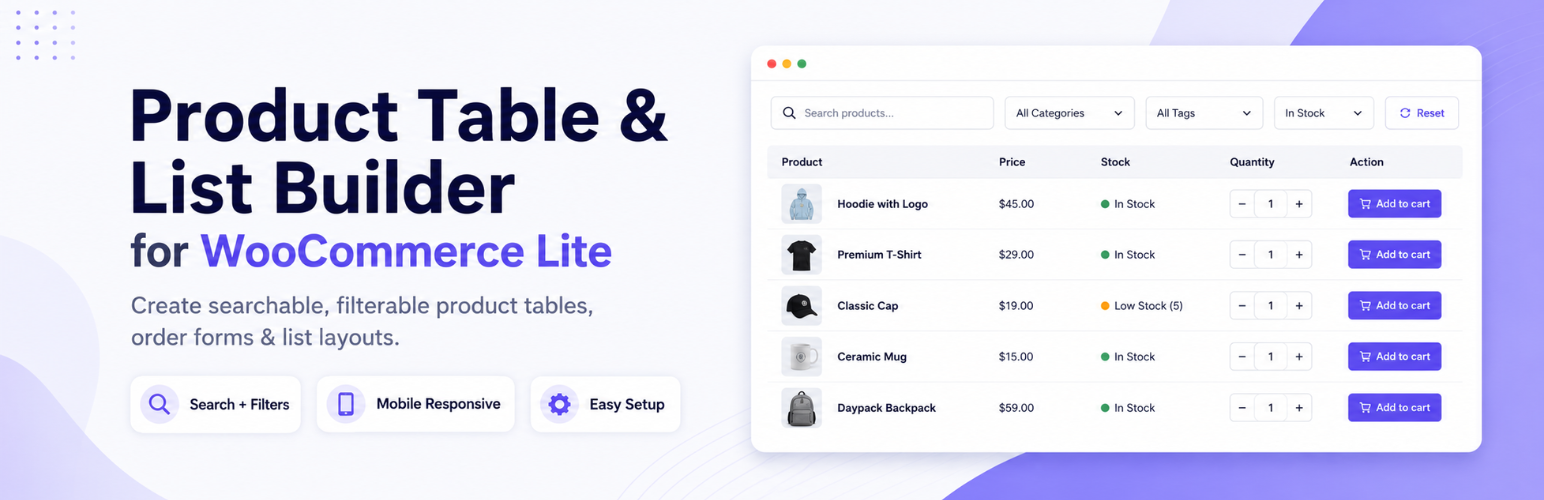
Create WooCommerce product tables that are searchable, sortable, filterable and mobile responsive. Help custom...
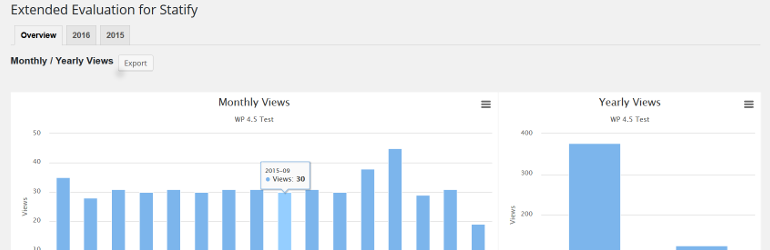
This plugin evaluates the data collected with the privacy-friendly Statify Plugin (data tables and diagrams)....