
Elementor addon offering 120+ widgets and templates — Elementor Gallery, Slider, Form, Post Grid, Menu, Accord...
Free
1M+ installs 4.9★ (4,111)
Premium Blocks for Gutenberg: Free Gutenberg blocks packed with performance-optimized tools, global styling options, responsive controls, pre-built te …
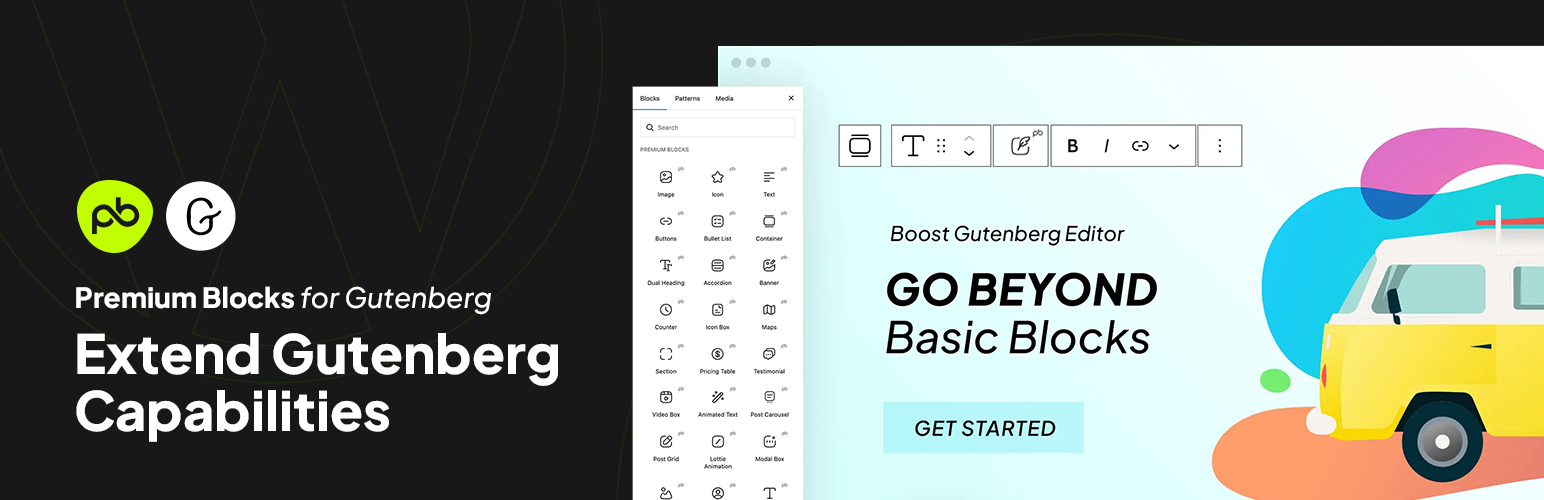
Premium Blocks is a WordPress plugin that enhances the Gutenberg block editor by providing a collection of advanced blocks and features. It includes over 33 free Gutenberg blocks, ready-made patterns, and global settings to streamline the design process. This plugin is suitable for designers and developers who want to create responsive websites with a variety of customization options.
The plugin supports features like entrance animations, responsive controls, and display conditions to manage how and when blocks appear. It also allows users to create complex layouts using a Flexbox container and offers tools for maintaining design consistency across a website.
Best for: This plugin is best for WordPress designers and developers looking to enhance their site-building capabilities.
What it does well
Where it falls short
Premium Blocks offers a robust set of tools for improving the Gutenberg editor experience. It is a solid choice for those seeking to create visually appealing and responsive websites.
Leap13's own description of Premium Blocks, lightly tidied.
With Premium Blocks for Gutenberg, you get a free, comprehensive collection of advanced blocks and features for the WordPress block editor. Our plugin helps you go beyond the basics to create stunning, responsive websites with ease. With a constant flow of new customization options, it’s the ultimate toolkit for designers and developers looking to build and maintain high-performing sites.
Effortlessly create complex, responsive layouts using the power of Flexbox. Arrange elements side-by-side, stack them vertically, or even distribute them evenly with ultimate control and flexibility inside your Gutenberg editor.
Speed up your workflow by inserting pre-designed patterns directly into any page, post, or FSE template with a single click. Learn More
Save time and streamline your workflow by setting global styles and defaults for all your Gutenberg blocks. Customize fonts, colors, spacing, and more once and apply them seamlessly across your entire WordPress website.
Elevate your website design in seconds with Free Blocks for Gutenberg’s extensive library of pre-designed presets and variations. Forget the hassle of starting from scratch – simply choose a preset that aligns with your vision, and then personalize it further with a variety of built-in variations.
Achieve design consistency effortlessly with the Copy/Paste Style feature. Quickly copy formatting and styles from one Gutenberg block to another, ensuring a cohesive and branded look across your entire WordPress website.
Other plugins for extending a page builder.
Elementor addon offering 120+ widgets and templates — Elementor Gallery, Slider, Form, Post Grid, Menu, Accord...

Join millions who empower their websites with ElementsKit Elementor Addons. Get templates, & 100+ widgets...

Elementor addons with 18+ free widgets, Header & Footer Builder, WooCommerce widgets & templates. Trus...

Elementor Carousel, Mega Menu, Posts List/Slider, WooCommerce Widgets, Display Conditions, AI Abilities, Prema...

Elementor templates, Header footer builder, Elementor Post Grid, Woocommerce Grid builder, Slider, Forms, Gall...

Disable Gutenberg Block Editor and restore the Classic Editor and original Edit Post screen (TinyMCE, meta box...